It could indicate other things, but you can turn it off if you want to.
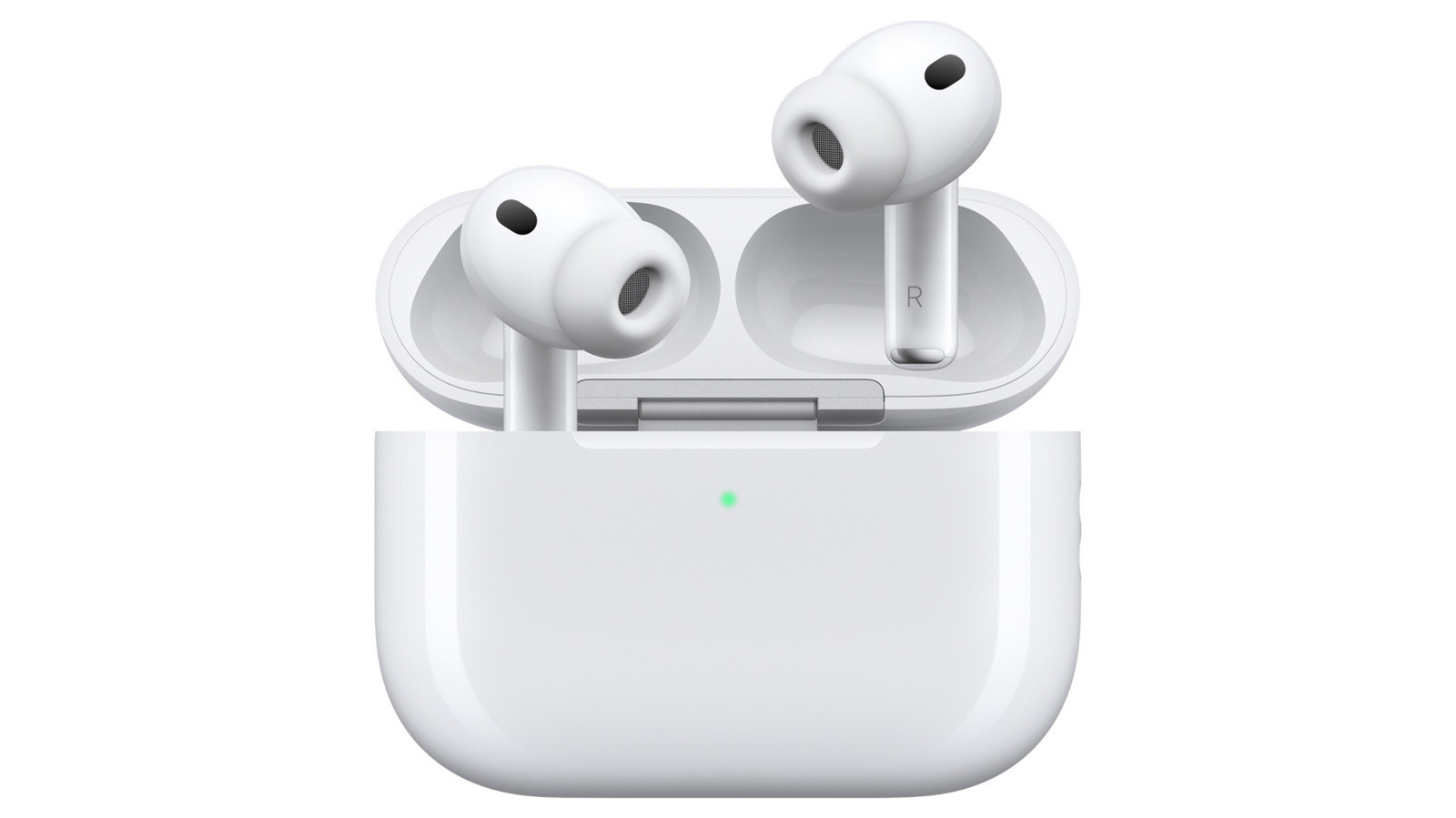
Have you ever heard your AirPods chirp randomly even though you weren't doing anything? The most common reason why your AirPods are trying to get your attention is that they're low in battery. You can easily check if that's what's going on by flipping their case open and looking at the phone they're paired with. However, your AirPods could be emitting sounds due to other reasons, and those sounds could range from cute little chirps to ear-piercing screeches.
Sometimes, your AirPods will keep on chirping even after being plugged in due to power fluctuations, interruptions to the electricity flowing into the device and other battery issues. Another possible reason for your AirPods chirping is connectivity issues with their paired device. If you've switched off Bluetooth on your iPhone, for instance, you'll most likely hear your AirPods make some noise. If you have your AirPods out and accidentally rub them together, you may hear them make a sound, as well.
Or, it could be for no reason at all. Apple's AirPods Pro 2 and AirPods Pro 3 support a clinical-grade Hearing Aid feature. The company says on its website that they may "periodically play a quiet chime when they're in their charging case" in order to ensure that their microphones and speakers are "operating at their best" and can provide high-quality hearing test results.
Sometimes, the sounds they emit could be harsher and more intense. They make louder, more persistent sounds if their Find My feature is triggered.
Source link