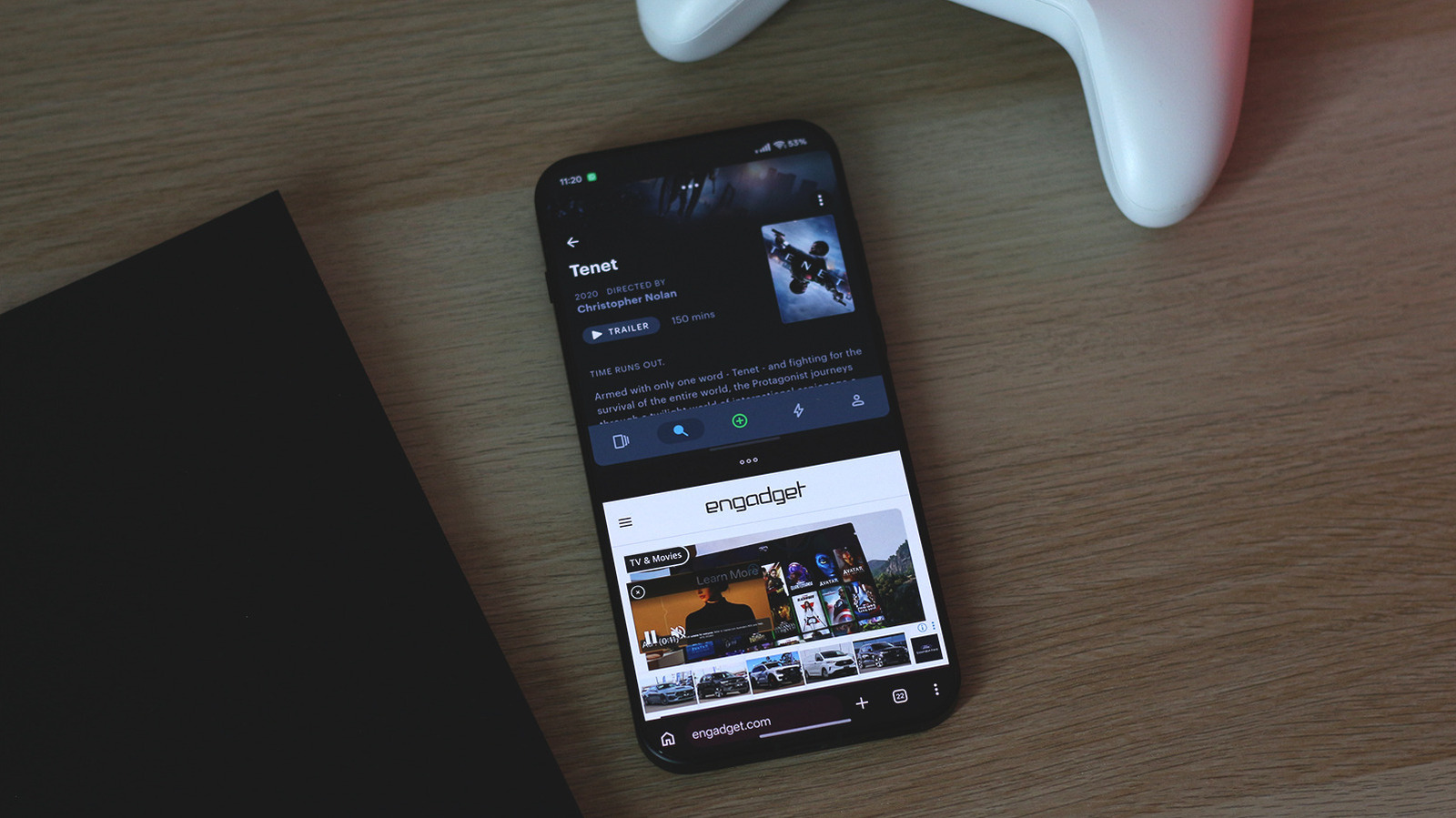
Despite all odds, folding smartphones have stuck around. They've mostly found their place in two categories: flip phones that fold a regular-sized smartphone in half for portability and book-style phones that unfold to reveal a larger canvas. For years, foldables like the Galaxy Z Fold 8 have been marketed as productivity machines, allowing you to get more things done on a device you carry around in your pocket. Split screen multitasking is often highlighted as one of their biggest selling points, but you don't need to set aside close to $2,000 just to use two apps at the same time.
Split screen multitasking has been around since Android 7.0 Nougat, which was released a decade ago in 2016. In fact, the feature was first discovered in Android 6.0 Marshmallow, though it required root access. All modern Android smartphones should come with this multitasking feature out of the box, but the exact steps to activate it might differ depending on your phone's manufacturer and Android version. Most phones, including ones from Google, Samsung and Motorola, let you enable split screen multitasking through the recent apps switcher.
This can be accessed by swiping up from the very bottom and holding on the screen if you're using gesture navigation, or by tapping the Recents button if you use the three-button navigation system. All of your opened apps will be listed here. Tap on an app's icon and select Split Screen from the options that show up. You can now select a second app that you want open alongside the first one.
Source link