
Despite the wealth of critical personal data our iPhones hold, many people don’t back up their devices regularly. Usually, this is because the amount of data they’d need to back up in iCloud would vastly exceed their available iCloud storage space—and they don’t want to pay extra each month for an iCloud Plus subscription. Other times, people assume their iPhone data doesn’t change that much day to day, so they don’t need to back up their iPhone that often.
But not backing up your iPhone regularly can leave you in a world of hurt (i.e., data you can never get back) if it’s ever damaged, lost, or stolen. That’s why it is best practice to back up your iPhone every day. Here’s how to do that with and without iCloud.
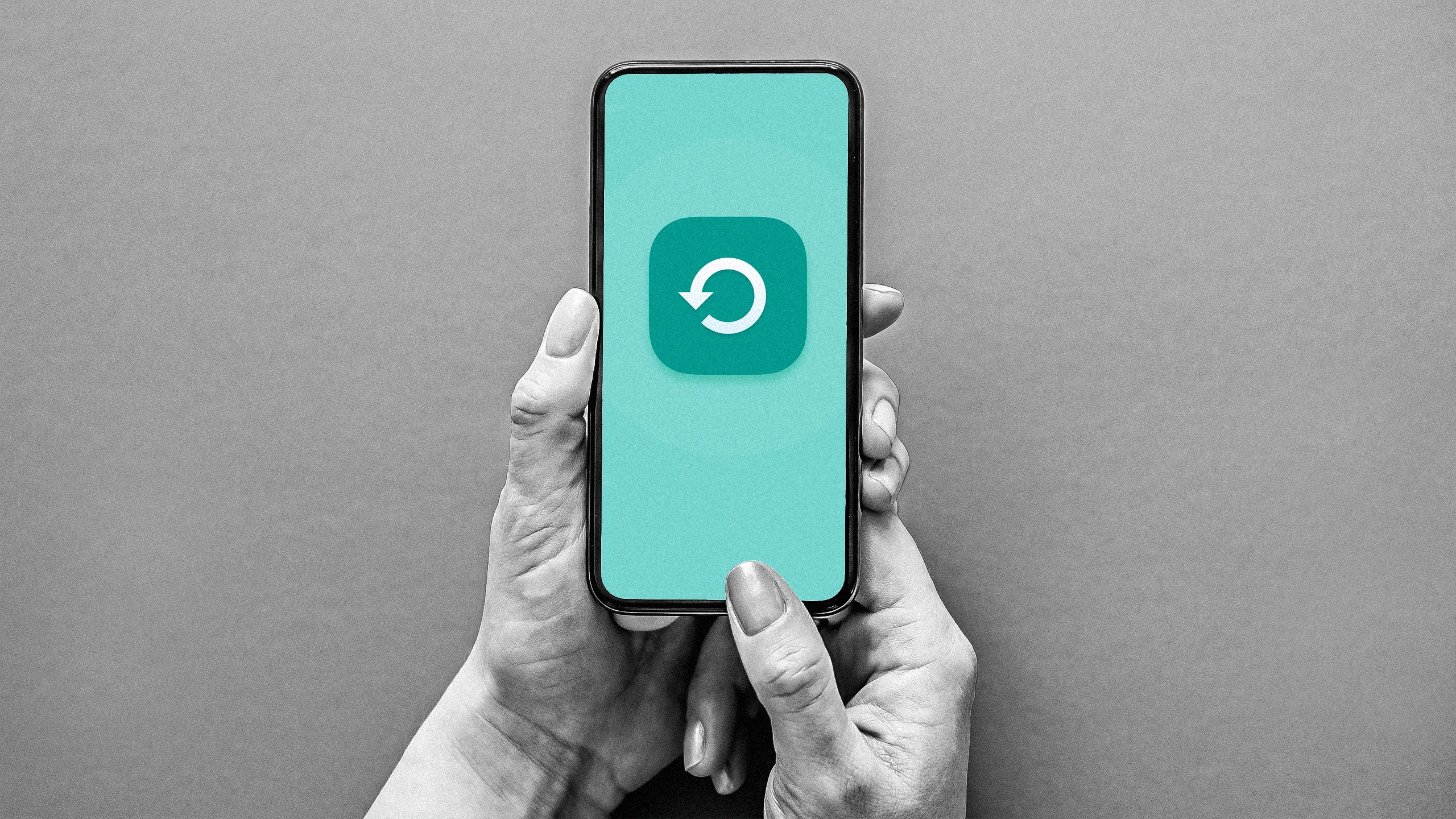
Apple recommends backing up your iPhone’s data every day to protect against data loss, but the company also understands that many people don’t have the time to micromanage their iPhones that way. That’s why Apple has built an automatic backup feature into your iPhone. It’s called iCloud backup, and once you enable it, your iPhone will create a copy of all your important data that isn’t already synced to iCloud each night and securely store it in the company’s cloud.
Once your iCloud backup is uploaded, if you ever need to reformat your iPhone or get a new one because your previous one was lost or stolen, all your data can be easily restored to your new device. Your old iPhone may be kaput, but your irreplaceable, personalized data lives on.
Source link