
Microsoft's free utility pack arranges windows, renames files in bulk and can now be scripted from the terminal.
Many of us find our workdays starting the same way, with that repetition continuing throughout the day. You'll switch your PC on, open your browser, Slack, WhatsApp and Spotify, then spend the next couple minutes dragging each window to sit roughly where it was yesterday. Later, you'll rename a folder of screenshots one after the other. None of it takes terribly long, but it adds up, and Windows doesn't do much to help.
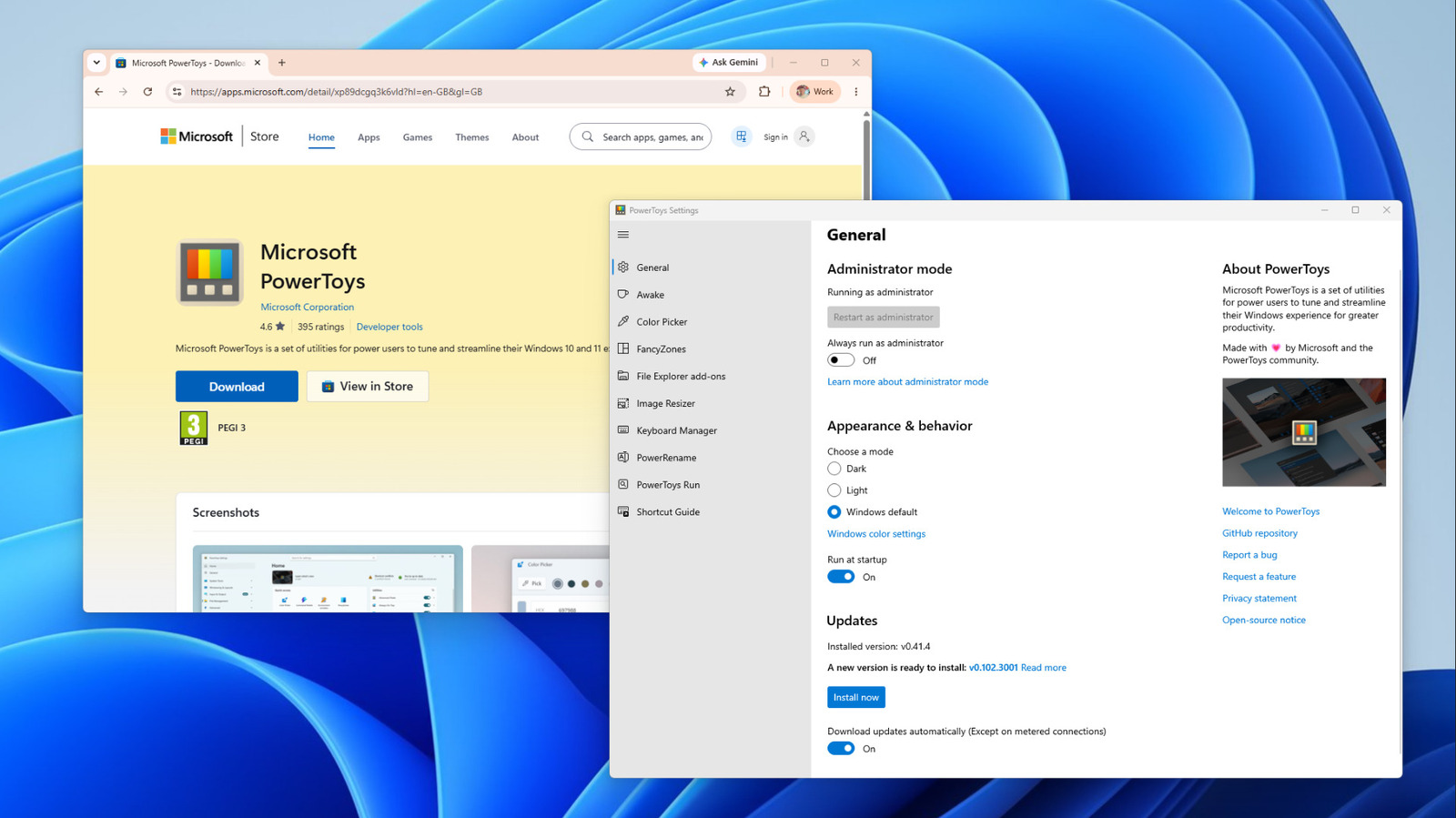
Microsoft PowerToys can handle most of these little chores. It's a free collection of more than 30 utilities that the Windows developer maintains and offers for free on GitHub under an MIT license. It runs on Windows 11 or Windows 10 version 2004 and newer, on both x64 and ARM64 PCs. You can install it from the Microsoft Store, GitHub or via WinGet in the command line (winget install --id Microsoft.PowerToys --source winget), and have the option to toggle each utility within on or off.
Sure, you don't need PowerToys. But if you do the same small jobs every day, a handful of its tools will make them a little bit easier and quicker. If you only install it for one module, it should be FancyZones. Using it goes alongside changing settings that improve your Windows 11 experience to make your everyday PC use better.
The best feature by far, and one I've been using since I bought my ultrawide monitor in 2021, is FancyZones.
Source link





