The October 2026 Security Update for Windows 11 is expected to begin rolling out as an automatic install on October 13, 2026, with a new wave of features, improvements, and fixes. This release is notable because it also rolls out for version 26H2. In addition, this release marks the last quality update for version 24H2, as this version also reaches the end of support.
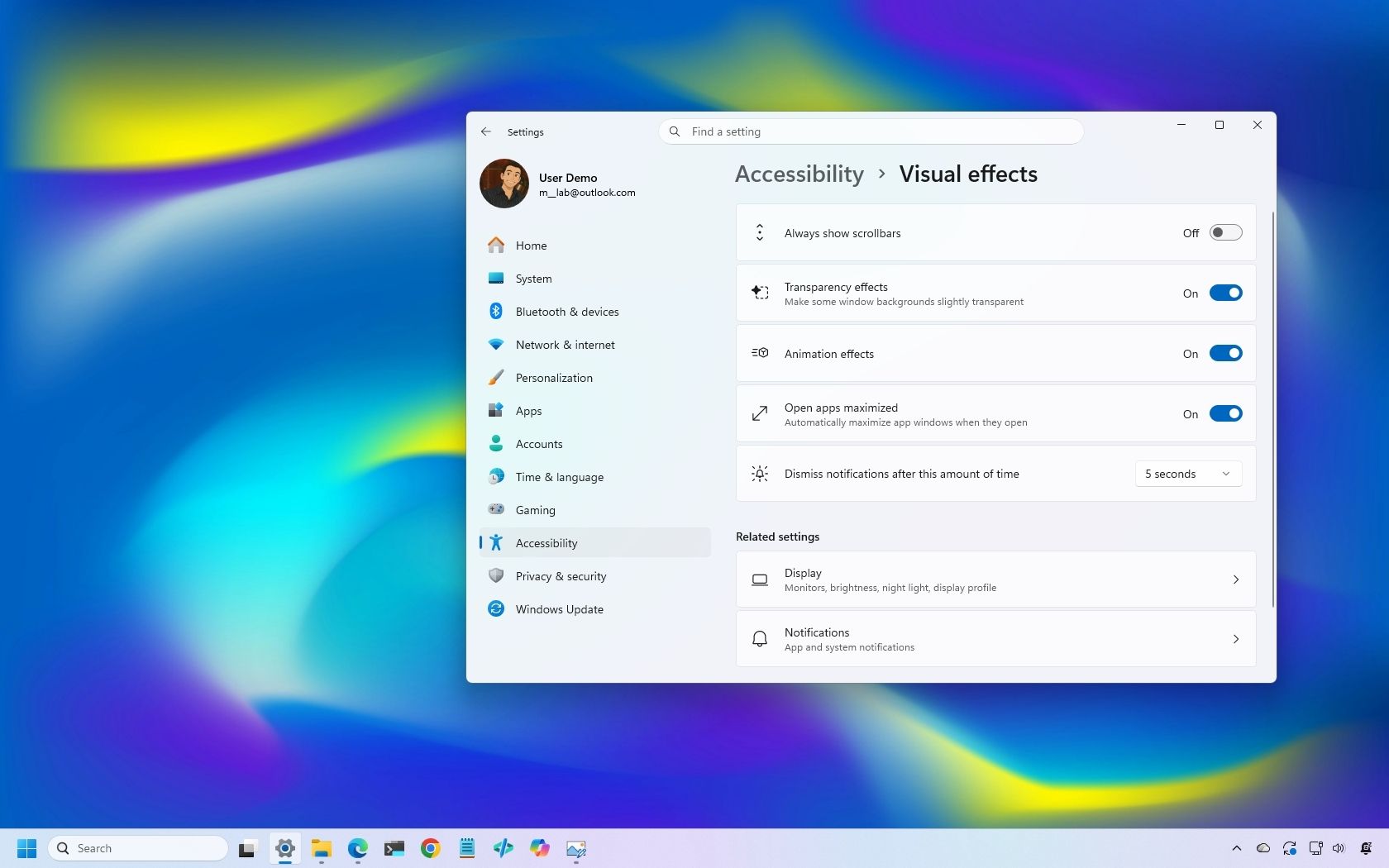
In this quality update, Microsoft introduces a new feature that allows you to decide whether your apps always open maximized. File Explorer receives some useful improvements, and the Magnifier gets a small refresh.
In Settings, you can now adjust touchpad controls and reassign the Copilot key to open Right Ctrl or the Context Menu.
Finally, the software giant is adding a new Tips widget, and the Windows Recovery Environment (WinRE) can now reuse your previously configured Wi-Fi credentials.
In this guide, I'll highlight the most significant changes in the October 2026 Security Update for Windows 11 versions 26H2, 25H2, and 24H2, since they are identical.
As usual, the company uses Controlled Feature Rollout (CFR) to roll out new improvements gradually, so it may take some time before you see them.
The updated version of File Explorer improves some areas of the experience. For example, the "Preview" pane now lets you preview downloaded HTML files after confirming the internet warning, while PDF files now show a preview automatically.
The Home page is also getting an update that lets File Explorer remember which sections you expanded or collapsed, so the next time you're on the page, you don't have to reconfigure the layout.
Source link