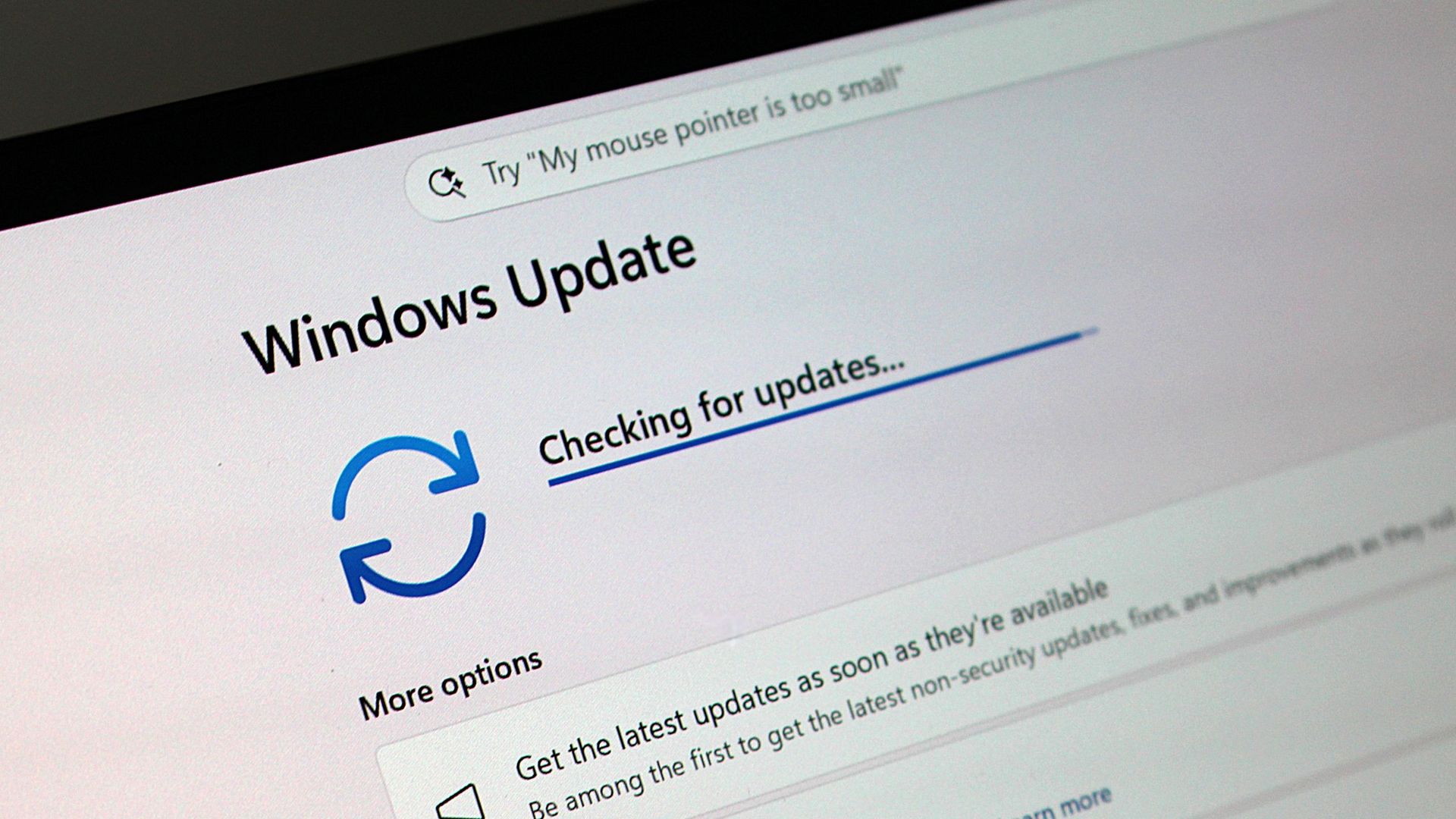
It's been about five days since Windows 11's KB5132057 update launched, and some PC users are reporting that the preview release that adds a redesigned Windows Search is throwing errors.
There are several Microsoft Learn threads on the go with users sharing screenshots or explanations of what went wrong. It appears that, upon attempting to install, a small number of users are seeing a "We couldn't install this update, but you can try again" message pop up.
Here's the good news: there's not really any reason to chase a fix. As community advisors have pointed out in the linked Learn threads, KB132057 is an optional preview update designed for testing.
The full version, including fixes for this specific installation issue, is expected to arrive on the second Tuesday of December. If you come up against this KB5132057 error, you can just ignore it and wait for the real thing.
It doesn't seem like this error is too widespread, at least judging by the usual online communities.
One user saw error (0x800f0993) pop up when attempting to install. Another user saw error (0x800f0989), and another saw error (0xc000012f). More users have answered in response, tagging error codes 0x800f081f and 0x800736b3.
Despite the differing feedback, it appears that these errors are all causing the same major issue: the update preview not actually installing.
As of the time of writing, Microsoft has not published anything official that acknowledges the error.
The problematic KB5132057 is not a security update , and it's totally optional.
Source link