
Microsoft surprised us with a pair of mid-week builds of Windows 11 rather than waiting until the end of the week. Windows Insiders in the Beta channel and Experimental channel can grab an update.
The Experimental build is much larger in terms of new features. It adds the ability to see passkeys stored on a FIDO2 security key, lock compromised Windows devices through Microsoft Intune without wiping the device, and adds a preview of Microsoft Pluton Cryptographic Provider.
The taskbar also has a new option in that build. Starting with Build 26340.10013, you can set Windows 11 to show a list view for taskbar previews rather than a thumbnail.
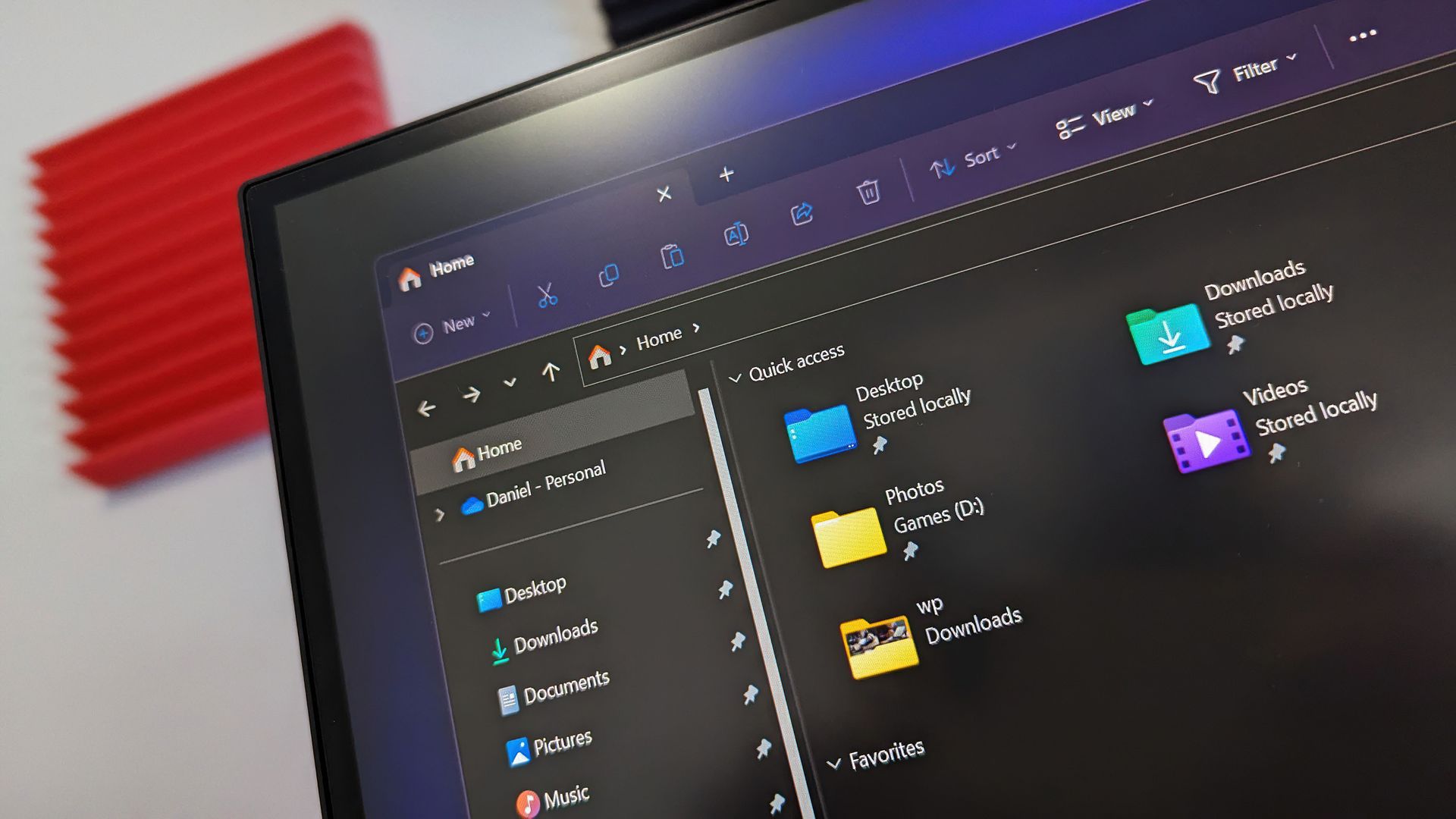
While the changelog of the Build 26340.10013 is larger, arguably the biggest change comes with Build 26320.10003, which is available through the Beta channel. In that update, searching from "This PC" in File Explorer is now indexer-based. That should result in searches that are much faster and more consistent.
Zoom in or out: With three fingers, tap once, then tap again and keep your fingers down. Without lifting your fingers, drag up to zoom in or down to zoom out.
Toggle between 100% and your previous zoom level: Double-tap with three fingers.
Both gesture sets are on by default. To turn either one off, go to Settings > Accessibility > Magnifier and turn off Control Magnifier with touchpad gestures or Control Magnifier with touch gestures.
There are plenty of other changes to play around with in these builds.
Source link





