
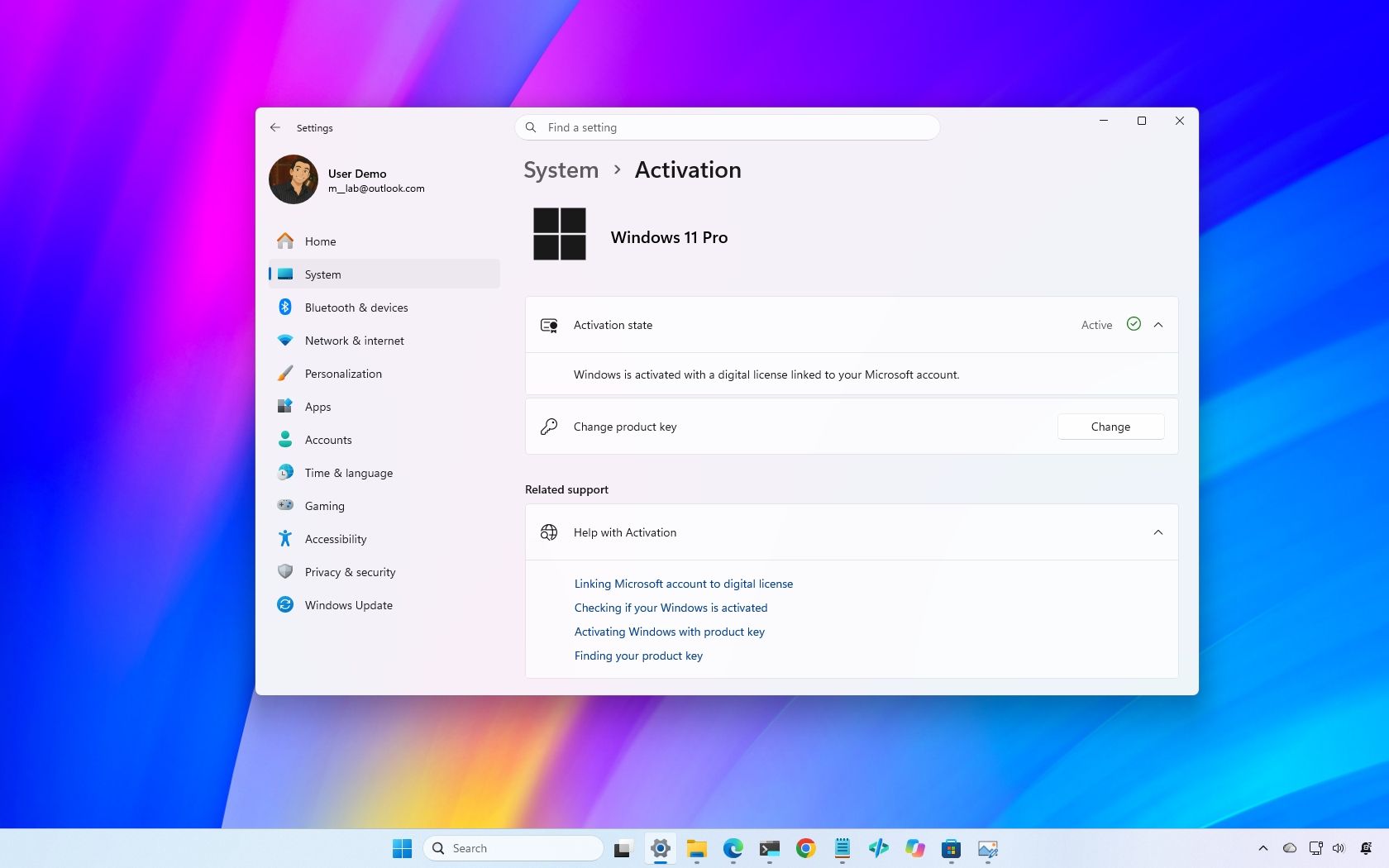
For most people, Windows 11 Home is the version I'd recommend. It includes virtually everything you need for everyday computing, productivity, gaming, and schoolwork, and paying extra for Pro won't make your PC faster.
I personally use Windows 11 Pro, but for specific reasons. I regularly rely on Group Policy, BitLocker, Remote Desktop, and Windows Sandbox, which give me more control over Windows and aren't all available with Home.
That's ultimately the decision: Pro is worth paying for if you actually need its additional tools. Otherwise, keep your money.
In this new Windows 11 guide, I'll explain the important differences between Windows 11 Home and Pro, which Pro features I think justify the extra cost, and which edition you should buy.
Both editions share the same foundation and offer most features regular users need for everyday tasks. The main differences can be found in advanced security, virtualization, remote access, hardware support, and business management.
As you can see, Home already includes most of the features needed for everyday computing. The Pro edition adds capabilities that become useful when you need more control over your computer.
Choose Home if you primarily browse, work, study, stream, or play games.
Choose Pro if you specifically need Group Policy, full BitLocker management, Remote Desktop hosting, Hyper-V, Windows Sandbox, or business-management features.
When you buy a new desktop or laptop, Windows 11 is usually included in the price. However, if you're building a new computer or installing the operating system on an empty hard drive, you may need to purchase a product key separately.
Source link





