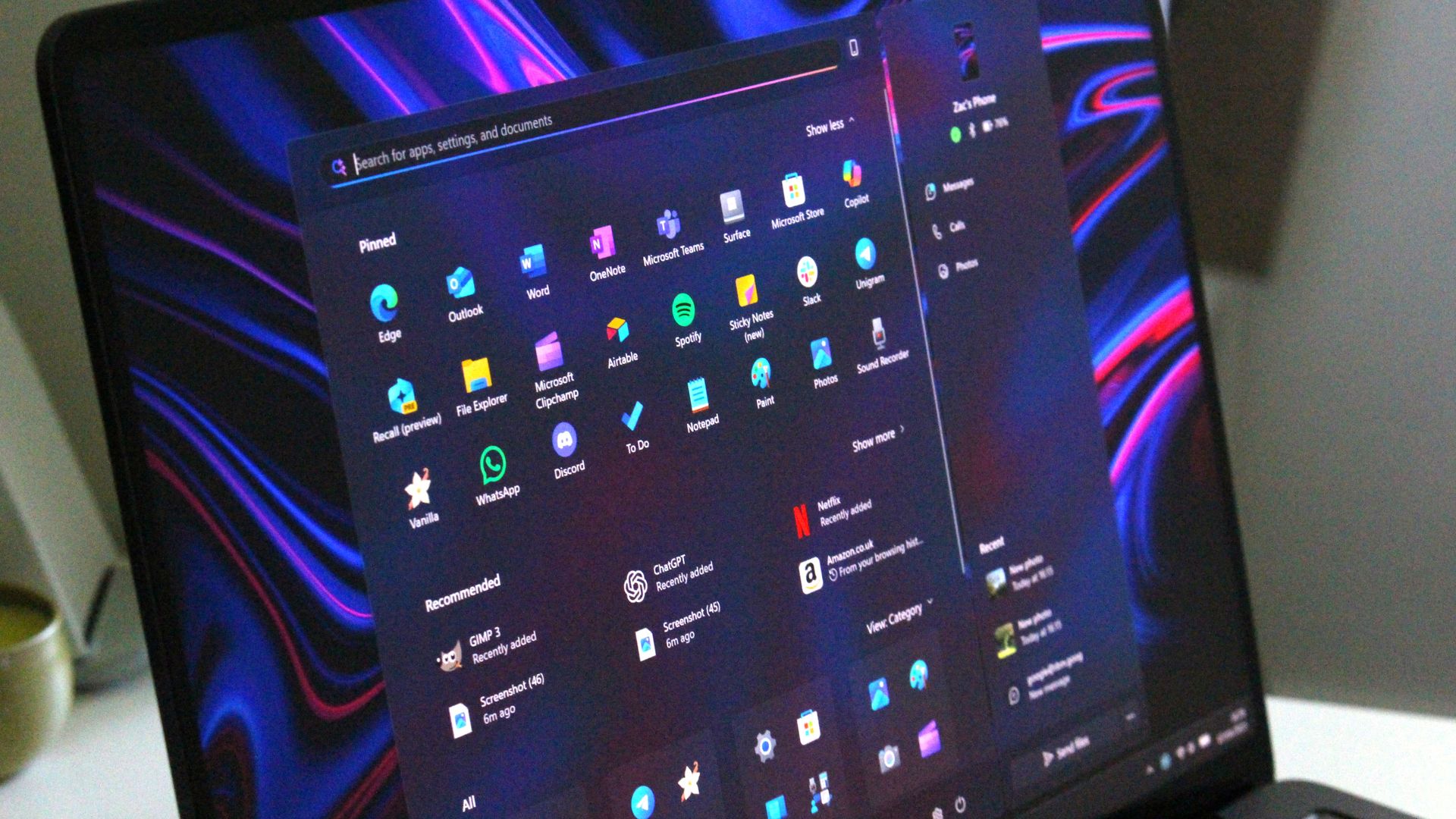
Windows 11 feels a bit like a free-to-play game because of how many ads appear in the operating system. Between setting up a PC and using it daily, you'll run into a myriad of prompts, notifications, and suggestions to sign up for paid Microsoft services. An upcoming update will add one more prompt to Windows 11, though it's a bit different than other ads on the OS.
One of the latest Windows Insider builds adds an inline experience that allows you to manage your Microsoft 365 subscription within Windows 11's Settings app. Using the feature will save you the hassle of jumping into a web browser to manage your subscription.
Unsurprisingly, Microsoft does not position these types of prompts as ads. Instead, the company highlights them as ways to ensure the best experience across the Microsoft ecosystem. I consider anything that nudges users toward paying for a product or service to be an ad, regardless of how it's labeled.
"We're introducing a new inline experience that makes it easier for Microsoft 365 subscribers to manage their subscriptions in Windows. Subscribers who have recurring billing turned off can now turn it back on directly in Windows Settings, without leaving for a separate webpage. To get started, select Turn on recurring billing or Set up recurring billing from the Windows Settings Home page, the Accounts page, or the Start menu."
The inline experience related to Microsoft 365 is a bit different since it is a way to manage an existing subscription rather than simply a prompt to sign up for a new one.
Source link