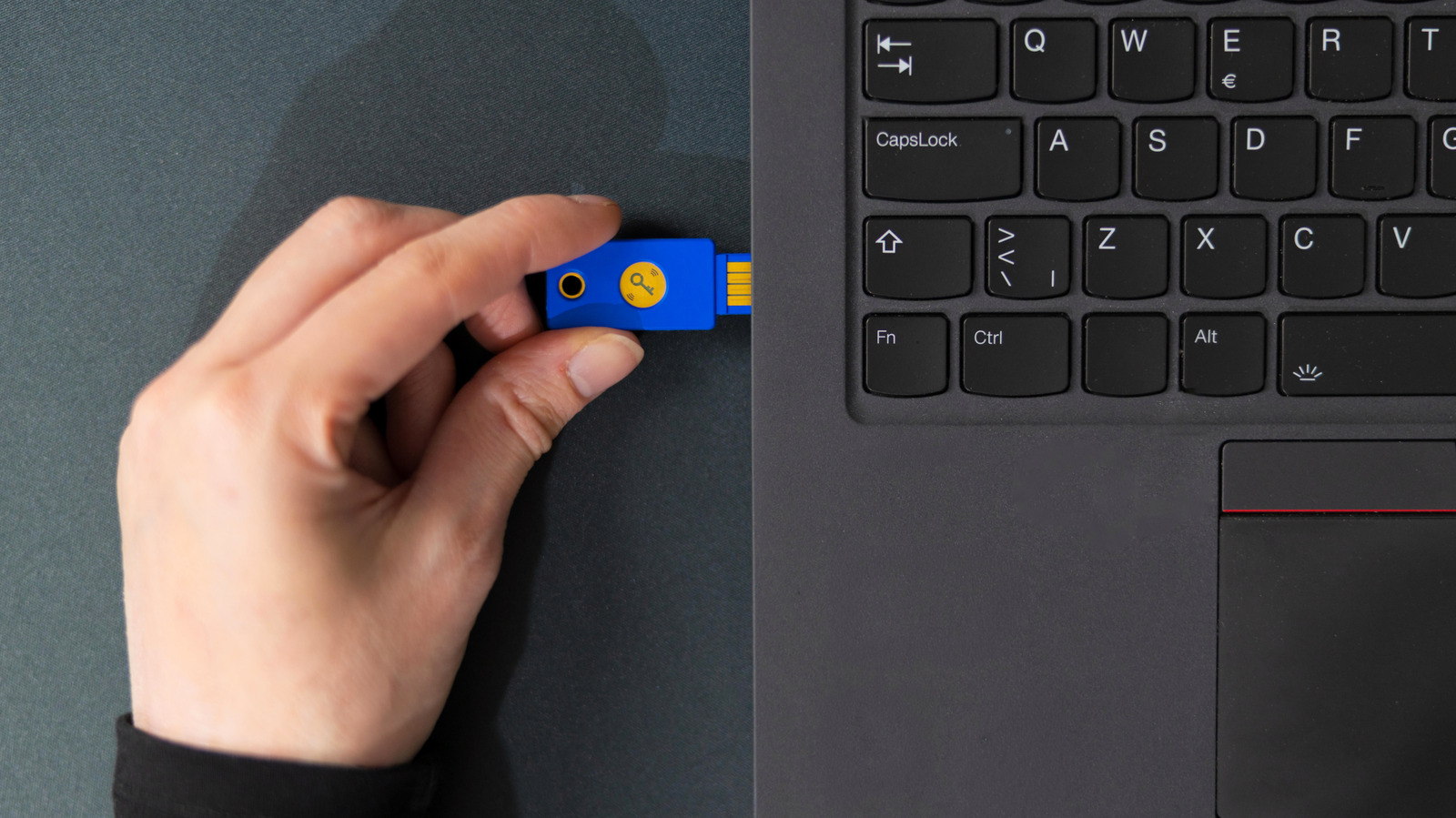
A USB device that doesn’t stay connected consistently is no use at all.
USB is supposed to be simple: Plug in a device and your computer can interface with it until you decide to eject it. But at times, a device will constantly disconnect, which poses a major problem since nearly all USB devices rely on a consistent connection. Your mouse will stutter, your keyboard will miss half your inputs, your video camera will cut out and file transfers to an external drive won't be able to complete.
When this happens, you'll need to run through some troubleshooting to see if the device, cable, port or even computer is to blame. In many cases, the solution isn't difficult, but it's always best to start with the easiest potential fix: restarting your computer. You don't want to spend time on extended troubleshooting for a temporary bug.
First, you should try to isolate the problem. Try using the same USB device in another USB port, then use a different USB device in the same port. If one accessory has trouble in every port, then something with the device or your computer is likely at fault. If various accessories all start having issues only when connected to a specific port, you can narrow the problem down to that port.
Inspect the USB connector of your device to see if it's super loose, has bent pins or has suffered other damage. Also check the cable itself for any tears in the jacket, extreme bends or similar issues.
Source link
![B2B Lead Generation: How To Choose Your 2027 Marketing Channels [Webinar] via @sejournal, @hethr_campbell](https://images.themorningpulse.fyi/uploads/2026/10/rss-mvflagpq-7ls4xb-meta.png)