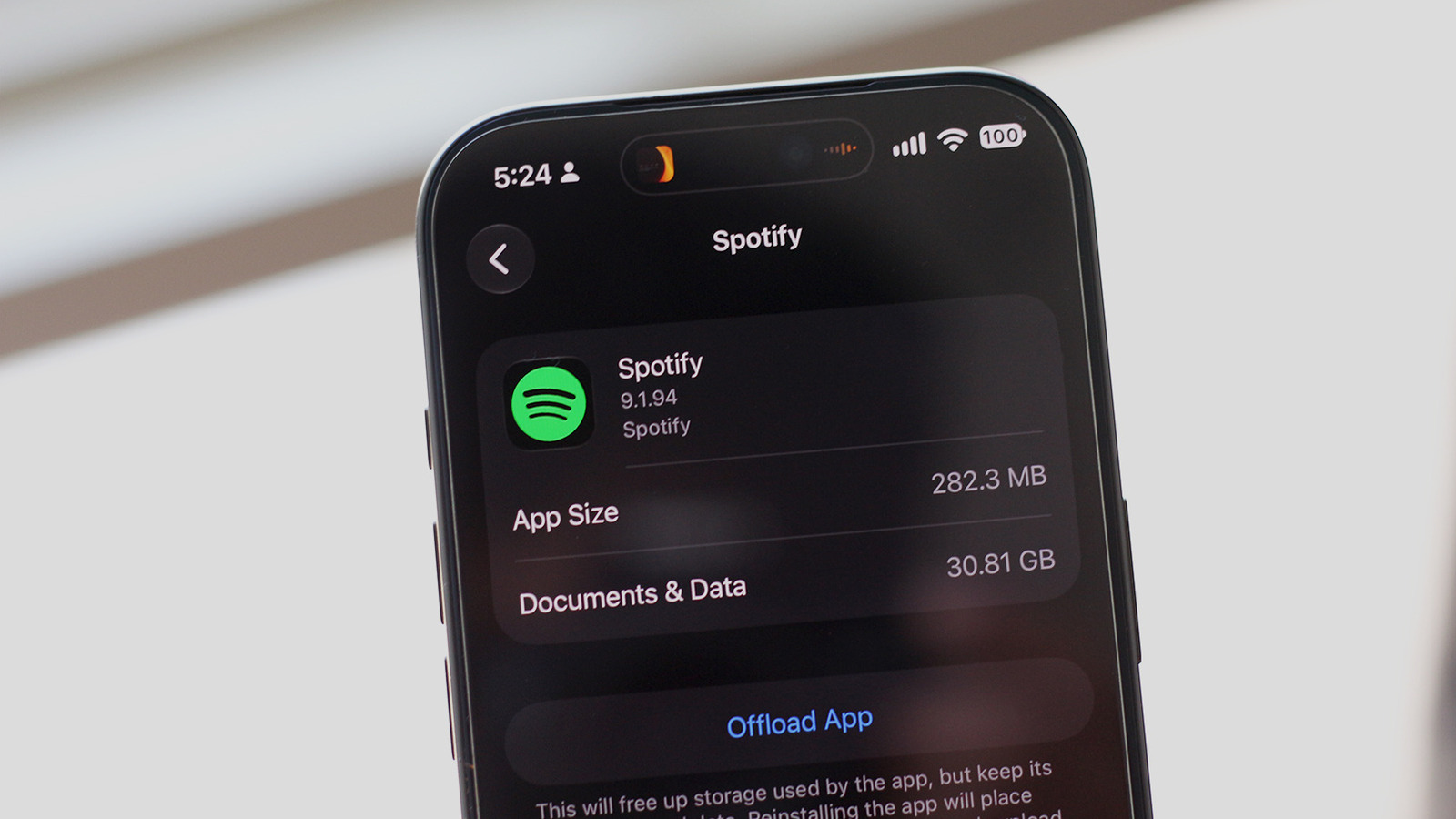
If you're running low on storage, it's worth checking to see if Spotify might be the culprit.
We're all getting tired of subscription-based services, but when it comes to music streaming, it's a little harder to give up. You can still purchase individual tracks and albums, but it's often more economical to subscribe to Apple Music or Spotify if you listen to a wide variety of music. Furthermore, with how fast and reliable mobile data has become, you can stream virtually any song you want on the go. This saves you the hassle of managing a local library of music on your phone, not to mention the storage space you could otherwise use for other apps and media files.
If you've recently been hit by the low-storage warning on your phone, you can find out exactly what's taking up so much space . On iOS, navigate to Settings > General > iPhone Storage . " For Samsung, look under Settings > Device care > Storage . For other Android devices, you can usually locate it under Settings > Storage or Settings > About Phone > Storage . Your phone might automatically sort your apps by how much storage they're occupying. If you spot Spotify near the top, there's a good chance that downloaded music or cached data is what's eating away at your phone's storage.
Source link