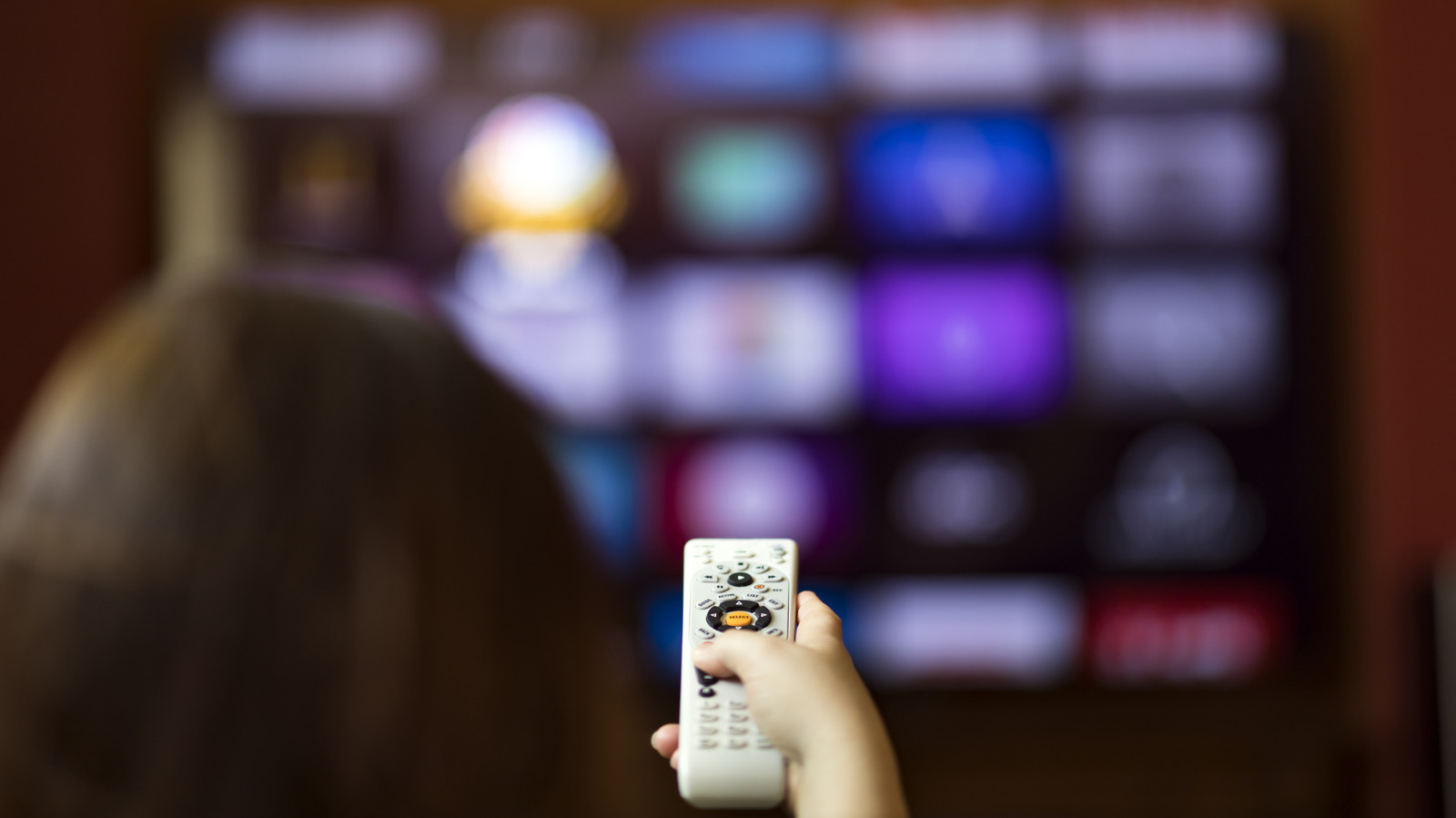
A smart TV can drop Wi-Fi for several reasons, and most of them have little to do with the TV.
It's not uncommon for smart TVs to struggle with a Wi-Fi connection, even if it's been relatively smooth sailing for a while. Things change, furniture gets moved around, routers are upgraded, new TVs are purchased and old TVs are moved to another room. Wi-Fi 6E and Wi-Fi 7 tri-band routers bring faster data rates to the table, but Wi-Fi 4 (2.4GHz and 5GHz dual-band support) is still the most prevalent Wi-Fi standard in the US. For the most part, 5GHz and 2.4GHz are enough for the average household, though it's ideal for most smart TVs to use 5GHz for 4K streaming.
It's a little tougher for 5GHz Wi-Fi, however, which is faster than 2.4GHz but lacks range and struggles with passing through walls. Your router's features could be making things worse. Many routers use "band steering" when broadcasting Wi-Fi, a feature that combines bands under a single network name, switching your devices back and forth automatically. It sounds convenient. You want your device connected to the most stable band, but it can wreak havoc on your TV's Wi-Fi connection. Devices don't always get the right band, degrading your smart TV's connection stability and speed. For those with older smart TVs, the lack of compatibility could be hampering your connection as well. Older models may not support DFS channels and won't find networks using them.
Isolate the problem and figure out whether it's the TV or the network by connecting a phone or a laptop to the same Wi-Fi network.
Source link