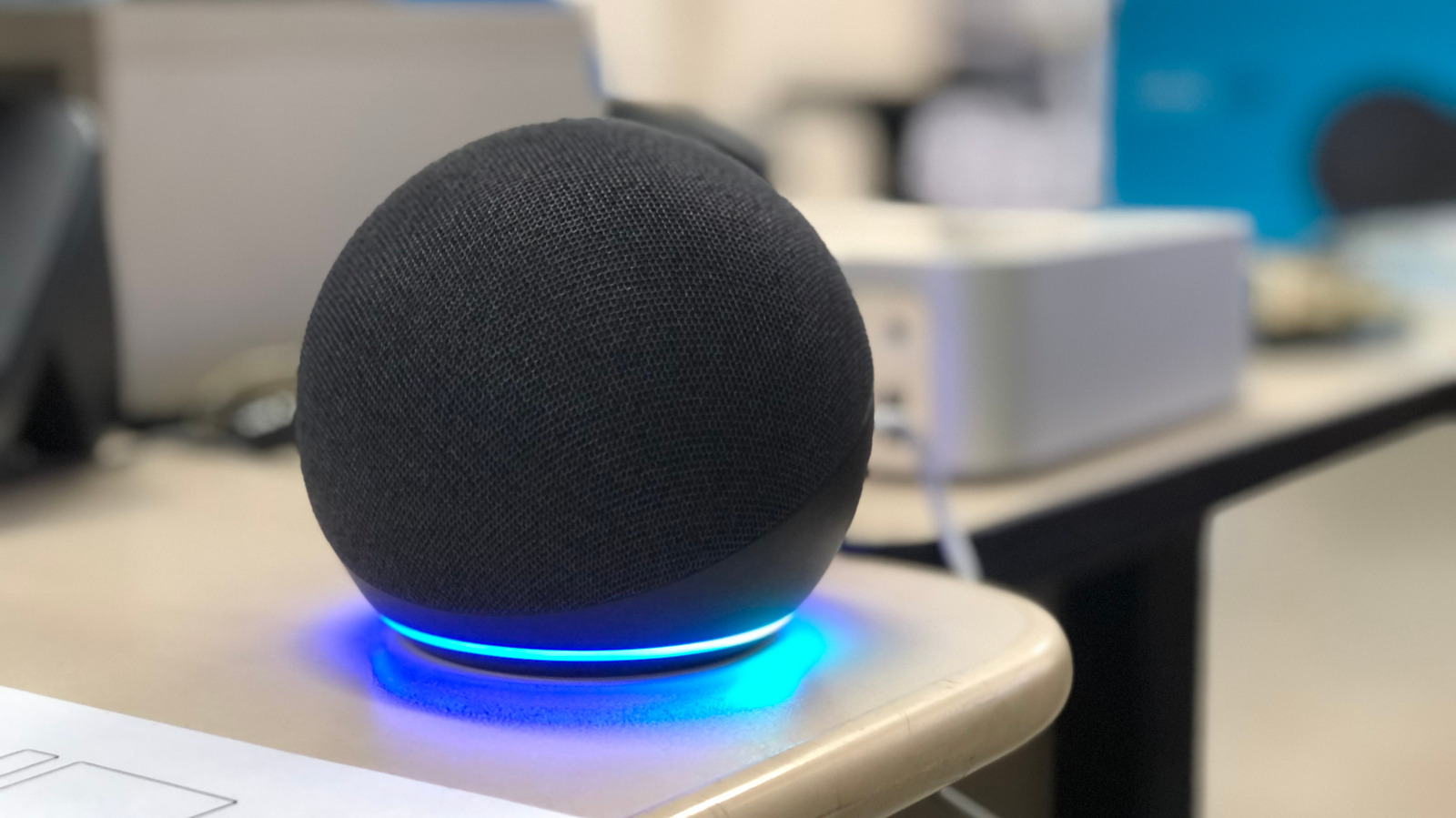
Smart speakers have gotten better at comprehending you, but they don't get it right every time.
Because smart speakers are so convenient, you notice little annoyances right away when they stop working so smoothly. A common issue is your speaker misunderstanding you, whether due to your proximity to the speaker or other noise in the house. Luckily, these issues are pretty simple to fix.
Many of the fixes are common across top smart speaker models, while each of the big names (Google Home, Apple HomePod and Amazon Echo/Alexa) require some specific know-how to reduce misunderstanding.
First, check that your speaker is clean. Use a dry cloth to wipe the unit down if there's a buildup of dust or gunk. If issues persist, try moving your speaker to another spot or an entirely different room. Background noise, echoes and distance (whether too close or too far from your own voice) can all make a big difference. Try to avoid having smart speakers near regular noise sources like fans or surround sound speakers. Ideally, keep it at least one foot away from walls.
Having multiple speaker units can also cause issues if one taking your request isn't the closest. If the app allows, try lowering the sensitivity of the problematic speaker. For Echo devices, you can change the wake word per-device to avoid activating the wrong one. Failing those fixes, try to keep devices as physically separated as you can.
After shifting it around, test a few voice commands to see if there's a marked difference in its comprehension.
Source link