
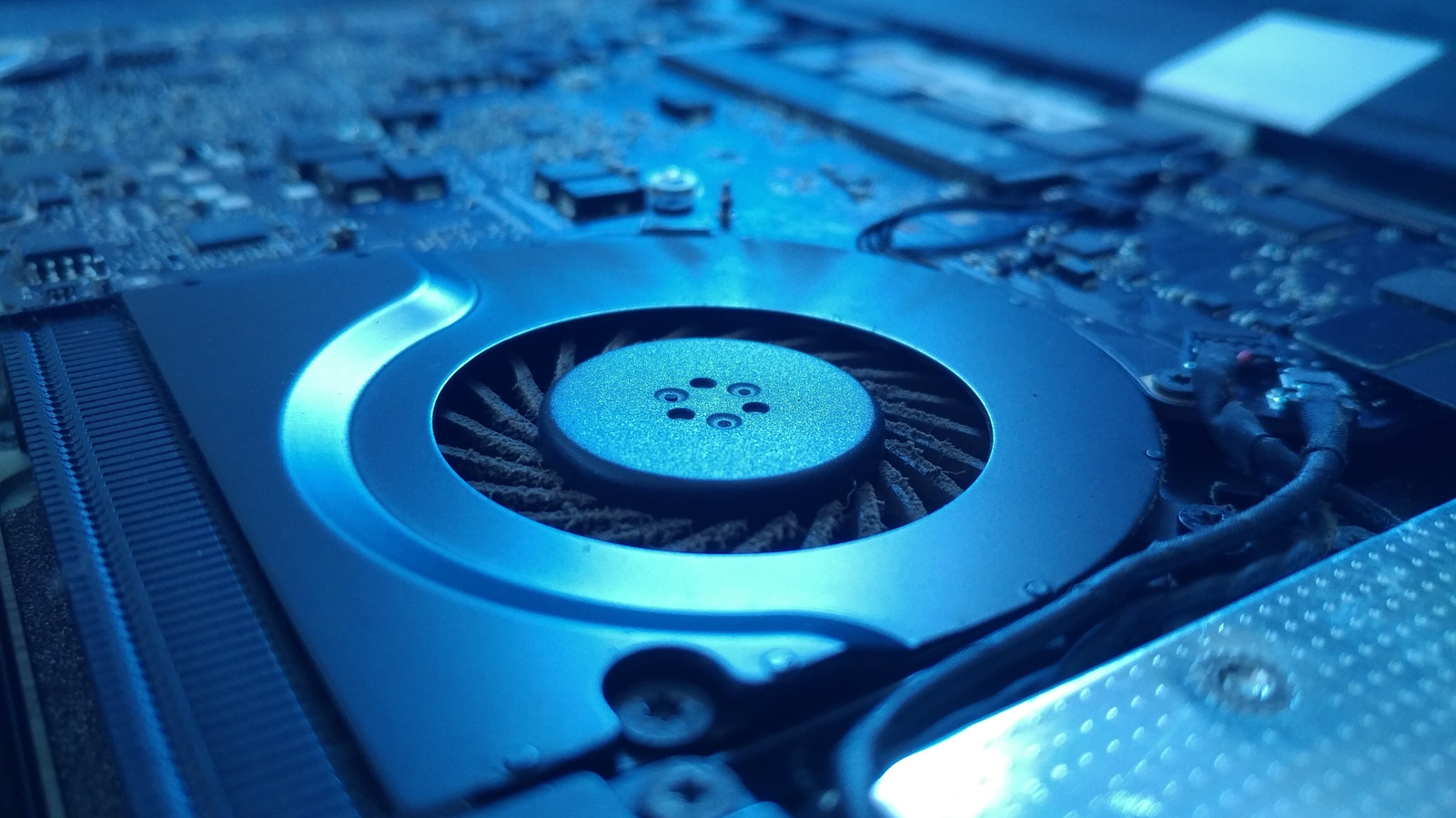
With a bit of cleaning and system management, you can keep your laptop fan from jump-scaring you.
You're sitting down with your laptop in front of you, getting a bit of light work done, when suddenly you hear what sounds like a jet engine going off. Your computer's fans start roaring and whirring, but after a short moment, everything is quiet again. If you've ever had your laptop fan sound off without warning like this, there are a few possible causes.
Over the years, laptops have become much better at managing performance and cooling, but even the best laptops of today need strong fans to keep their high-powered components cool in such a compact space. While some fan noise is perfectly normal, persistent or unusually loud bursts can indicate that your laptop is working harder than it needs to. Sudden spikes in fan noise are often caused by intensive background activity or dust restricting airflow. Both are relatively easy to investigate, and there are a few simple ways to check what's making your laptop work harder and address the problem.
The first thing to check if your laptop fan starts acting up is whether it's getting enough airflow. Make sure you're using it on a hard, flat surface like a table or desk rather than a bed, sofa, or other soft surface that could block its vents. If the fan continues to run loudly, dust buildup around the fans or air vents could be the issue.
Luckily, you can typically clean your fans and air vents without taking the machine apart.
Source link





