Windows has many services running in the background that waste resources better spent on games.
While PC gaming has always been an expensive hobby, it's been extra-crunched for years now. A while ago, the demand for crypto mining hardware started creating GPU shortages. Then AI processing started squeezing the GPU market even further, and more recently, memory prices have shot through the roof because of data center usage. As a result, making any upgrades to your PC or building a whole new one is an increasingly difficult investment.
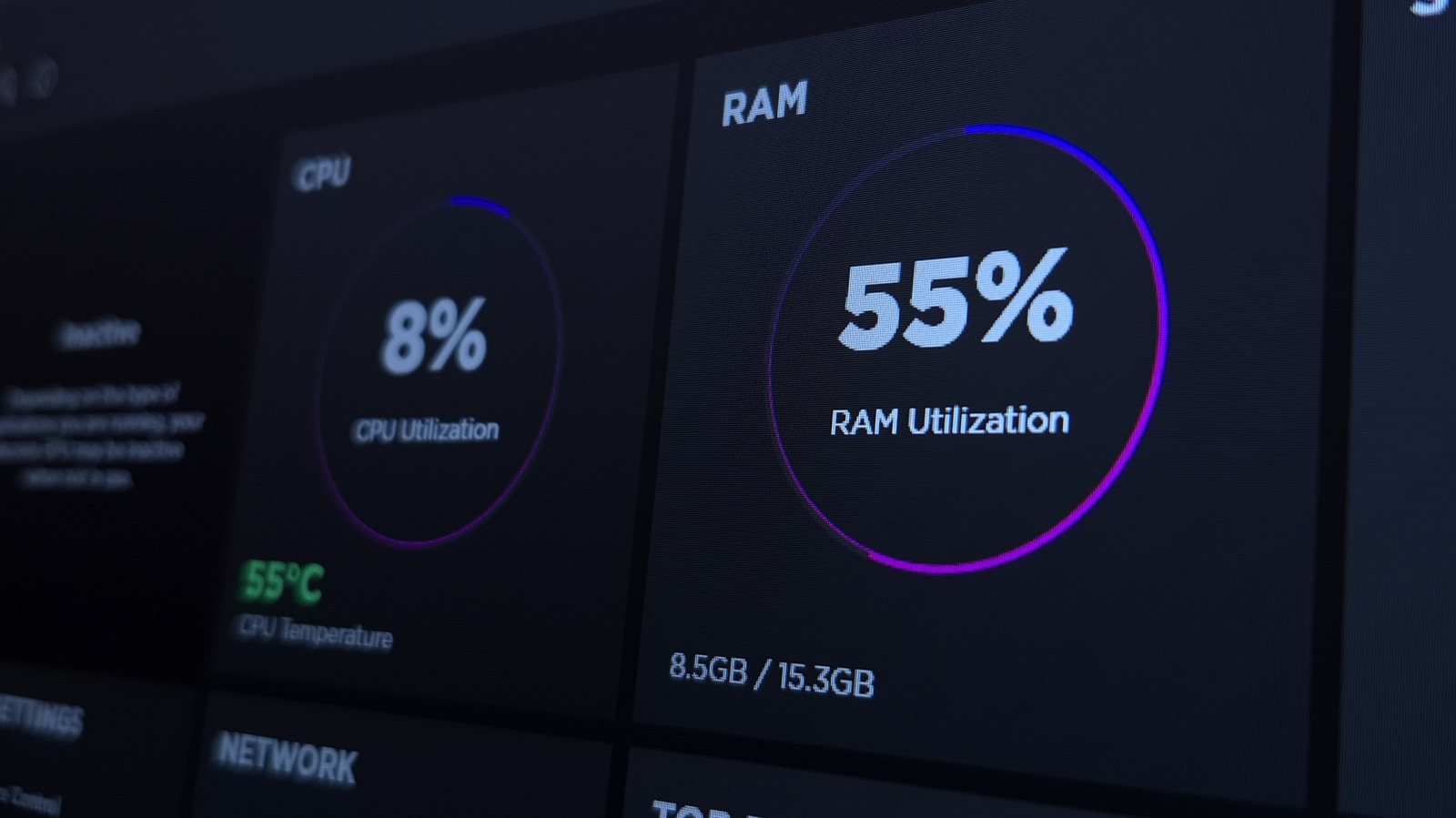
In the meantime, there are tricks that can stretch performance as much as possible, one being to disable unnecessary background services in Windows 11. Ordinarily, it's fine to leave Windows largely as-is. But some services are redundant or unnecessary while actively consuming the CPU, RAM or network resources that games need, making them an obvious target to remove.
Don't expect miracles here. Graphics are what put the heaviest burden on a gaming PC, and ultimately, a hardware upgrade is needed to see a meaningful improvement in frame rates. But nixing background services could make your setup a little smoother, regardless of what your current specs are. Don't forget to optimize your GPU as well.
Somewhat ironically, one of the first features you should disable is the Xbox Game Bar. Head over to Settings > System > System components , then click on the triple-dot icon next to Game Bar and select Advanced options . Set Background component permissions to Never , then click the Terminate button to make sure it's no longer active.
Source link