A stuck ethernet cable can be extremely frustrating. Luckily, you can usually remove one pretty easily using these methods.
Frequently, Ethernet cables can be a cheat code to better network performance. This is mostly because they eliminate the range, interference and band congestion issues that Wi-Fi is vulnerable to. Seriously – if you're dealing with unstable streaming or gaming on your PC, just try hooking it up to your router with a Cat6 or Cat7 Ethernet cable.
They do come with some drawbacks. The main one is convenience, since Ethernet starts to become impractical for devices on the opposite side of the room your router is in, let alone the opposite side of your house. Also, even some of the best streaming devices for 2026 still use 100-megabit Ethernet instead of gigabit, actually making them slower than Wi-Fi. It's not clear why companies think they can get away with this in 2026, but we digress.
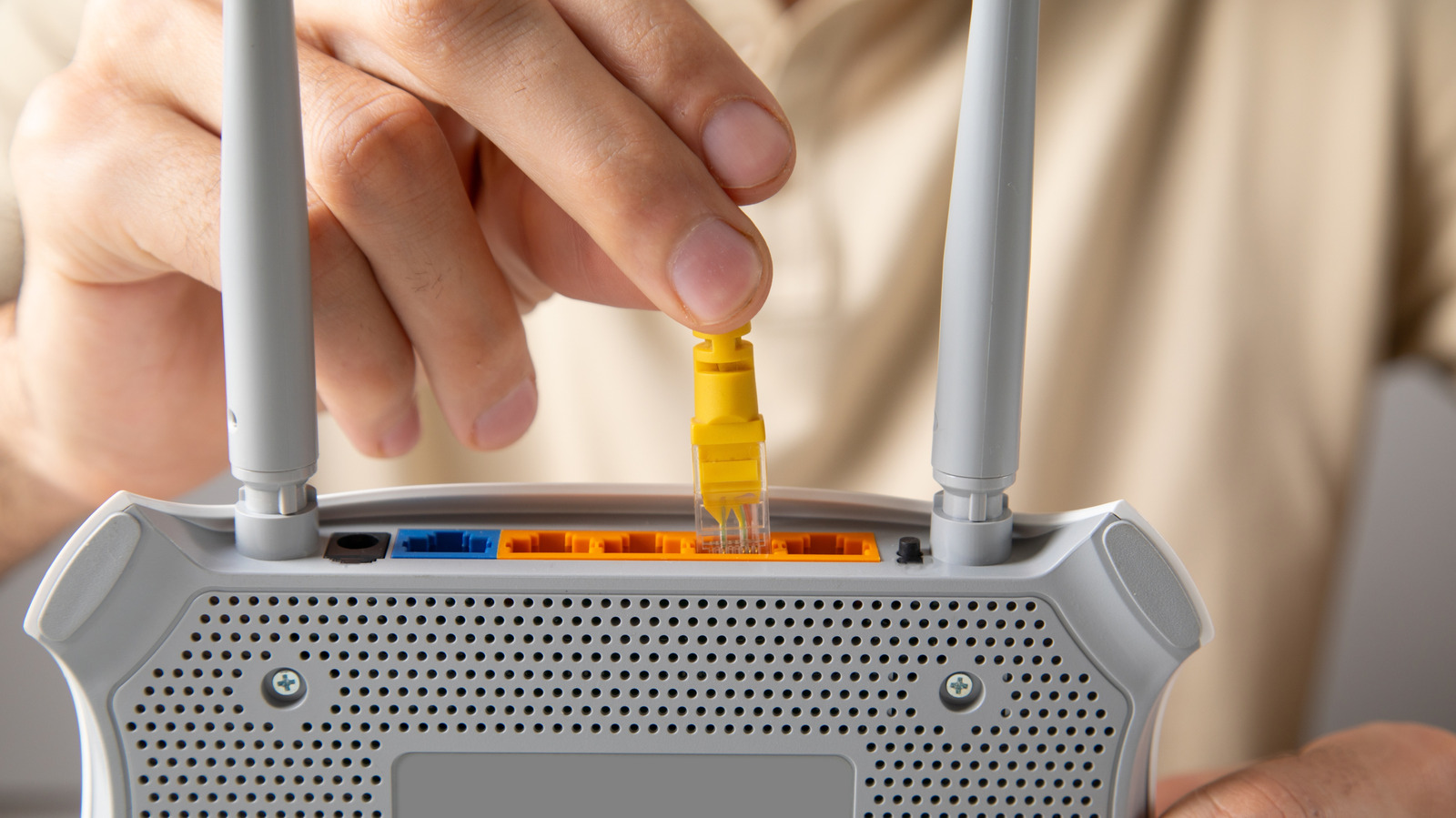
A small but not insignificant flaw is the connector type that Ethernet uses. It can sometimes get stuck, and if it does, you can't just yank a cable out with brute force. Fortunately, there are a few ways to remove a stuck Ethernet cable. One method involves jiggling it up and down while pulling, and you can also try using a small tool like a flathead screwdriver. If you're still unable to remove the cable, you may need to visit a professional or contact tech support.
The reason caution is called for is because the connector is usually made of light plastic and designed to "lock" into a port with the help of a protruding tab.
Source link