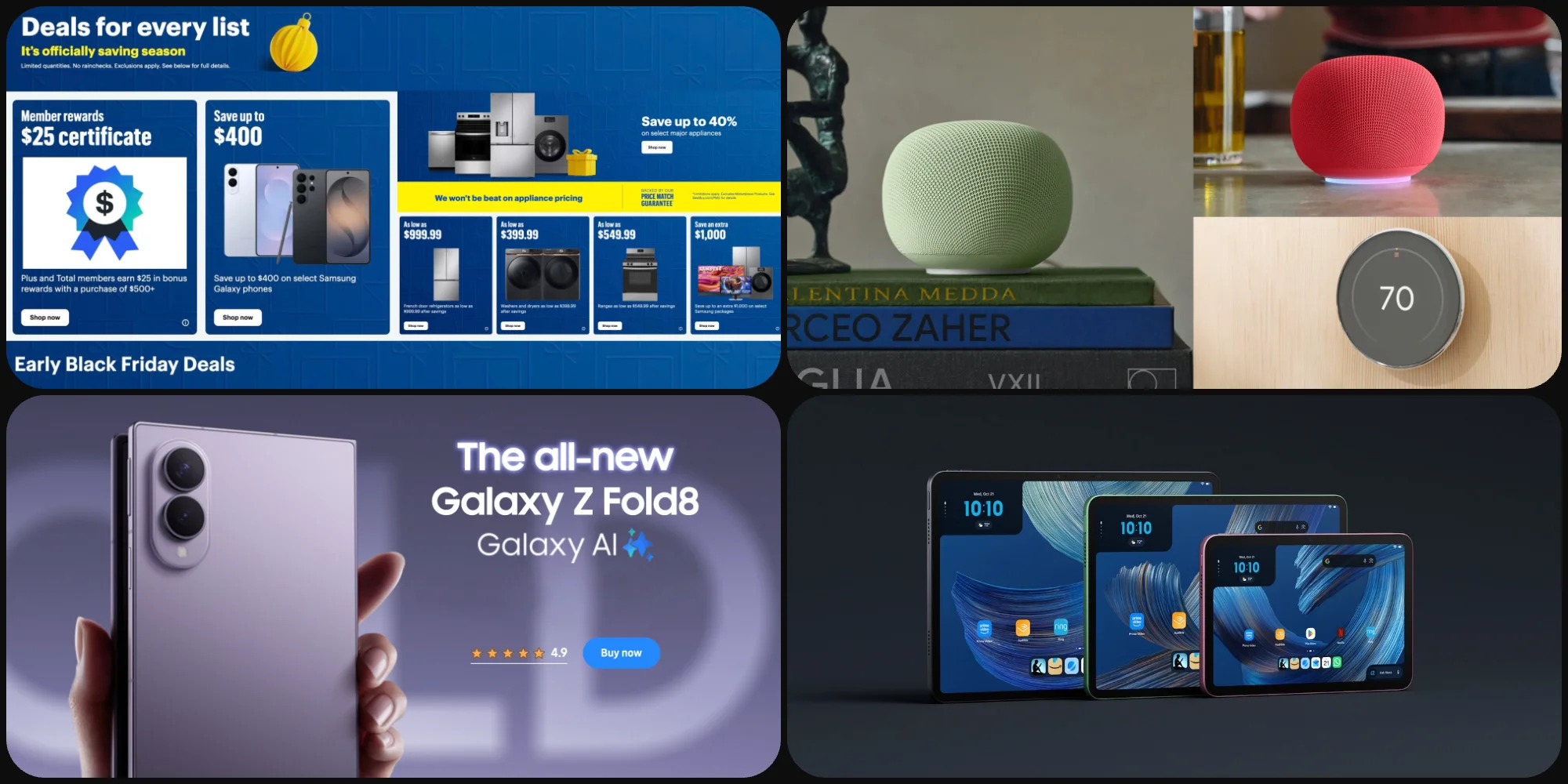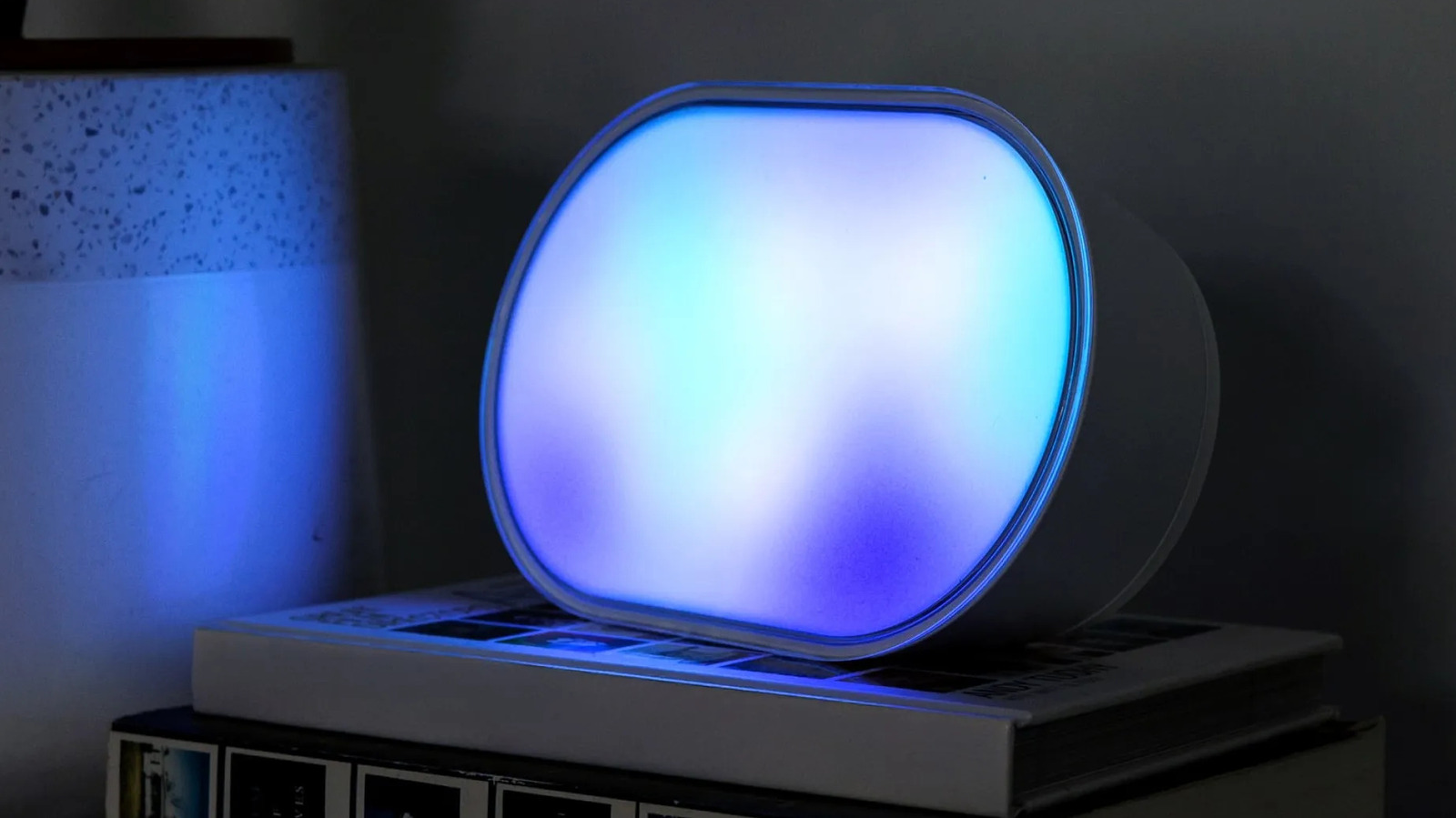
It's strange that Apple is only now beginning to take the smart home market seriously with the launch of the HomeView smart display and the rest of the Apple Home Collection. Affordable consumer gear has been around for years, and when it's well-made and well-configured, it can not only simplify your life but also save you money. Smart thermostats are more efficient, and smart lighting can be set to turn on only when and where you need it — although it's more fun to make your living room look like Los Angeles in Blade Runner 2049.
One hassle is that some accessories don't play well with Wi-Fi. They have a tendency to drop out of apps, assuming you can even set them up in the first place. And needless to say, a home fixture you can't count on is all but worthless. You wouldn't put up with a microwave that only cooked dinner on Tuesdays and Fridays.
Thankfully, there are a few tactics you can use to cope with these misbehaving devices. We're not going to lie, though — in some circumstances, a hardware upgrade is in order. You may want to minimize the number of Wi-Fi-based products in your home in general.
If you're still using a Wi-Fi 5 router, stop everything and upgrade to Wi-Fi 6 or 7 . The issue is connection limits. On Wi-Fi 5, the practical limit for simultaneous connections is around 10 to 25 devices, perhaps 30 if you're lucky. That's plenty in a home without smart home gear, but once accessories start filling up those connection slots, problems are inevitable.
Source link