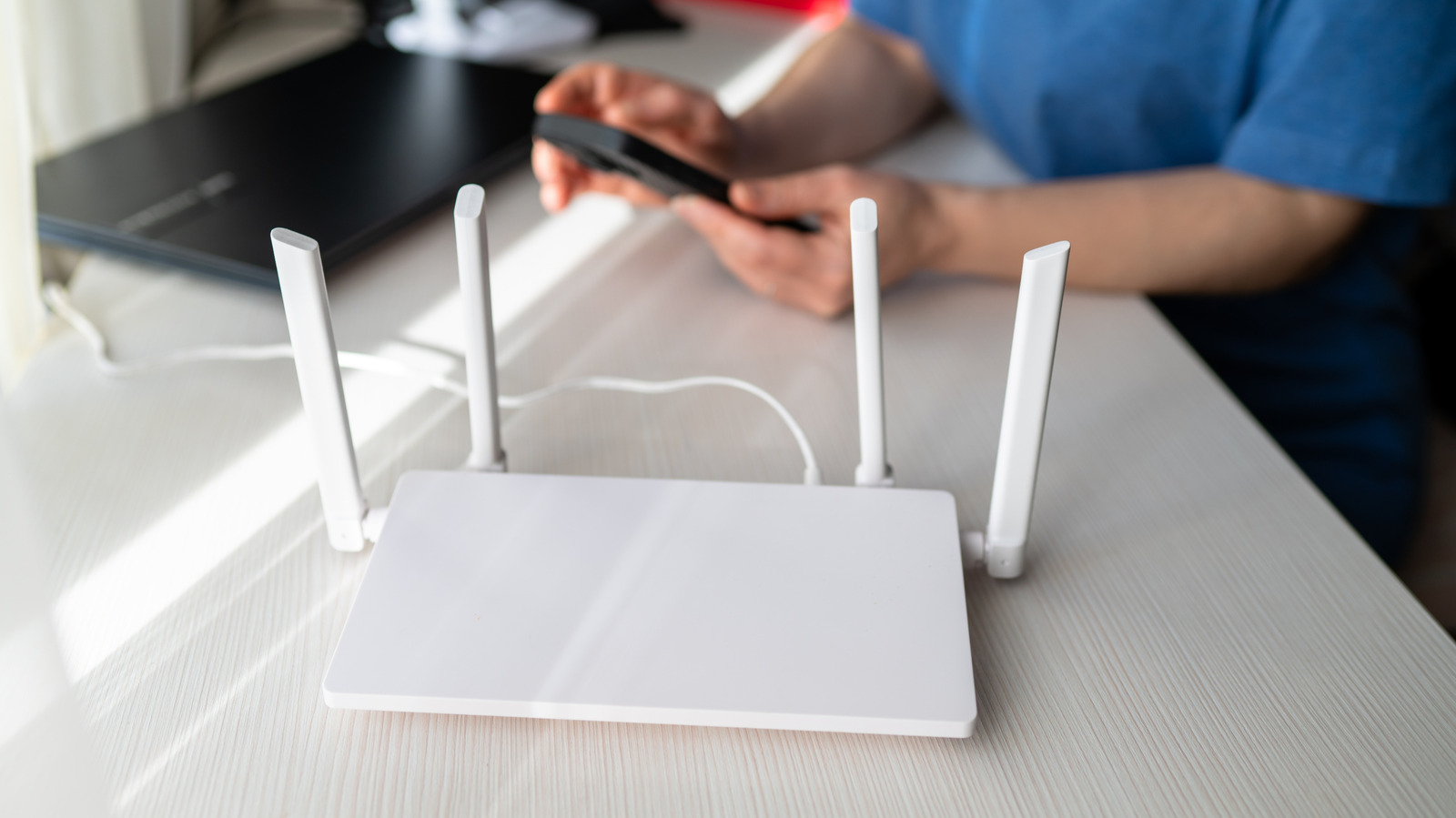
You can be forgiven for avoiding the guts of your Wi-Fi router's settings. There's been an attempt to simplify menus over the years, especially with phone apps becoming the preferable means of control. Still, these settings often float beyond the realm of familiar experience, even for a relatively tech-savvy individual. Someone who spends most of the day developing mobile apps or fixing e-bikes probably doesn't need (or want) to tinker with DHCP options.
It's worth learning the nuts and bolts of your router, though, because under some circumstances, tweaking it can have a meaningful impact on overall network performance. That shouldn't be surprising, given that even light bulbs and smartwatches are talking to the internet these days. You might think of a Wi-Fi router as a highway interchange, or perhaps Grand Central Station. If there's a lane reduction or some other holdup, traffic in the rest of the city is going to feel it.
One of the more mysterious settings affecting performance is something called QoS. On your own router, it may have a different label, especially since the technology has evolved over the years. Regardless, toggling it on or off can be an important decision, for reasons that will quickly become clear.
As you may have guessed, QoS is short for Quality of Service. What it's really referring to is traffic prioritization. You see, all the data that arrives from the internet is delivered in the form of packets. And much like your physical mailbox, not every packet is mission-critical.
Source link