The company's upscaling software is truly powerful when used in the right situations.
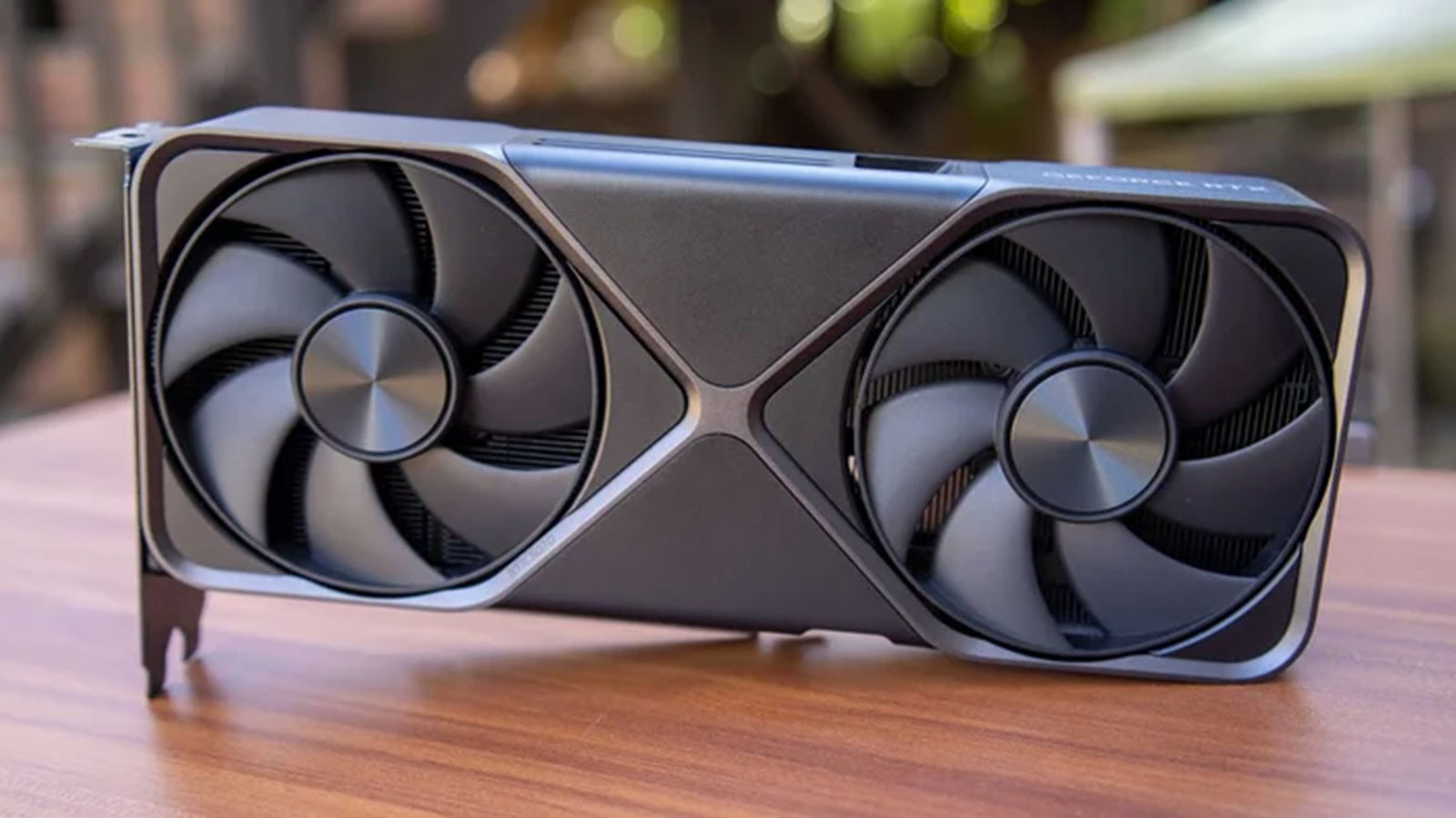
If you own a recent NVIDIA GPU (or Nintendo Switch 2), there's a good chance you bought it partly from hearing good things about DLSS. Short for Deep Learning Super Sampling, DLSS is a proprietary upscaling technology designed to increase game performance. With DLSS enabled, your GPU will first render a game at a lower internal resolution, meaning it will need to draw fewer pixels. DLSS will then upsample the image to your monitor's native resolution using a machine learning algorithm trained by NVIDIA.
When it's implemented well in a game, DLSS allows you to effectively turn up the graphical settings higher than your GPU would normally allow at a native resolution while still getting a playable framerate. Alternatively, you run a game at lower settings and push the framerate even higher, which can be useful if own a high refresh rate monitor.
The above gives a decent starting point for how DLSS works, but knowing a bit more can help with tweaking to get the most out of the tech and your GPU. As mentioned already, with DLSS enabled your GPU will first render a game at a lower resolution before upscaling the image it produces to whatever resolution you've set as the target. In almost every case, you'll want to configure the target resolution to match your monitor's native resolution. So if you own a 1440p monitor, set the output resolution to 1440p.
Source link