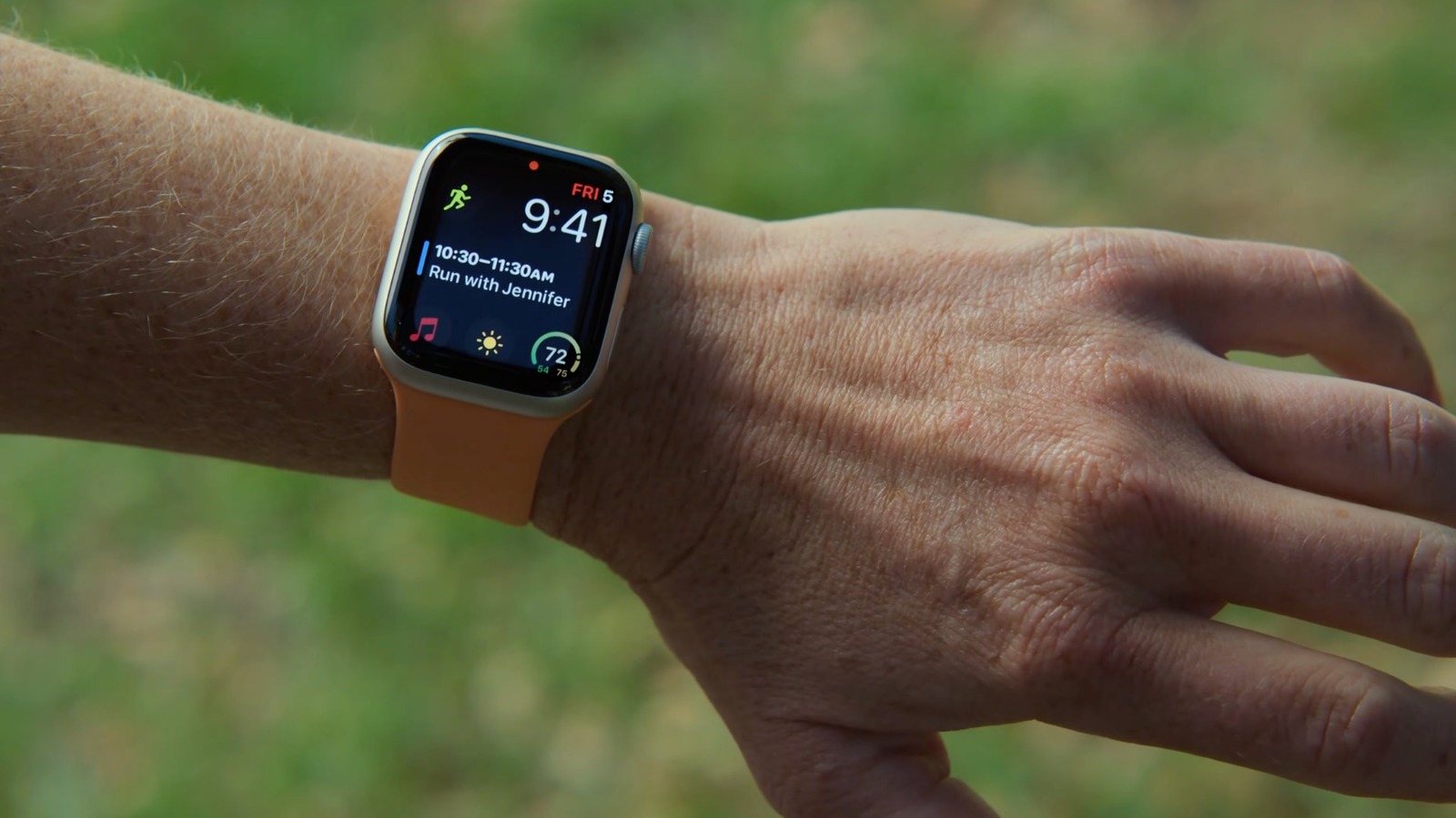
AssistiveTouch is an accessibility feature, but you can actually use it to control your Apple Watch without even touching the screen.
The Apple Watch has an interface that's very easy to understand, and for the most part, it involves tapping the screen and rotating the Digital Crown. But there's another way to control it without even touching the screen, thanks to AssistiveTouch. Although it's an accessibility feature designed to help people with motor disabilities navigate the interface, it also unlocks some cool features for everyone. For instance, you can control the system just by moving your fingers and hand — no special hardware required. If you have an Apple Watch running the latest version of watchOS, it has AssistiveTouch built in.
Apple Watch already has some finger gestures enabled by default, such as pinching your fingers twice to interact with the screen. But AssistiveTouch takes this to another level. The feature combines data from built-in sensors — such as the gyroscope, accelerometer and optical heart rate sensor — to detect even the subtlest movements you make with your arm, hand and fingers. With it enabled, you can do things like tap buttons, scroll through the screen and even use Apple Pay without having to touch the screen directly.
Turning on AssistiveTouch is simple, and you can do it right from your Apple Watch. Open the Settings app and navigate to Accessibility , then AssistiveTouch . Flip the toggle on and then turn on Hand Gestures so you can navigate your Apple Watch without touching the screen.
Source link