Less than you might think, but a 16GB PC will only take you so far.
Download Ollama or LM Studio, pick a model, and within a matter of minutes, you can be up and running with a local chatbot. There's no subscription fee, it works without an Internet connection, and none of your data leaves your PC. But there's a catch: What you can run, and how quickly it responds, depends entirely on how powerful your machine is.
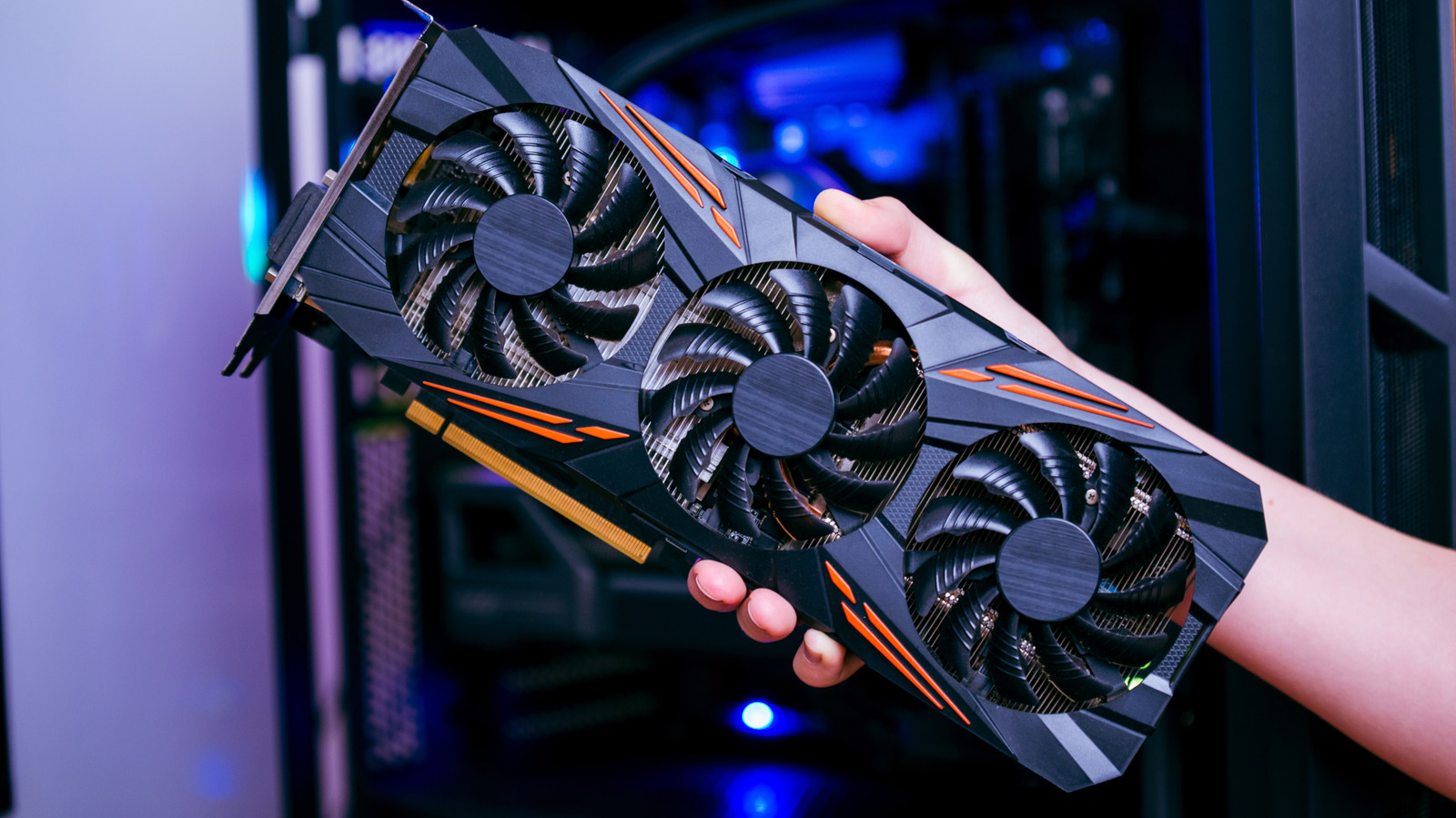
Your everyday PC with 16GB of RAM will be able to run relatively small models with around seven to eight billion parameters. Meta's Llama 3.1 8B, or Alibaba's Qwen3 8B or a graphics card with 8GB of VRAM will run them decently fast. But those models are a long way from today's frontier models behind ChatGPT or Claude. If you want to run something closer, you'll need at least 32GB of memory and a graphics card with 16GB or more VRAM which, at today's prices, doesn't come cheap.
The memory a model needs scales almost linearly with its size, which is measured in billions of parameters (B). Most people run compressed ("quantized") versions of local models that store each parameter in about four bits, cutting a model to roughly a quarter of its original size. 3 70B at 43GB. Ollama's general rule of thumb has been that you need 8GB of RAM for a 7B model, 16GB for 13B, and 32GB for 33B.
Source link