
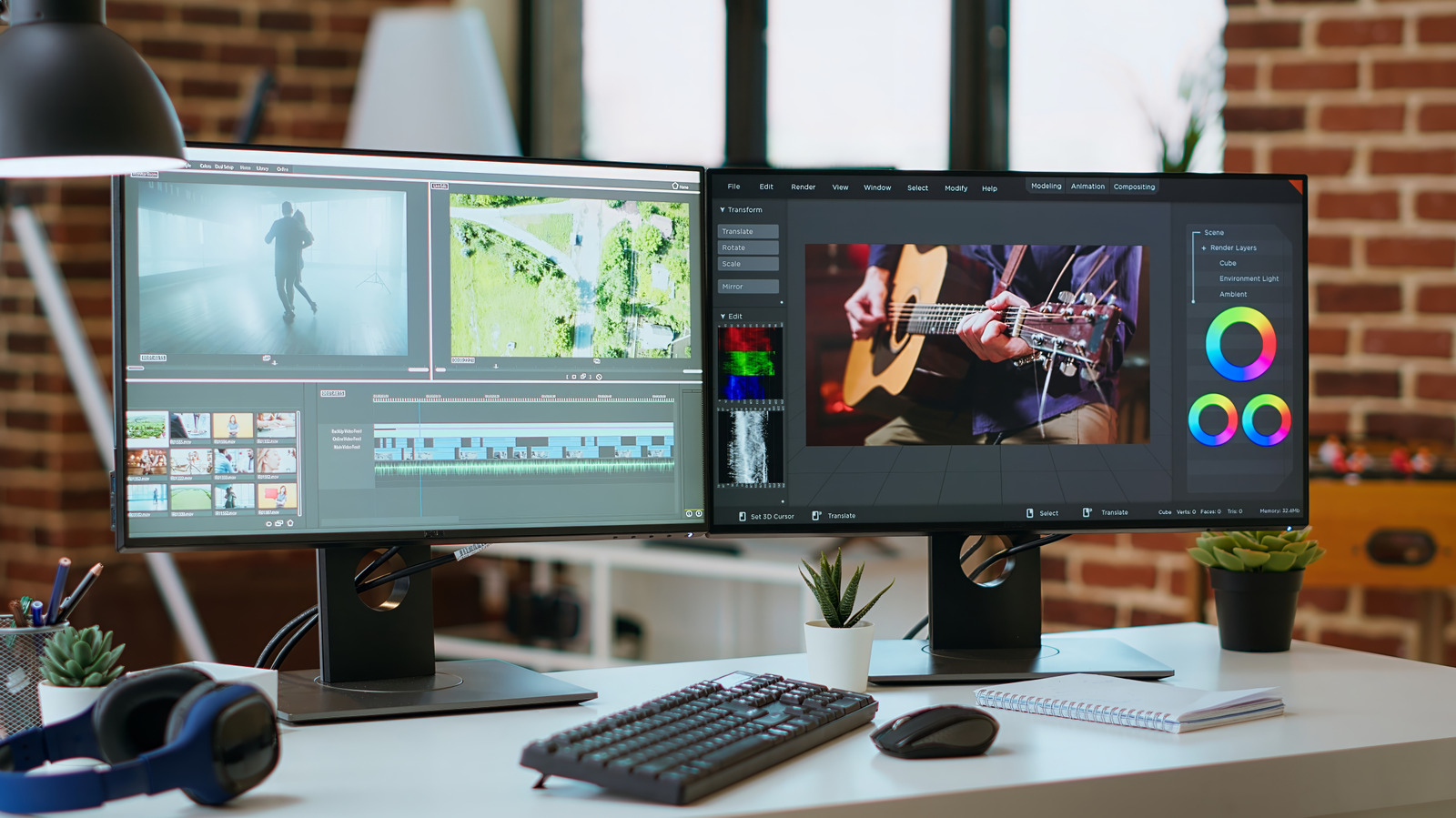
Two screens means more real estate to run apps without having to switch between them all the time.
Upgrading to dual monitors is the best workflow upgrade you can make, with some studies indicating that it can boost productivity and satisfaction. Whether it's for multitasking, to expand a split-screen view, gaming or everyday office tasks, there's a lot of value in this setup.
While you might think dual screens are mostly for gamers or those who work in computer-intensive fields like music and video production or accounting, that's not the case. My best friend works in insurance and uses a dual-monitor setup so she can copy and paste information from one document to another instead of switching tabs, or put her Teams chat on one monitor while working on the other. She added that "Dragging and dropping documents is so easy." Bottom line: there are plenty of benefits for anyone who regularly multitasks.
The most obvious reason to set up two of the best monitors is being able to spread your work across multiple screens. The app I use most on my MacBook is split-screen, so I can write on one half while conducting web research or going through PDF briefs on the other. The benefit of having two full-sized monitors to do this, versus half a screen with small font, is easy to realize. Creative professionals or data analysts, meanwhile, can expand the screen real estate and see more at once. Professions like traders and programmers may benefit from three or even four monitors.
Source link





