
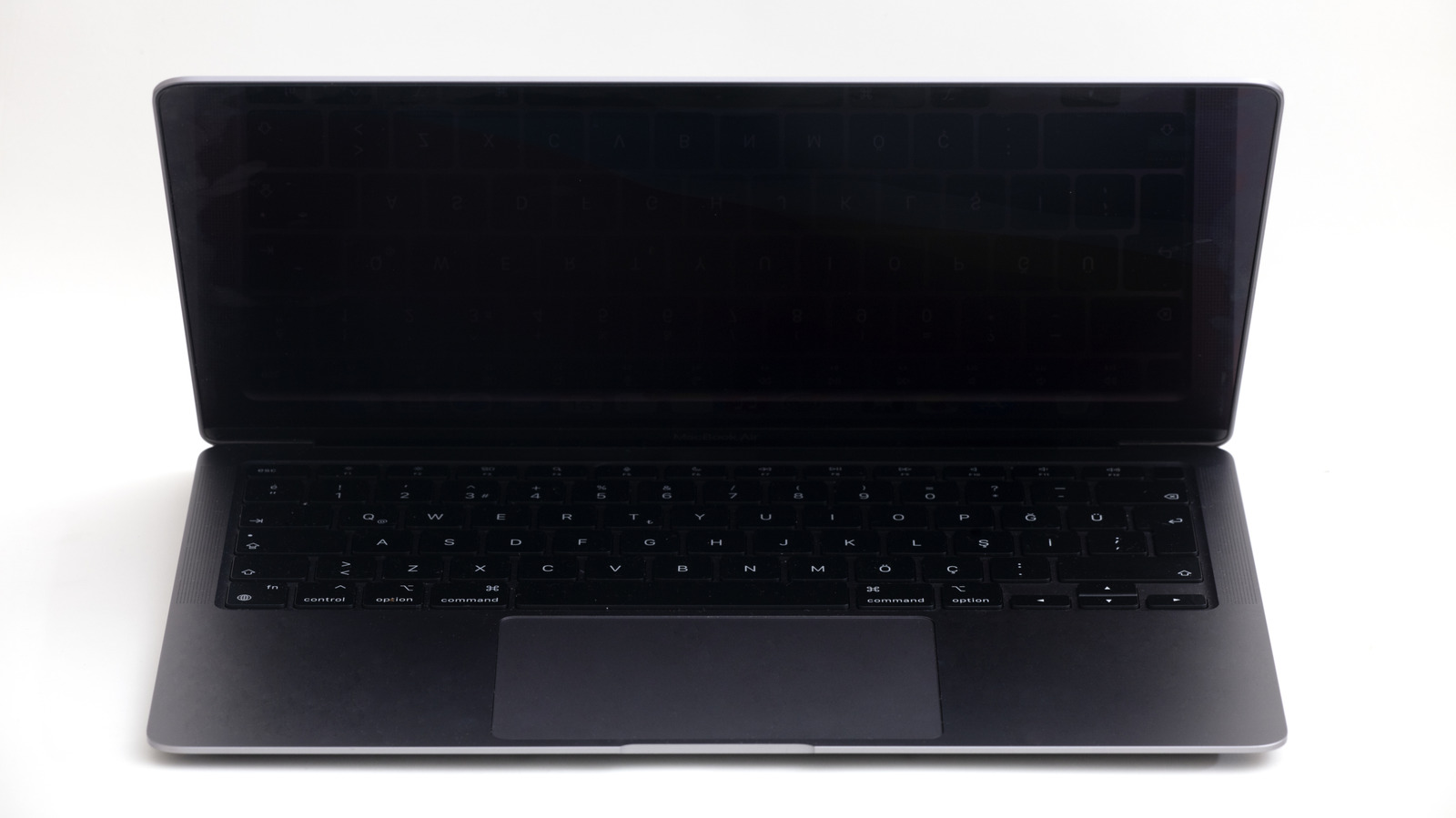
A black screen on your MacBook doesn't necessarily mean you're dealing with a hardware issue.
MacBooks are usually very reliable laptops, but they're not immune to bugs and hardware failures. One of the most common issues is getting stuck on a black screen, which can cause many owners to panic. The good news is that a black screen doesn't always mean your Mac is completely dead. Instead, you may just be dealing with a software bug or an issue you can fix yourself in a few steps. If your MacBook is stuck on a black screen, try these first before taking it to an Apple Store.
There are many different reasons why a MacBook might get stuck on a black screen, but power is usually the first thing to check. If you've left your Mac unplugged for days, it may not have enough power to show the low battery icon. Plug your MacBook into the charger and wait a few minutes to see if it shows any signs of life. Also, check your power adapter and USB-C or MagSafe cable to make sure they're working — your Mac could just be failing to charge without you realizing it.
In some cases, the Mac starts up fine and you can hear system sounds or the fans spinning, but the screen stays completely black. The first thing to do is force a reboot. Press and hold the Power button until you hear the classic startup chime. If the Apple logo appears and everything returns to normal, your black screen was likely caused by a software bug.
Source link





