The picture may look great, but that doesn’t mean you’re getting the full experience.
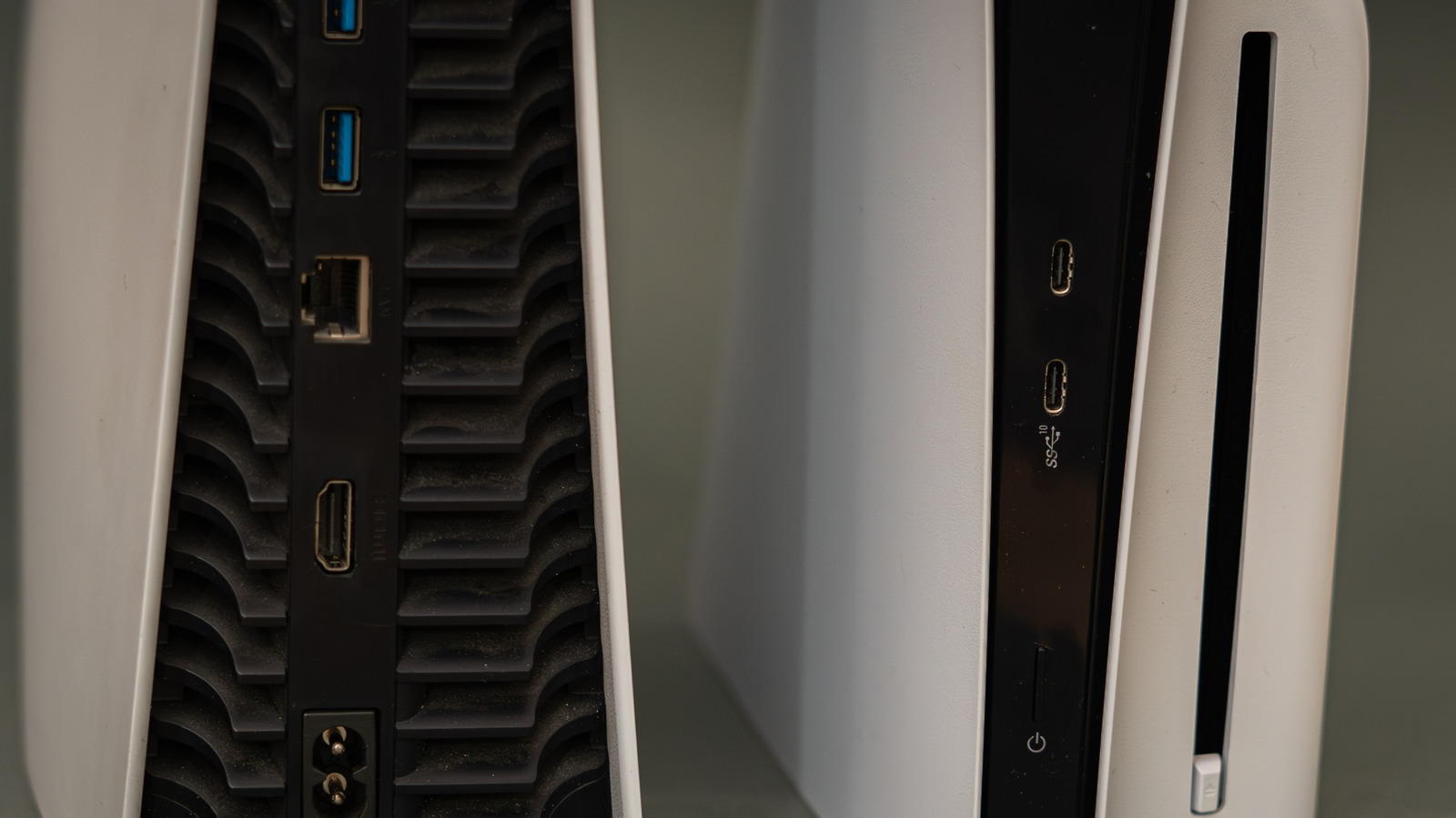
A PlayStation 5 can display a good picture even while connected to an HDMI port that's limiting its capabilities, which is a simple mistake to make. Most TVs and monitors come with multiple HDMI ports, each with tiny labels that are hard to read — assuming they're even present and situated where you can see them. If there is no label, you'll have to look up the specs for your brand and model. The PS5 console supports HDMI 2.1 for 4K output at 120Hz, among other gaming features, but accessing that requires both a compatible screen and the right output.
It's worse if you like to bring your PS5 around the house and set it up on different TVs, because each brand and model features different HDMI arrangements. Never assume that the same set of port numbers means the same specs, even if every TV in the house is from the same brand. For max benefit, check the specs for your exact model and look for an HDMI 2.1 input that supports 4K at 120Hz. On most TVs (not all), HDMI 2.1 ports are the third or fourth option.
Your choice of cable is also important. 1) cable. It's best to plug the cable directly into the screen or TV without a soundbar or similar between them. For the most part, that's all it takes. A PS5 console and TV can't provide peak signal support if the port, cable or intermediary equipment is getting in the way.
Source link