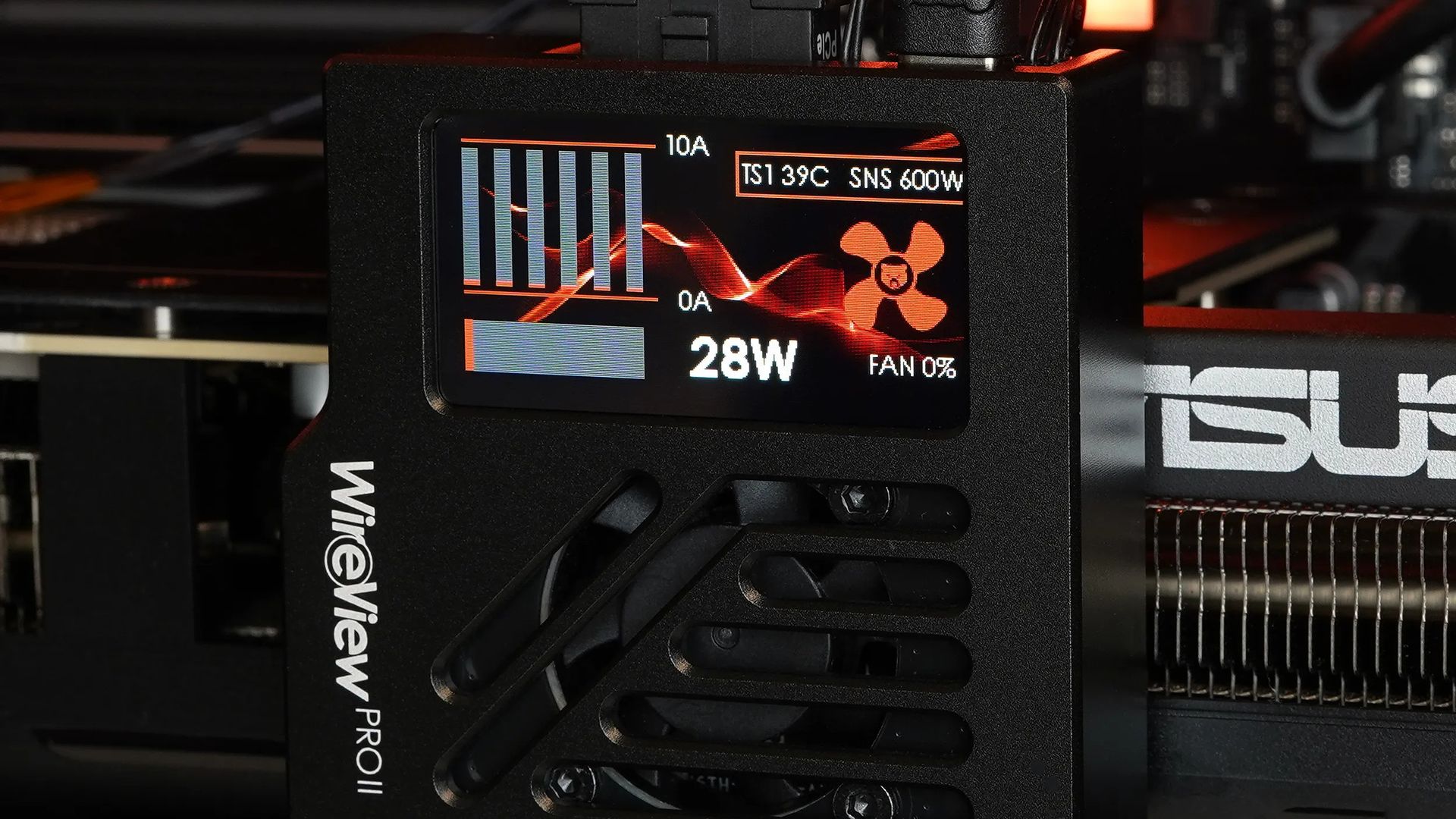
A developer known as Codeh4ck released a free, open-source Windows app, RTX Lens, to help assuage melting power connector fears for owners of powerful RTX 5080 and 5090 GPUs. The app can read per-pin current information on Asus Astral cards, the WireView Pro II GPU monitoring device from Thermal Grizzly, and MSI MPG Ai1300TS/Ai1600TS PSUs, enabling an optional shutdown for persistent warnings. It works by reading current at the GPU, PSU, or both ends of the cable, and can even notify you by phone to provide extra protection for your investment.
The project’s README says that the app allows reading of “GPU power, pin currents, and temperatures at a glance.” The per-pin monitoring is the important part here, as the 12V-2x6 connection carries current on six 12V pins with a rating of about 9A, with Asus’s warning at 9.2A, and exceeding the per-pin limit has led to melted connectors. An RTX 5090 is rated at 575W of board power, which is close to the connector’s 600W rating. This led to the app’s construction, the developer says, due to “double paranoia about the 12VHPWR connector melting, since I own 2 5090s.”
For supported Asus ROG Astral RTX 5080 and 5090 GPUs, the app uses the open-source LibreHardwareMonitor library. The WireView Pro II already measures inline at the GPU connector, but the app can read and edit the device’s settings, mirroring the official app’s settings.
The MSI PSUs measure at the PSU side of each connector and reveal per-pin currents for both 12V-2x6 ports, as well as PSU temperature and fan status, although a USB data connection is needed for both the PSUs and the WireView.
Source link