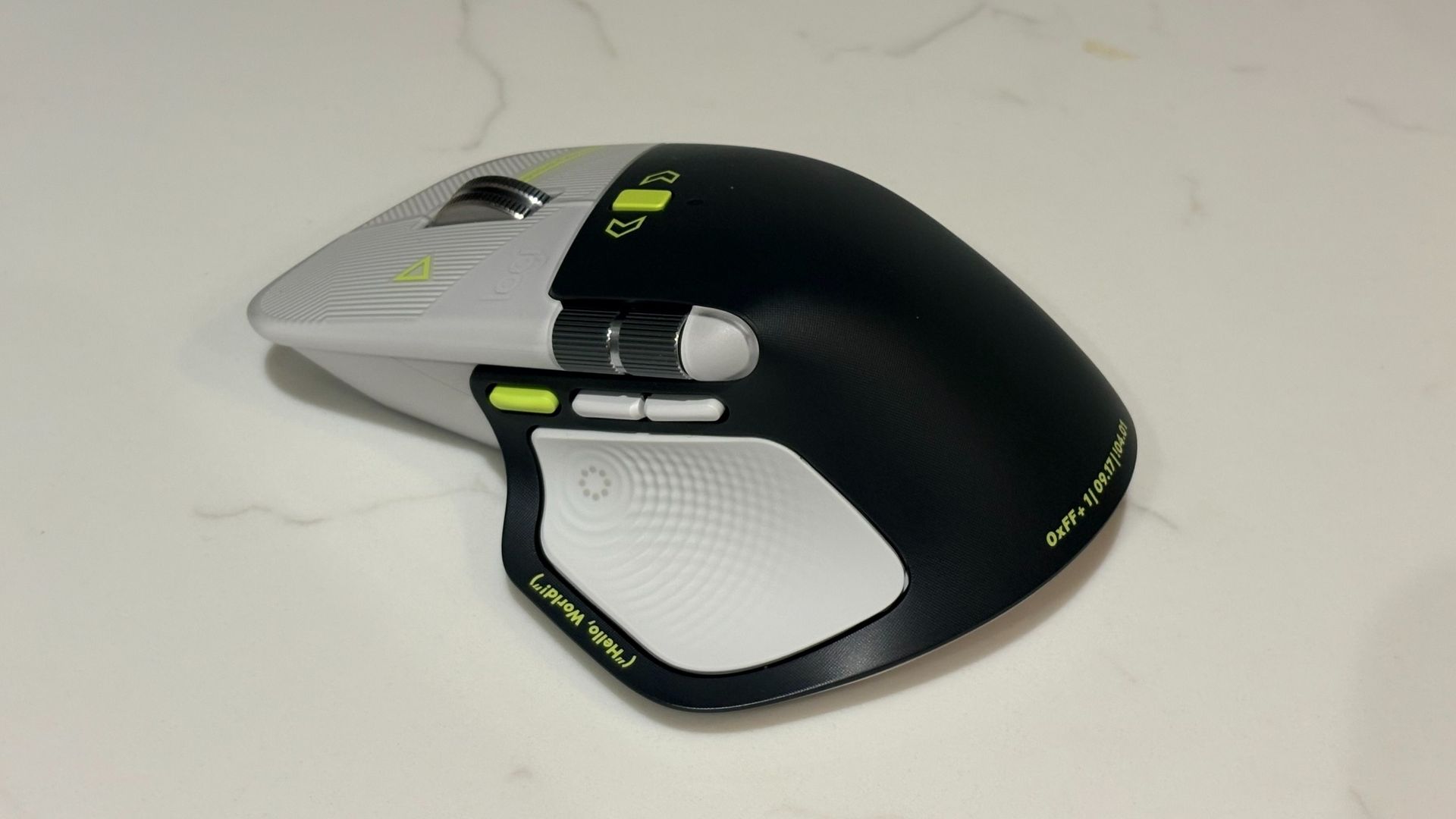
The Logitech MX Master 4 Developer Edition just started shipping, and I have one on my desk to try out. The mouse is an ode to developers covered with Easter eggs and nods to programming.
This mouse is one of the first to support Windows 11 haptics, which lets you feel Windows 11 through subtle physical feedback. That functionality is not exclusive to the developer edition, so you can take advantage of haptics if you prefer to grab the black or white versions of the Logitech MX Master 4.
I've only had the Logitech MX Master 4 Developer Edition for a bit, so I can't judge it fully. So far, the mouse has impressed me throughout full work days.
But one thing has stood out to me so far: this mouse is basically a fidget spinner. Its vertical scroll wheel can toggle between ratchet or smooth scrolling. You can even set the mouse to switch between those modes depending on force.
Your thumb rests just below a horizontal scroll wheel when using the mouse. That is also fun to spin when I'm bored. It also scrolls horizontally, but that's a feature I only use occasionally.
Add in a haptic side panel that buzzes when pressed and displays a ring of shortcuts, and you have a surprisingly great fidget tool for your desk.
Logitech's flagship mouse has a wide range of buttons and wheels that can be customized to different commands, as well as a gesture pad on the side.
Source link