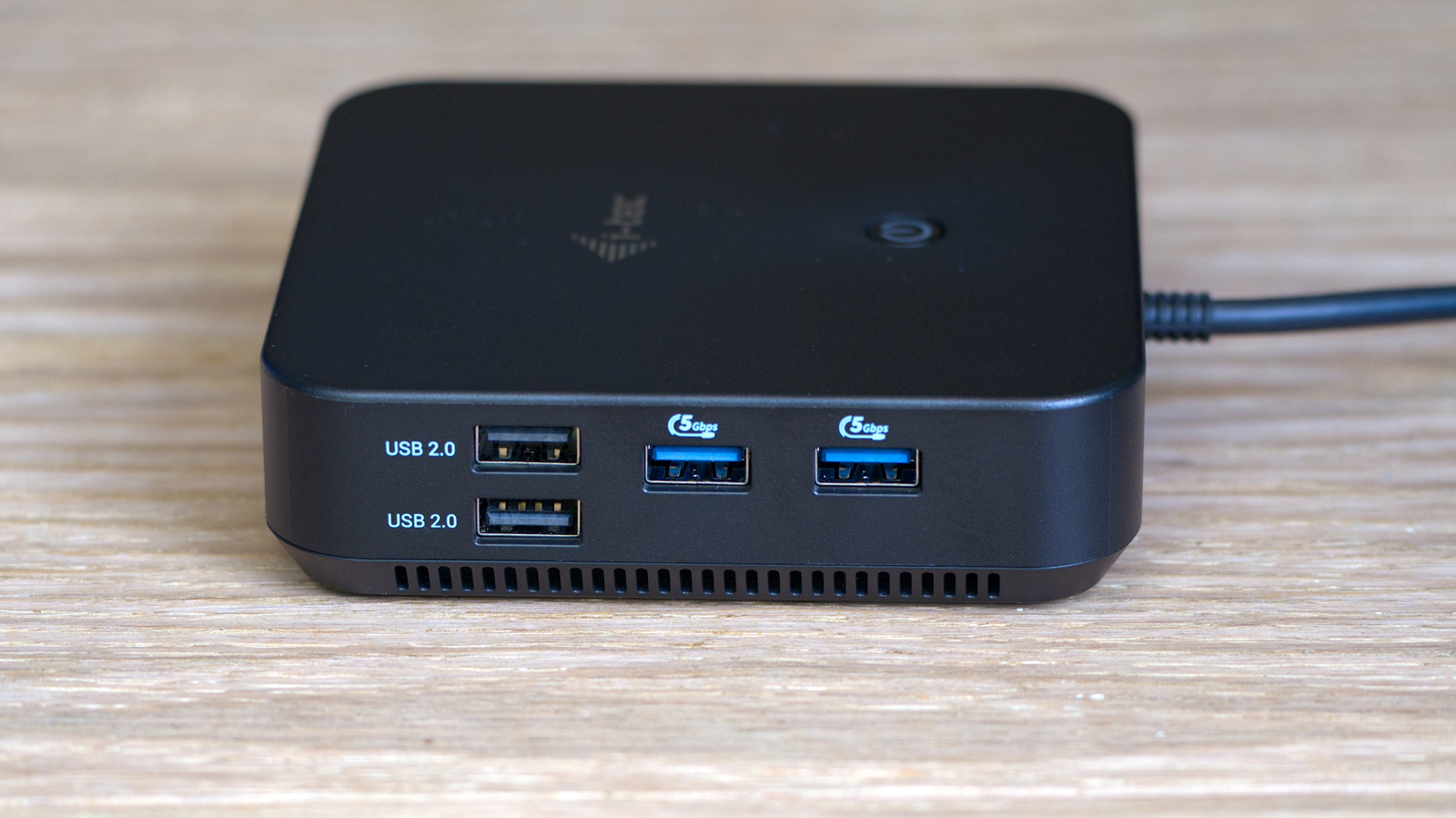
Plus, there are differences between a USB-C hub and a docking station.
Laptops have been getting thinner and lighter from year to year, and they have become so powerful that many people choose a laptop as their main computer. But a thin body means fewer ports, and a desktop setup with a screen, mouse, webcam and keyboard requires a lot of them. If you have a laptop and still want the full desktop experience, a USB-C docking station can be the solution you're looking for.
A USB-C docking station is a box that connects to your laptop through a single USB-C cable and gives it a full set of ports. USB-C docking stations reduce cord clutter, add more ports to your setup and can keep your laptop's own ports from wearing down.
The biggest advantage of a dock is simplicity. One single cable connects the laptop to its peripherals. That means you can come home and plug in all your devices with one plug; you can also grab your laptop on your way out just as quickly. Monitors, a keyboard, a webcam and a charger no longer need to be reconnected every time the laptop comes and goes, and your desk stays tidier because the cables run to the dock instead of the laptop.
A dock can also add ports your laptop doesn't have. Depending on the model, you can get HDMI or DisplayPort outputs for external monitors, more USB ports, an SD card reader and an Ethernet port for a stable wired internet connection.
Source link