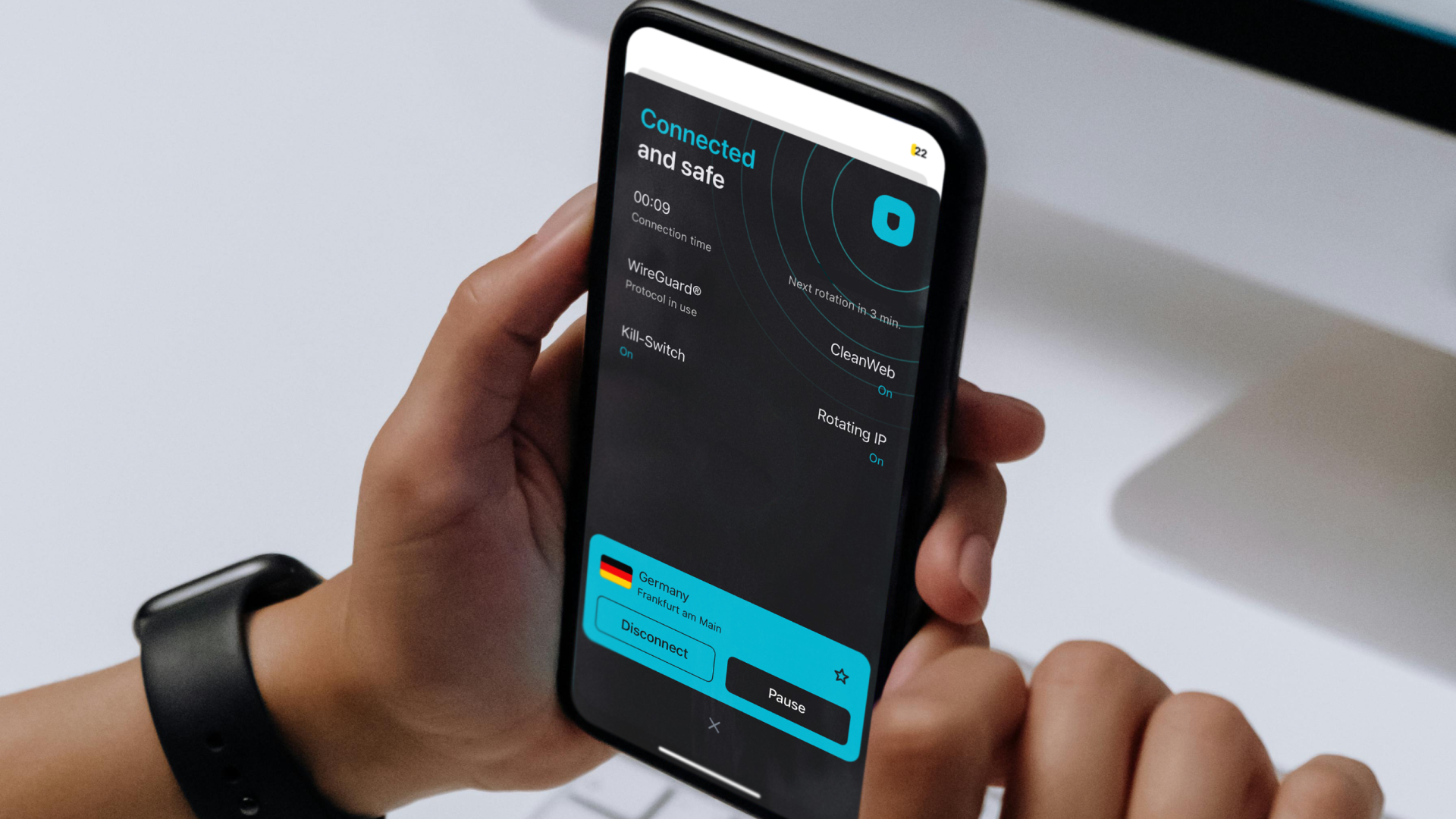
A VPN closes some of the biggest gaps on public Wi-Fi, but not all of them. Here's where Surfshark's protection starts and stops, and how to set it up before your next trip.
Quick Answer: On public Wi-Fi, Surfshark encrypts your traffic so the hotspot operator and other people on the network can’t see what you’re doing, and it hides your IP address. A VPN can’t stop you from opening a phishing link, downloading malware or using a device that’s already compromised, and it can’t protect you on a login page before it connects. Turn on auto-connect and the kill switch so it’s running from the moment you join.
When you’re connecting to the Wi-Fi at the airport or a coffee shop, you’re often rushing in the limited time you have: figuring out which network is the free one, entering your information in a pop-up window or asking someone nearby for the password. So even though these convenient public networks are often safe, it’s easy to fall prey to some common traps that leave your data vulnerable.
Surfshark, a CNET Editors’ Choice Award 2026 VPN, encrypts your traffic on public Wi-Fi so a fake “evil twin” hotspot can’t read it. It can’t make a fake login page safe, though, and it can’t run until you’re past a hotel or airport sign-in page, so your data may be at risk during that short gap.
Here’s how you can use a Surfshark VPN to protect your data the next time you’re on the road.
Source link