
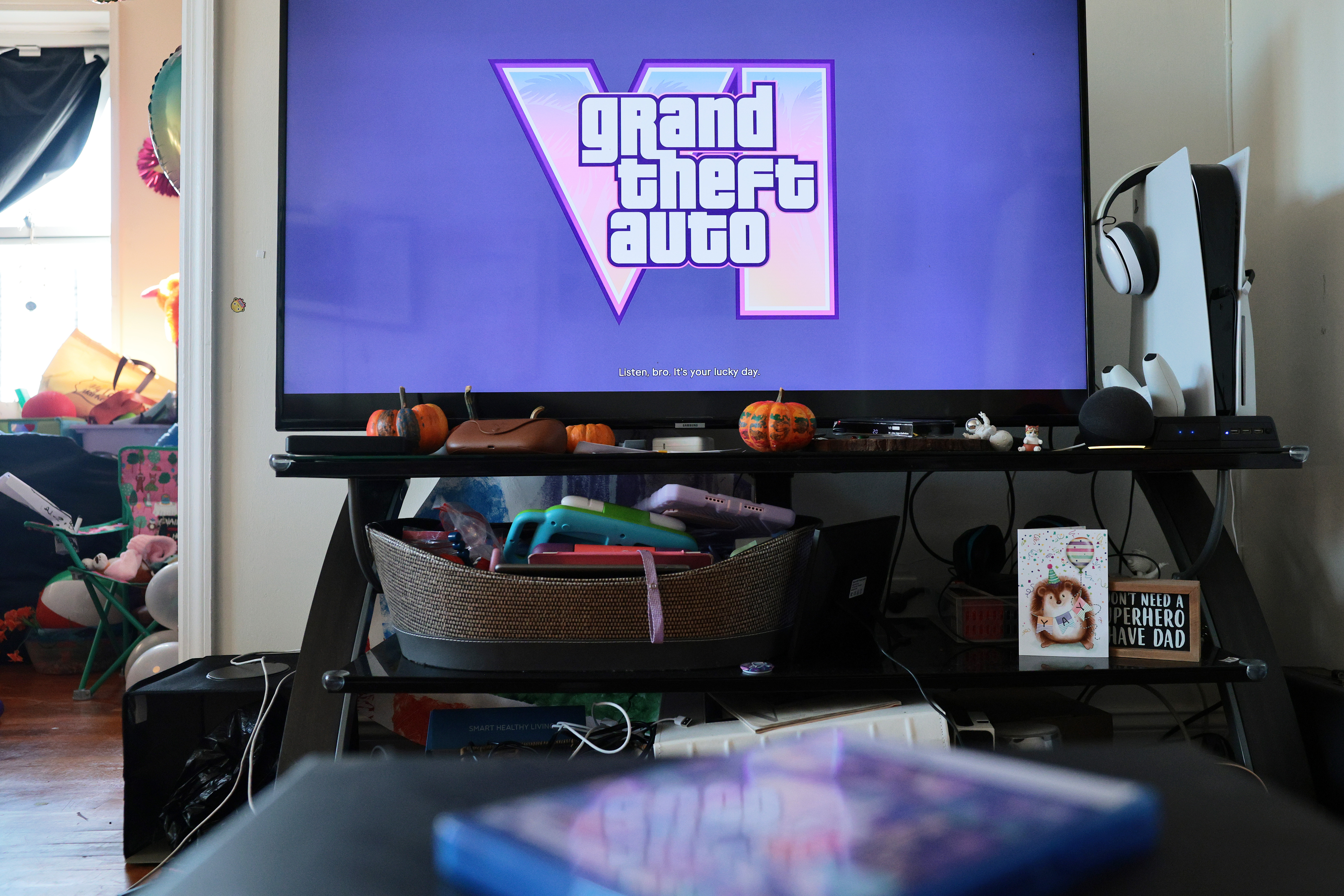
Cardi B, Travis Scott, Dua Lipa, Justice, Lana Del Rey — these are just some of the artists whose music can be heard on dozens of in-game radio stations.
GTA 6's plethora of licensed music has led to some viral moments, like the clip of streamer caseoh rocking out to Ariana Grande in real life while chilling out in a car in the game.
However, as fun as those moments can be, there is a danger to being a livestreamer while playing licensed, copyrighted music during a stream. While Rockstar Games gives permission to online creators to stream and create videos with their own music created for the game, that doesn't extend to licensed music from record labels and artists.
An in-game licensed song playing on your YouTube or Twitch channel can get your content taken down. Creators can also receive copyright strikes, which can result in demonetization or in some cases complete removal of their account.
Thankfully, Rockstar Games has kept streamers and content creators in mind and gave them an easy way to shut off licensed music. Here's how to do it.
Simply pause the game by pressing the option or menu button on your controller.
In the Settings menu, head to the very last tab labeled Audio.
Finally, scroll down to Mute Licensed Music and toggle this option on.
This option will mute all the licensed music in the game and ensure your streams and videos don't get taken down.
There are some things to note.
Source link





