
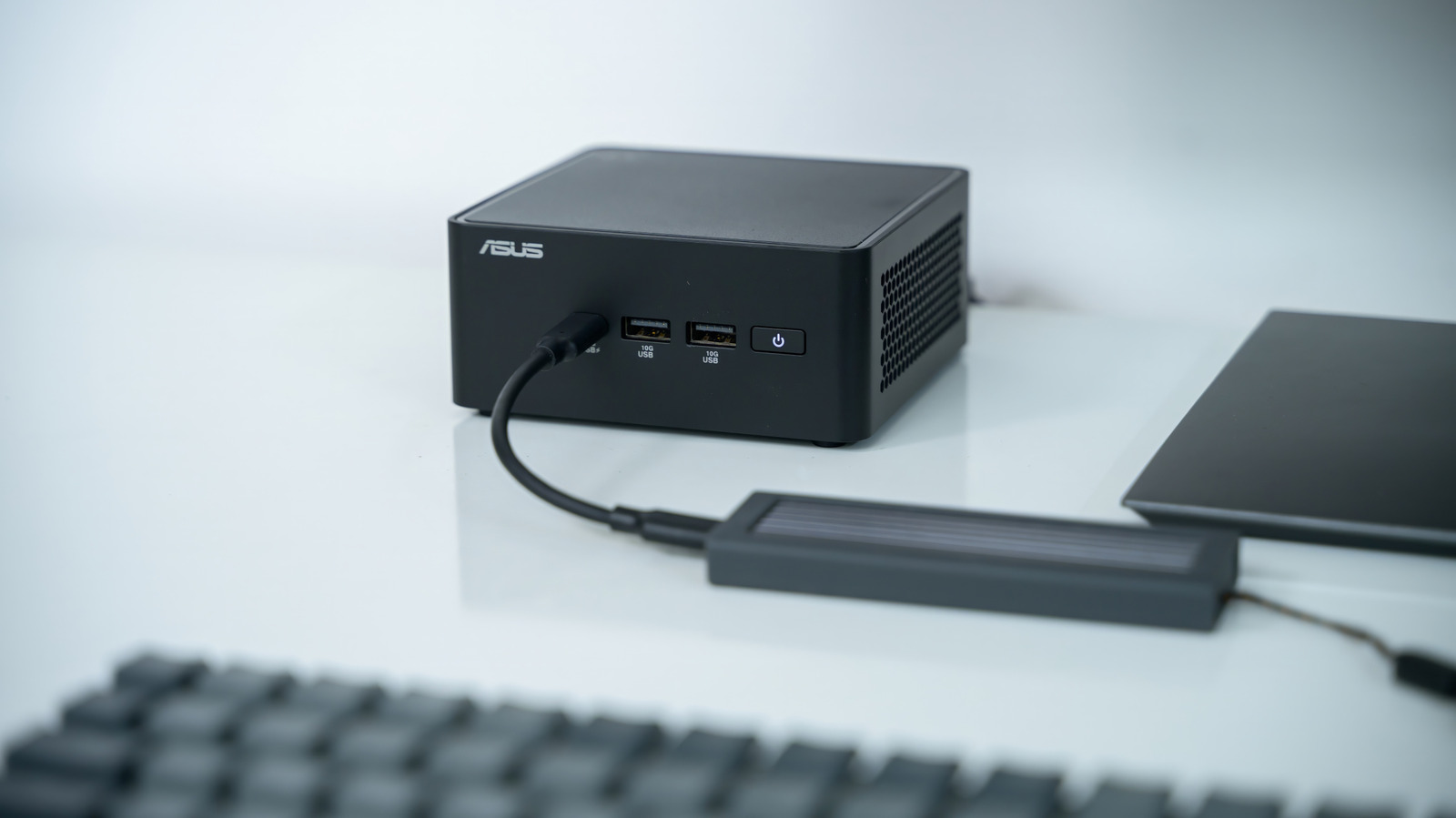
While mini PCs don't offer the performance or expansion capabilities of a full desktop, they make for excellent everyday computers. Their small footprint also makes them ideal for a home server or a media center. In many cases, they use relatively efficient hardware compared to traditional PCs.
In fact, you'll find that many mini PCs actually contain laptop-grade hardware under the hood. The only differences between a mini PC and a laptop are that mini PCs don't contain a battery and have beefier cooling hardware that tends to result in better sustained performance. But unlike a laptop where you can simply close its lid and put it away, a mini PC asks you to choose between sleep, shutdown and sometimes hibernation options when you're done using it. So when should you use the sleep and shutdown modes? In general, sleep is better for short periods, while shutdown allows you to unplug the mini PC.
If you're simply stepping away from your mini PC for a few minutes, putting it to sleep is the best choice as it allows you to resume within seconds. Even with modern SSDs, you'll have to wait a couple of minutes before reaching the desktop if you shut it down completely.
But what about when you're walking away for extended periods of time? I would still personally favor sleep mode, as it allows you to keep your programs open for later. The downside is that the mini PC still draws some power in sleep mode, even if it's considerably less than when the computer is up and running.
Source link





