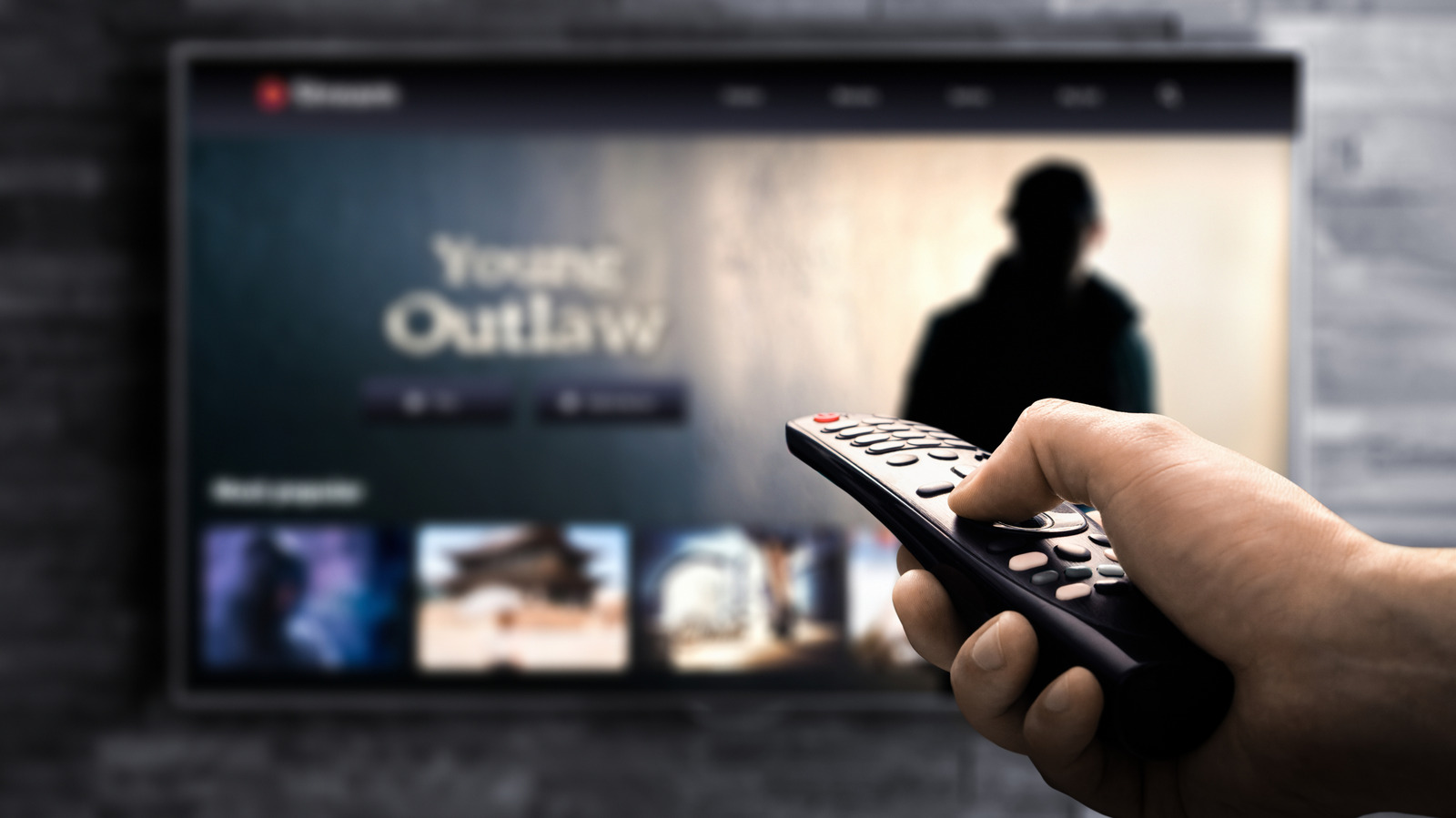
Your TV won't look its best coming out of the box, so some calibrations are in order.
While your 4K TV might look great as-is, you won't get the best picture quality from it out of the box. Modern TVs are often optimized to look good on a showroom floor rather than your living room, using features that not only distort picture quality but can also cause unnecessary eye strain.
Even once you've turned off the most disruptive features, spending just a few minutes calibrating your TV's display pays major dividends to the overall image quality. You don't need a professional calibration tool to make visible improvements. Many TVs now have support for Dolby Vision, HDR10+ and other picture enhancements. Making sure those modes kick in when you play supported content can massively improve the viewing experience.
Your TV likely has a number of picture modes: vivid, gaming, sports and so on. These are bundled settings presets that adjust various levels for different types of content. For instance, gaming modes optimize the settings for low latency, while vivid modes crank up the brightness, saturation, sharpness and contrast for the most eye-popping image (though not the most accurate one).
The one you should look for first is "movie" or "filmmaker" mode. These save you time by turning off the most obnoxious visual settings like motion smoothing, as well as other post-processing and sharpness features. Those features may be suitable for watching sports, but are best avoided when watching movies and shows as they create strange visual artifacts.
Source link