
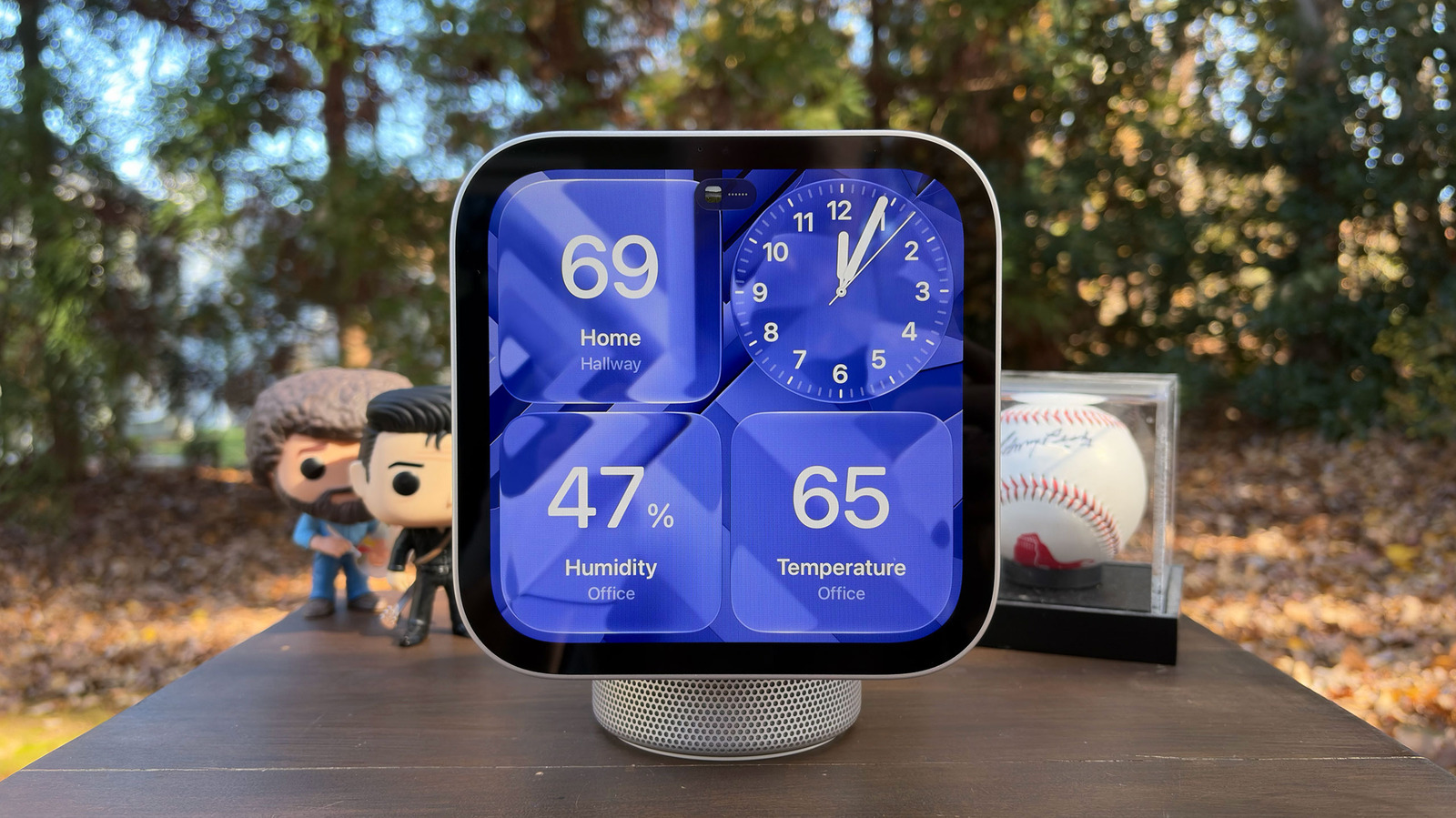
Apple HomeView has arrived, and to set up the smart display, you'll have to use your iPhone or iPad. Unlike other companies' smart displays, the HomeView doesn't run its own apps; it merely mirrors the compatible ones you have on your phone or tablet. It's similar to CarPlay in that regard.
Some of those apps are part of Apple's own core suite, including Calendar, Messages, Reminders and Weather. However, the HomeView will not actually host or have access to your personal information. It will only show things like texts and calendar reminders if it can verify your identity through your face and if your paired iPhone or iPad is nearby. The idea is for all members of your household to be able to use the HomeView without compromising anybody's privacy.
The good news is that pairing it with an iPhone or an iPad is fairly easy. To start with, your iPhone must be running the recently released iOS 27.2, while your iPad must be running iPadOS 27.2. In addition, to be able to make the most of HomeView, you'll have to be comfortable running Apple Intelligence. It's always listening to your Siri queries, and you'll need to use Siri AI, the next-generation version of the assistant powered by Apple Intelligence, to get more useful and conversational responses.
The process of pairing and iPhone or iPad to a HomeView device is simple. You just have to hold your phone or tablet near the smart display that's powered on. You'll then see a card pop up, similar to a new set of AirPods or other Apple devices.
Source link





