
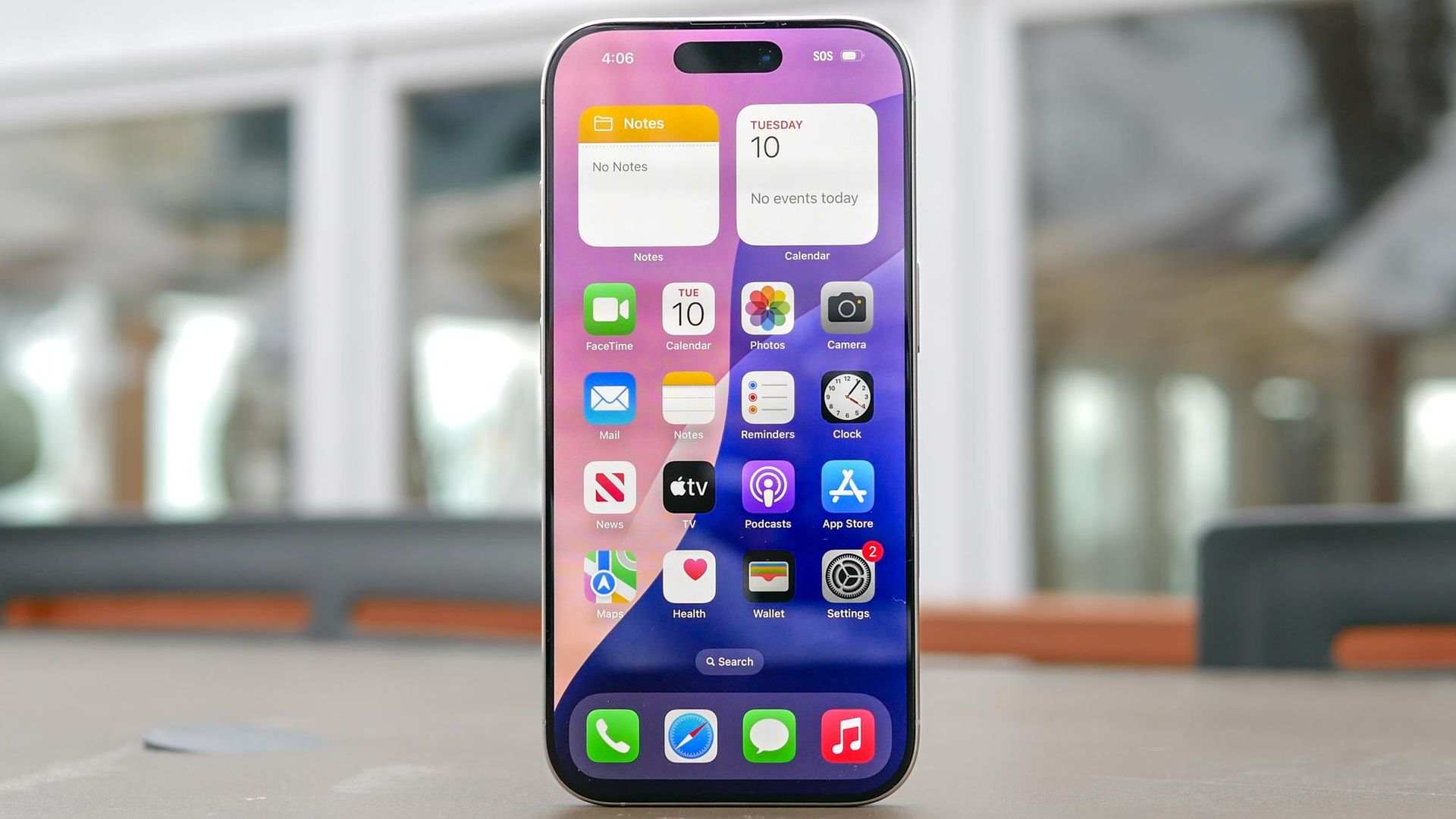
Most of the conversation around iOS 27 was centered on Apple’s upgraded, AI-powered Siri, which brings deeper on-screen awareness and smarter multi-step actions. The catch is that Apple Intelligence requires an iPhone 15 Pro or newer, leaving anyone holding onto an older compatible handset locked out of the headline feature.
If you have been putting off the update assuming there is nothing in it for older hardware, it is worth reconsidering. Beneath the AI marketing, Apple rolled out several high-impact security, camera, and interface upgrades that run without Apple Intelligence — and these three additions make a meaningful difference in daily use.
Scammers frequently rely on high-pressure calls and spoofed texts to trick you into wiring funds or surrendering credentials. Introduced in iOS 27, Impersonation Risk Detection serves as Apple’s built-in defense against this social engineering, and it works without requiring Apple Intelligence.
To activate it, open Settings, tap Privacy & Security, scroll down and select Impersonation Risk Detection, then toggle it on.
The system monitors on-device interaction patterns and behavioral cues during high-stakes actions without reading your personal messages, emails, or photos. If you attempt a large transfer or sensitive account change under signs of coercion, your iPhone flags the event and directs supported banking apps to require secondary verification before funds can leave your account.
Over the last few iOS updates, Apple has tucked more manual toggles behind the Camera app’s six-dot menu, adding extra taps whenever you want to tweak exposure, aspect ratio, or timer settings before taking a shot.
Source link





