
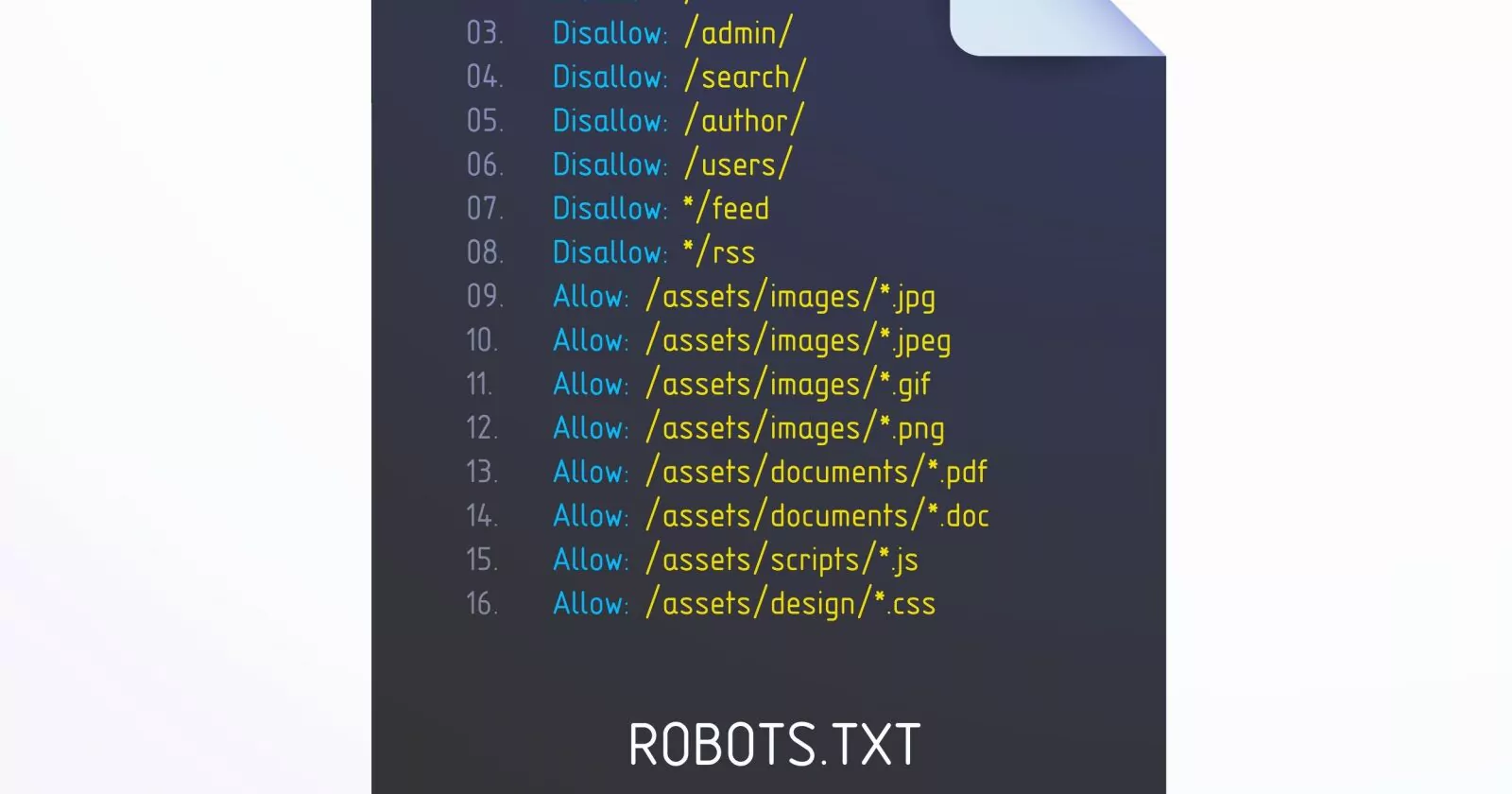
Learn how to use your robots.txt to fix crawl and indexing mistakes, and manage AI training bots, search crawlers, and user-requested website visits.
The robots.txt file has always been an essential tool for managing crawler access to a website. With AI search tools and agents now visiting websites alongside traditional crawlers, you need to know which rules each one follows.
But, blocking the wrong bot can exclude your content from LLMs or SERPs, while leaving unnecessary URLs open can waste crawl budget on large sites. So, you need to know what you are doing.
This guide will help you understand how robots.txt rules work so you can avoid common robots.txt mistakes, keep useful content accessible, but at the same time limit unnecessary crawling.
The robots.txt is a simple text file that sits in the root directory of your site and tells crawlers what should be crawled.
The table below provides a quick reference to the key robots.txt directives.
This 2024 screenshot shows an example of robots.txt from ikea.com with multiple rules.
Note that robots.txt doesn’t support full regular expressions and only has two wildcards:
Also, note that URL path matching is case-sensitive, e.g., “filter=” is not equal to “Filter=.” The directive names and user-agent matching are case-insensitive.
When setting up a robots.txt file, it’s important to know the order in which search engines decide which rules to apply in case of conflicting rules.
When you write a separate set of rules for a bot, it follows those rules instead of the rules under User-agent: * .
Source link





