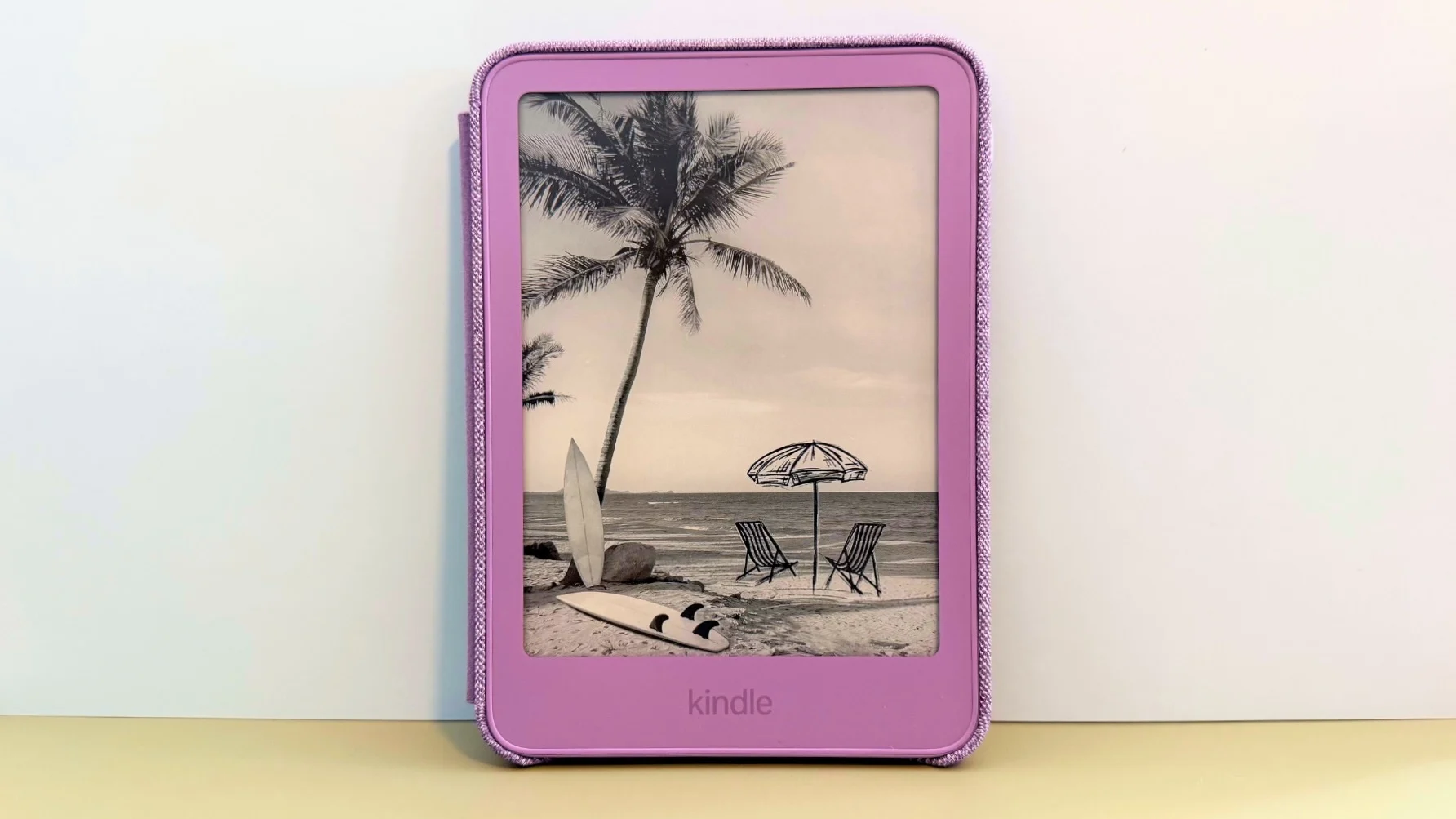
Buying a Kindle with lockscreen ads is a hotly debated topic on the Mashable shopping team. To be clear, none of us are pro-ad, but we are pro-saving money. Kindles without lockscreen ads cost $20 more than those with ads, and these days, we're all looking to save money where we can.
But if you buy a Kindle e-reader with lockscreen ads, you're not stuck with them. Perhaps you just bought a Kindle, or maybe you've had one for years; either way, it's not too late to free yourself from the lockscreen of capitalism. Unfortunately, it will mean spending $20, but it's a worthy investment.
Log into your Amazon account and under the 'Account' tab, navigate to the device tab and pick your device.
After you find your device listing, click on it and find the special offers section.
You can unsubscribe from ads by clicking 'remove offers'. You will then pay a one time fee of $20 to remove ads.
Lockscreen ads will be removed immediately as long as it's connected to WiFi. Either restart or hit the 'Sync' button on your Kindle if ads are still appearing.
Source link