Tech > Services & Software > Operating Systems > Mobile OS > Android
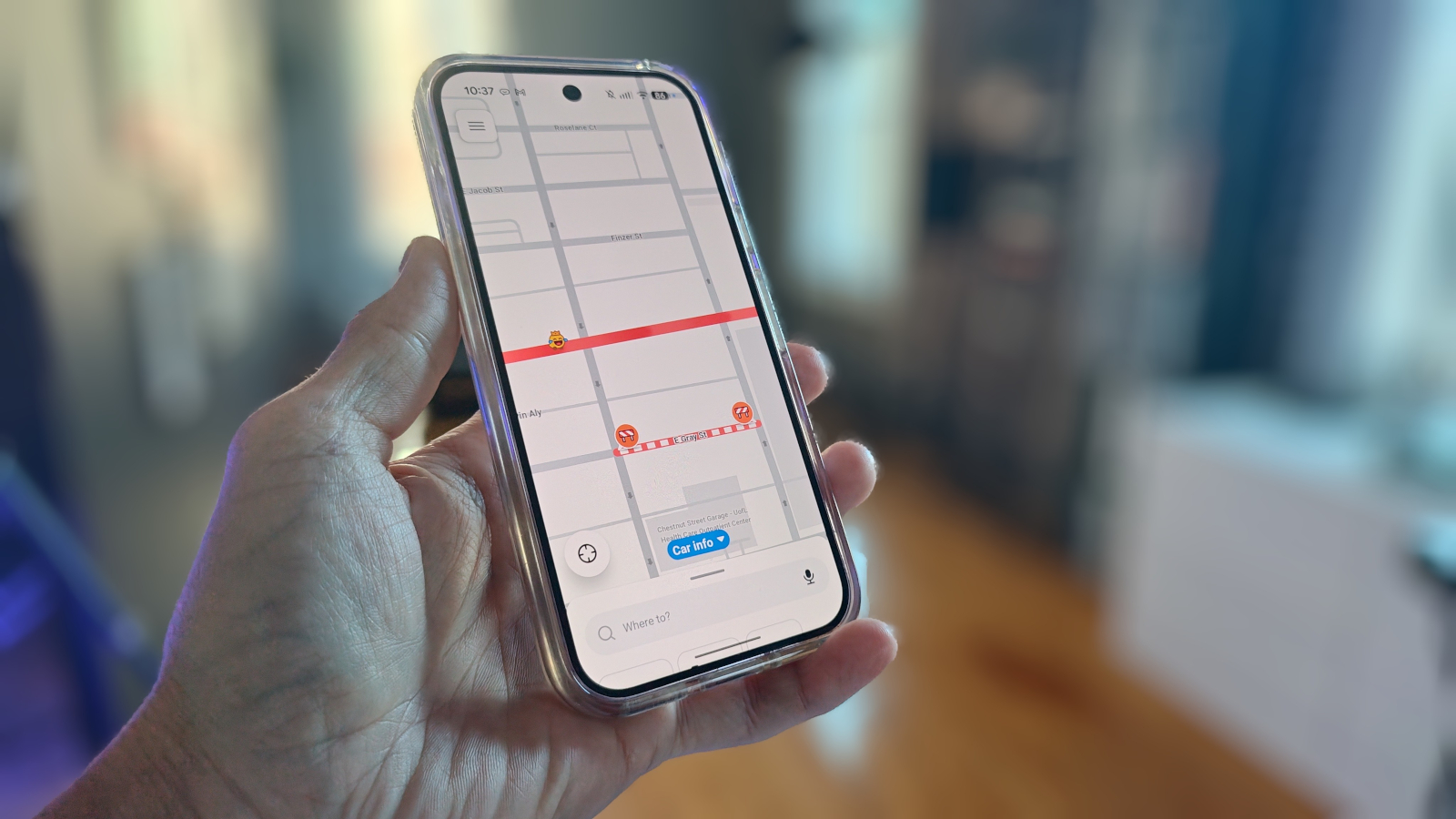
If you're tired of Google Maps failing to get you where you need to go, set Waze as the default on your Pixel. I've finally figured out how.
Over the weekend, I found myself saying, “I’ve had it with you, Google Maps!” It was a straw-that-broke-the-camel’s-back situation: The app wasn’t working as expected, failing to start navigation, and the ever-growing klunkiness of the interface was really getting to me.
Also: Got an old car? Android Auto is easy to add: 2 ways, starting at $20
There were other issues that involved a lake’s name, but we won’t get into that. After that proverbial final straw fell, I immediately installed Waze on my Pixel 9 Pro. I’d used Waze before on previous Pixel phones, but for whatever reason, I stopped. Now, I was determined to make it my default mapping app.
In its infinite wisdom, Google decided it wasn’t going to allow users to easily set a different app as the default mapping tool on the Pixel. It used to be very easy: install the new app, navigate to default apps, and set it as such. That’s no longer the case after the August Android update. Go to Default apps, and you won’t even find a way to set a different mapping app as your default.
Also: I was a big wireless Android Auto fan, until I tried wired – now I won’t go back
Sure, you could locate Waze on the default page and then choose how to open web links for the app, but that doesn’t really do anything to make it your default because it still doesn’t allow apps like Calendar to open it by default.
Source link