
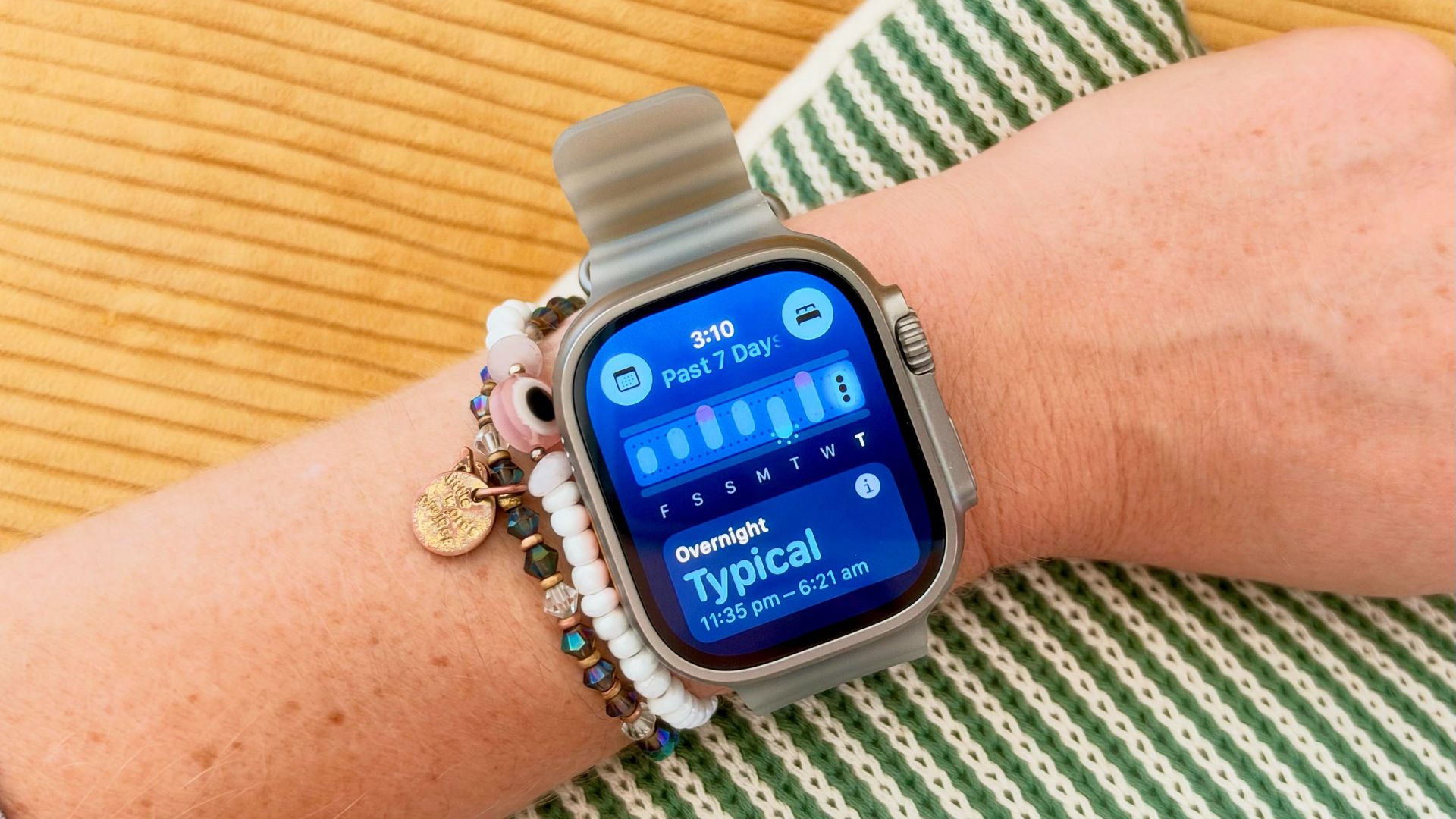
Despite writing about fitness tech for a living, I’m always surprised when devices strapped to my pulse points spot things before I do. A few years ago, I wrote how my Oura Ring spotted I was pregnant weeks before I did a test; this week, the Apple Watch Vitals app knew my toddler had passed on his germs before I felt the rumblings of a cold.
Impressive, I know, but if you’re new to Apple Watch, you might not know a few tweaks can help you get the most out of the Vitals app. This applies to all Apple Watches, not just the Apple Watch Series 12 and Apple Watch Ultra 4, which have the new Readiness and Daytime Vitals functionalities.
Let’s start by taking a look at what you’ll see when you open the Vitals app. When you open the Vitals app on your Apple Watch, you’ll be able to use your digital crown to scroll through the metrics: heart rate, respiratory rate, wrist temperature, and blood oxygen. If you’re wearing an Apple Watch 12 or Apple Watch Ultra 4, you can also see recovery HRV.
You can tap into each metric to learn more, but if there are any outliers, they’ll immediately be in purple, and your watch will give you a breakdown of what might be causing the change.
This week, my overnight vitals told me my resting heart rate and respiratory rate were slightly off — signs that my body was under increased strain. A few days later, I developed a head cold.
Source link





