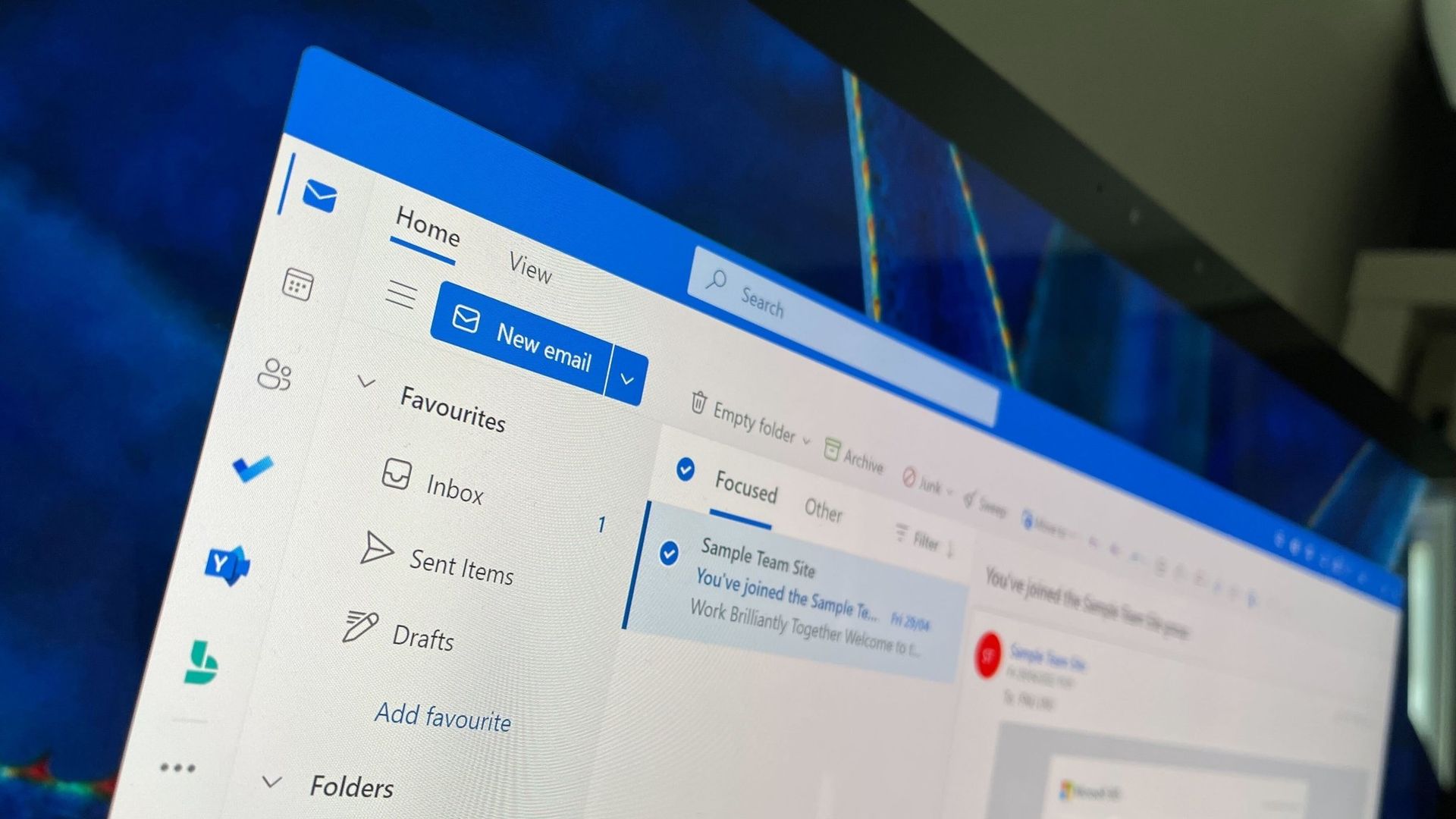
Searching for a specific email in Outlook can prove challenging. Outlook search can sometimes return irrelevant results while missing the exact email you need. Microsoft is looking to improve that frustrating experience with a revamped search.
The new search has a feature that genuinely removes the most frustrating part of Outlook for me. That phrase is thrown around a lot online and is often clickbait, but I mean it here emphatically.
Outlook now handles stop words better. Those words, such as "the," "and," and "is," often clog search results with irrelevant emails. I can't tell you how many times those tiny words have led to terrible searches that made me fish through the results that appear chronologically.
Microsoft's example from a blog post shows how drastically different the results are when searching "the FY27 budget" using the old Outlook search versus the new one.
The improvements highlighted by Microsoft center around ranking emails better. Microsoft focused on three areas when building the new search tool in Outlook: better ranking, improved performance when connectivity is poor, and a tighter feedback loop.
When you search for an email within Outlook, you will see seven ranked results rather than three. Those emails are ranked based on recency, sender, how much the message has been interacted with, and other factors. Expanding the number of ranked messages presented should show users more relevant emails while also helping Microsoft improve its ranking systems over time.
The new ranking layout is available across several versions of Outlook, including the new and Classic versions.
Source link