
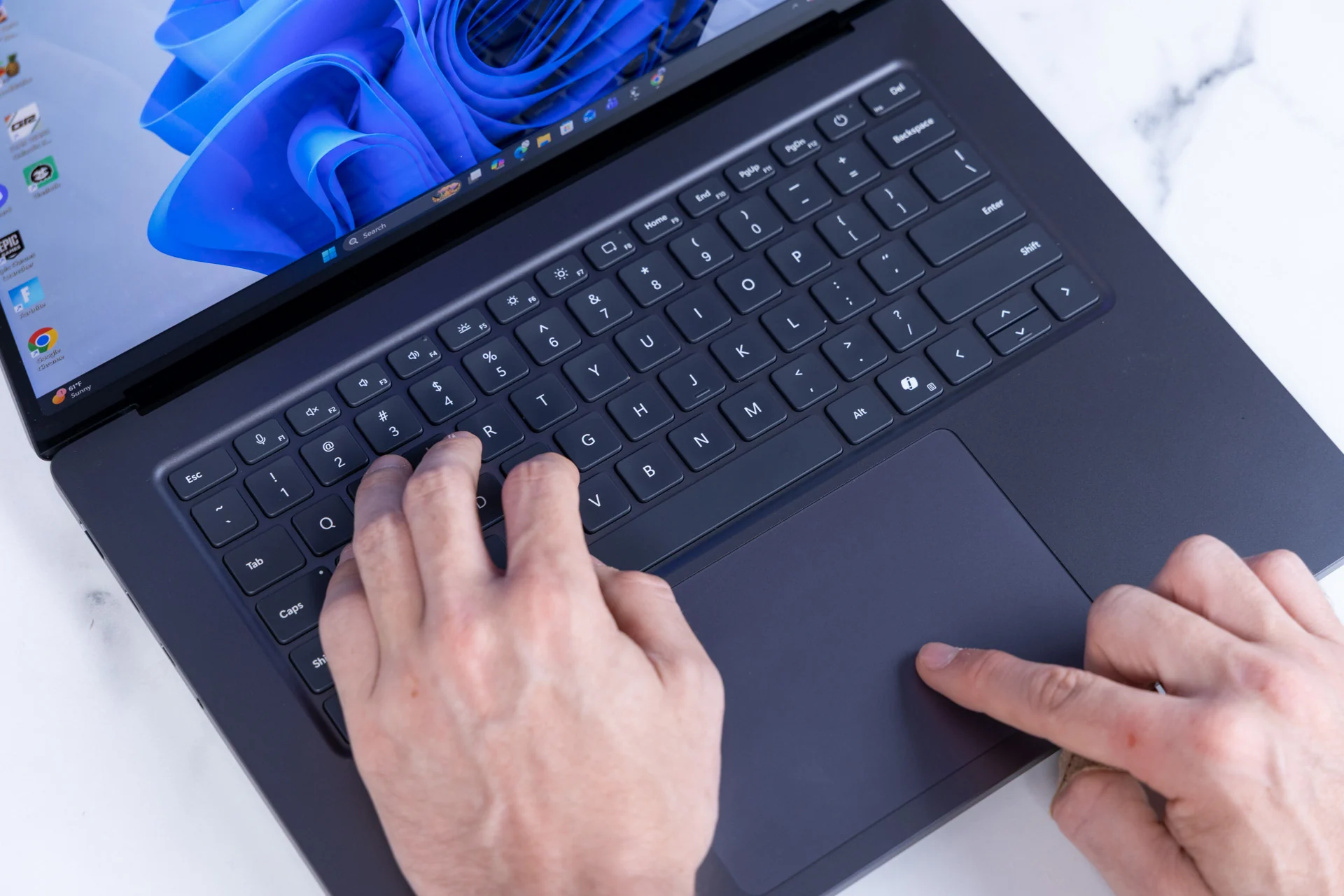
It’s been so long since I used Windows regularly that I forgot about Sticky Keys. Or, more accurately, I forgot about how every time I pressed Shift five times in a row, a dialog popped up to let me know I had activated the feature. Not once in my life have I done that on purpose, and disabling it has always been a bit of a pain. If this bothers you as much as it does me, I bring good news, friends: it seems Windows 11 is getting a simple checkbox to get rid of it, as spotted by Neowin (via XDA-Developers).
In a recent Windows 11 Insider Beta Preview Build, the Sticky Keys activation dialog box now has a simple checkbox labeled “Never turn on Sticky Keys with this shortcut.” Tick that box, and you are forever released from the tyranny of this pop-up. In the before times, disabling the Shift-key shortcut for this feature required clicking a link in the dialog box itself, which took you to a settings page with a toggle for disabling it.
I’m not here to throw shade at Sticky Keys, a helpful accessibility feature that lets those who need it use multiple modifier keys for a shortcut without actually holding them all down at once. With the feature on, you could, for instance, open the Task Manager by pressing Ctrl, then Shift, then Esc, instead of pressing them simultaneously. That’s a laudable feature, but its dialog box can feel like a rude interruption for those who don’t rely on it.
Source link





