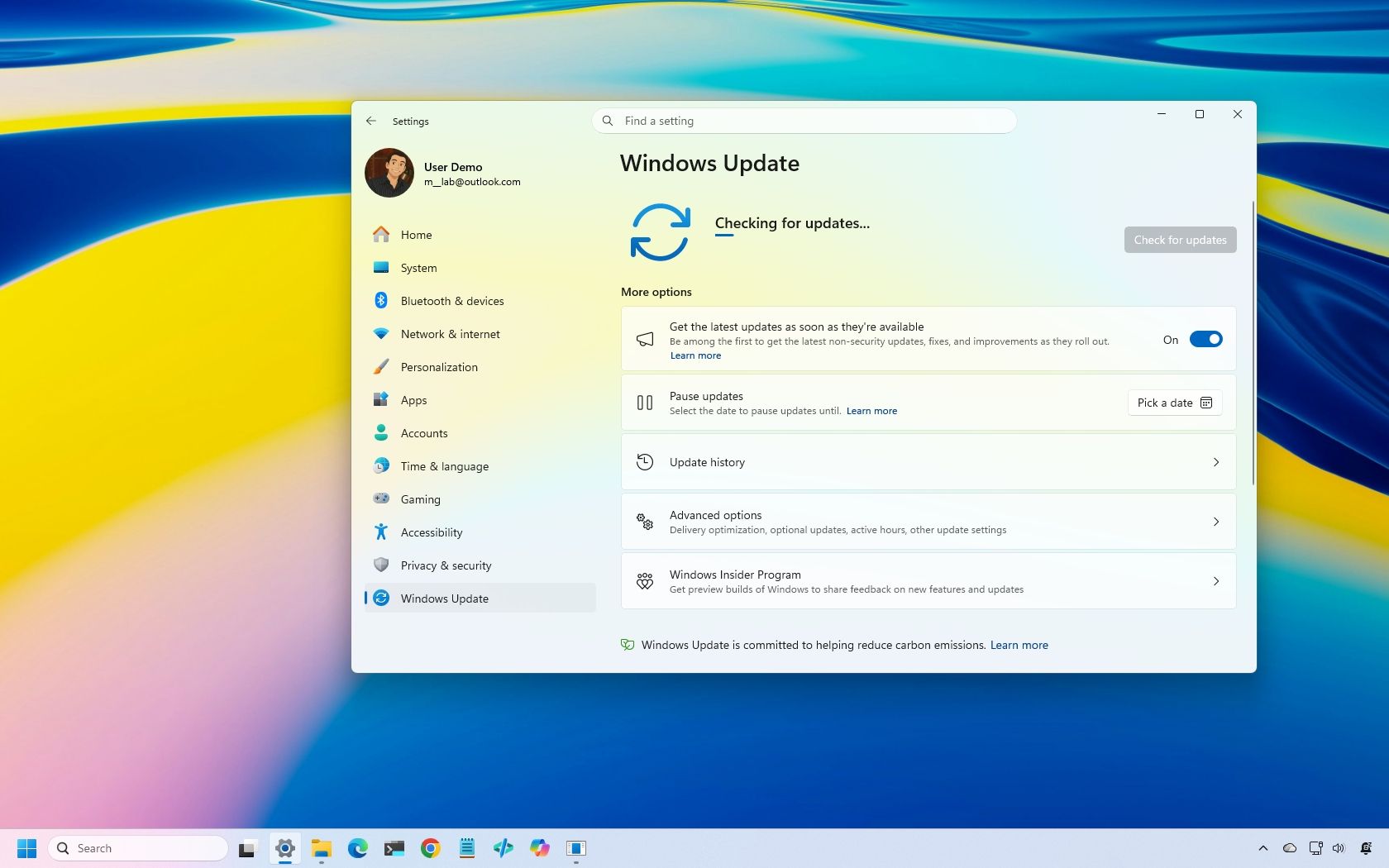
On October 13, 2026, Microsoft made available its latest cumulative update (KB5127648) for Windows 11 with several new improvements, including an option to always launch apps maximized, the ability to remap the Copilot key with new options, a new "Tips" widget, and additional touchpad controls. However, the update also includes a smaller set of improvements that may have gone unnoticed.
While this month's features have already received plenty of attention, some less prominent changes could still make a difference. The October update improves Bluetooth reliability, fixes mouse stuttering in some games, restores fingerprint sign-in on affected devices, and addresses printing and Always On VPN connection issues.
Here are six improvements and fixes worth knowing about after installing the October 2026 Security Update for Windows 11.
This monthly update includes eight Bluetooth improvements designed to make connecting to and using Bluetooth devices more reliable.
During voice calls, the system now shows the volume flyout when you adjust the volume using the controls on a compatible Bluetooth Classic Audio accessory, giving you visual feedback on the new volume level.
The update also improves how the operating system reports the connection status of disconnected Bluetooth accessories. It fixes an issue where the Bluetooth radio could be turned off even though its toggle in the Bluetooth and devices page in Settings still appeared to be on. Microsoft has also improved the stability of this Settings page when managing Bluetooth and audio devices.
For audio, the update improves microphone compatibility with certain Bluetooth Classic Audio accessories and makes shared audio more reliable.
Source link