The Xbox Nano's worst-kept secret is finally out in the open, and Xbox Cloud Gaming is more accessible than ever.
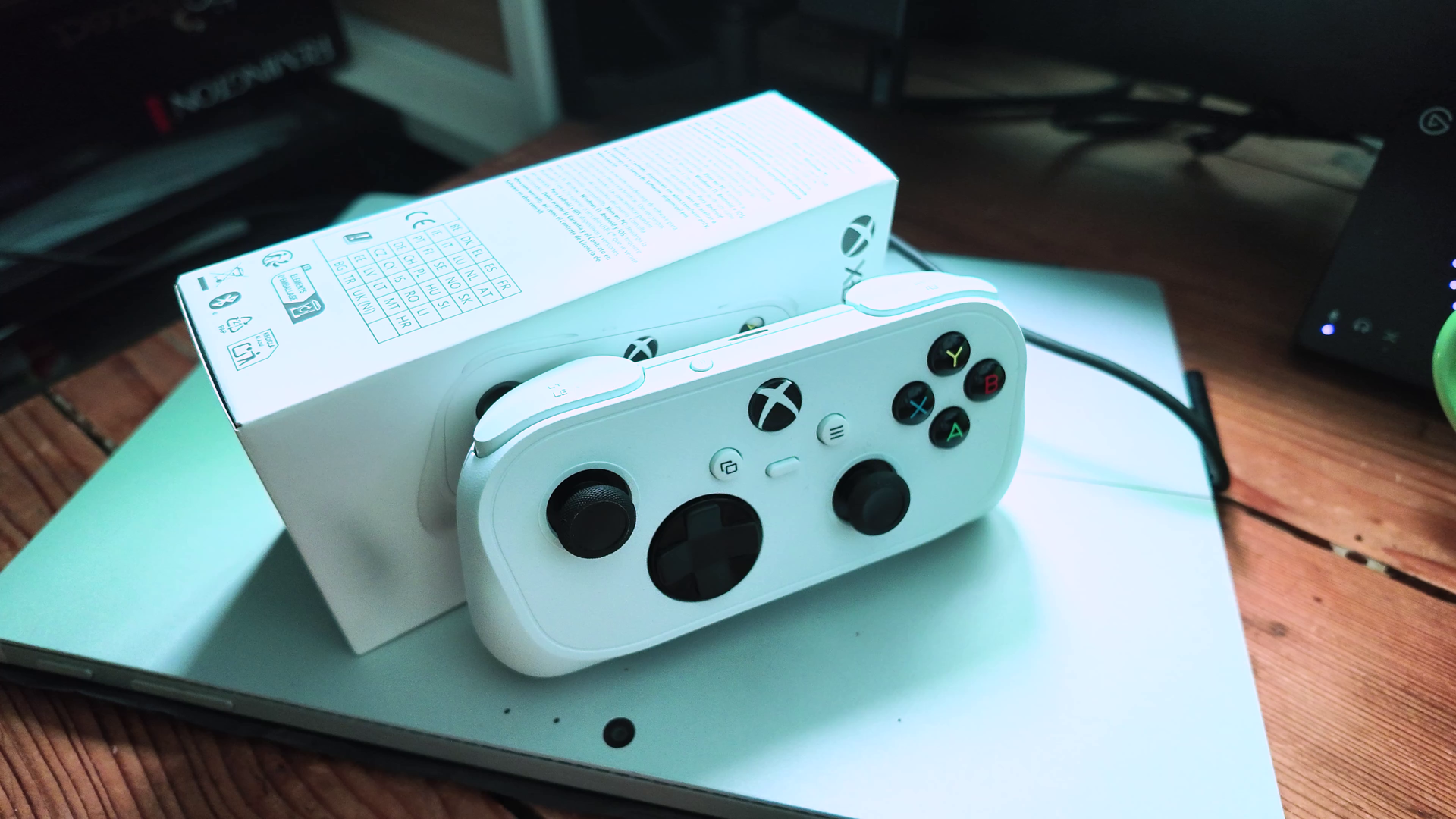
We’ve been following the ultra-portable Xbox Nano Controller since its initial reveal, and while its pocket-friendly, SNES-inspired design has been the main talking point, we were pretty bemused by the lack of Wi-Fi capabilities. However, as the controller landed in reviewers hands, it turned out there was indeed Direct to Wifi connection included but Microsoft had kept it a secret for some unknown reason. Today, Xbox officially revealed the news officially. The much-anticipated direct Wi-Fi connection feature, officially dubbed "Cloud Connect", is rolling out in preview.
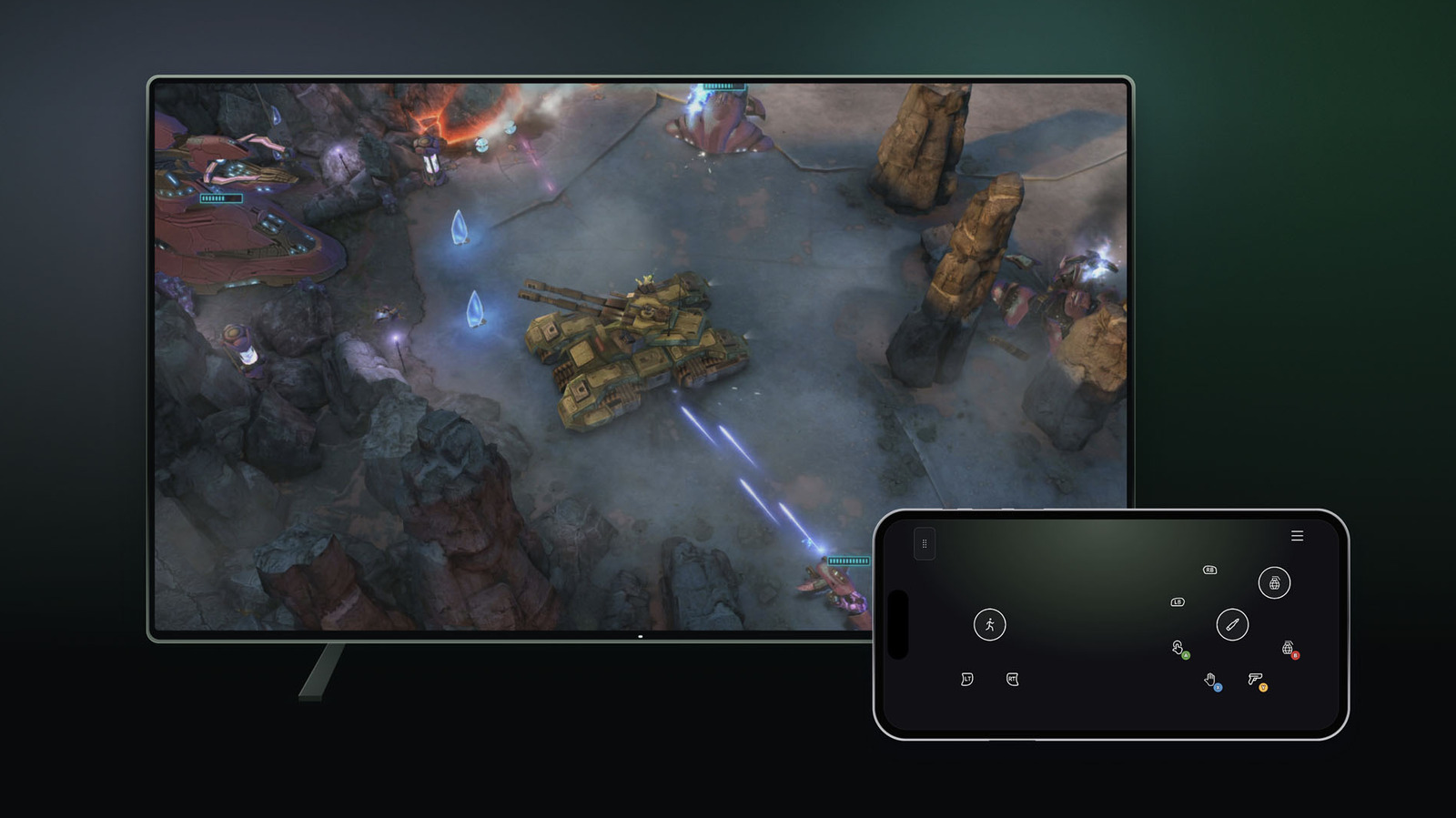
But the real surprise reveal lies in the rest of the announcement. Xbox have also announced a brand-new feature that lets you use your smartphone as a virtual controller for Xbox Cloud Gaming on supported Smart TVs. This will truly open Cloud Gaming up wide to loads of people who want to try it out.
Here is everything you need to know about the new updates and how to test them out.
If you caught our preview of the Xbox Nano Controller, you already knew this was coming. Up until now, playing Xbox Cloud Gaming on a TV or web browser meant connecting your controller via Bluetooth. While functional, Bluetooth does introduce an extra layer of input latency before your command even begins its journey to the cloud servers.
Cloud Connect bypasses that entirely. By using a direct Wi-Fi connection from the Xbox Nano Controller straight to Microsoft’s cloud servers, input latency is significantly reduced, making gameplay feel noticeably more responsive.
Source link