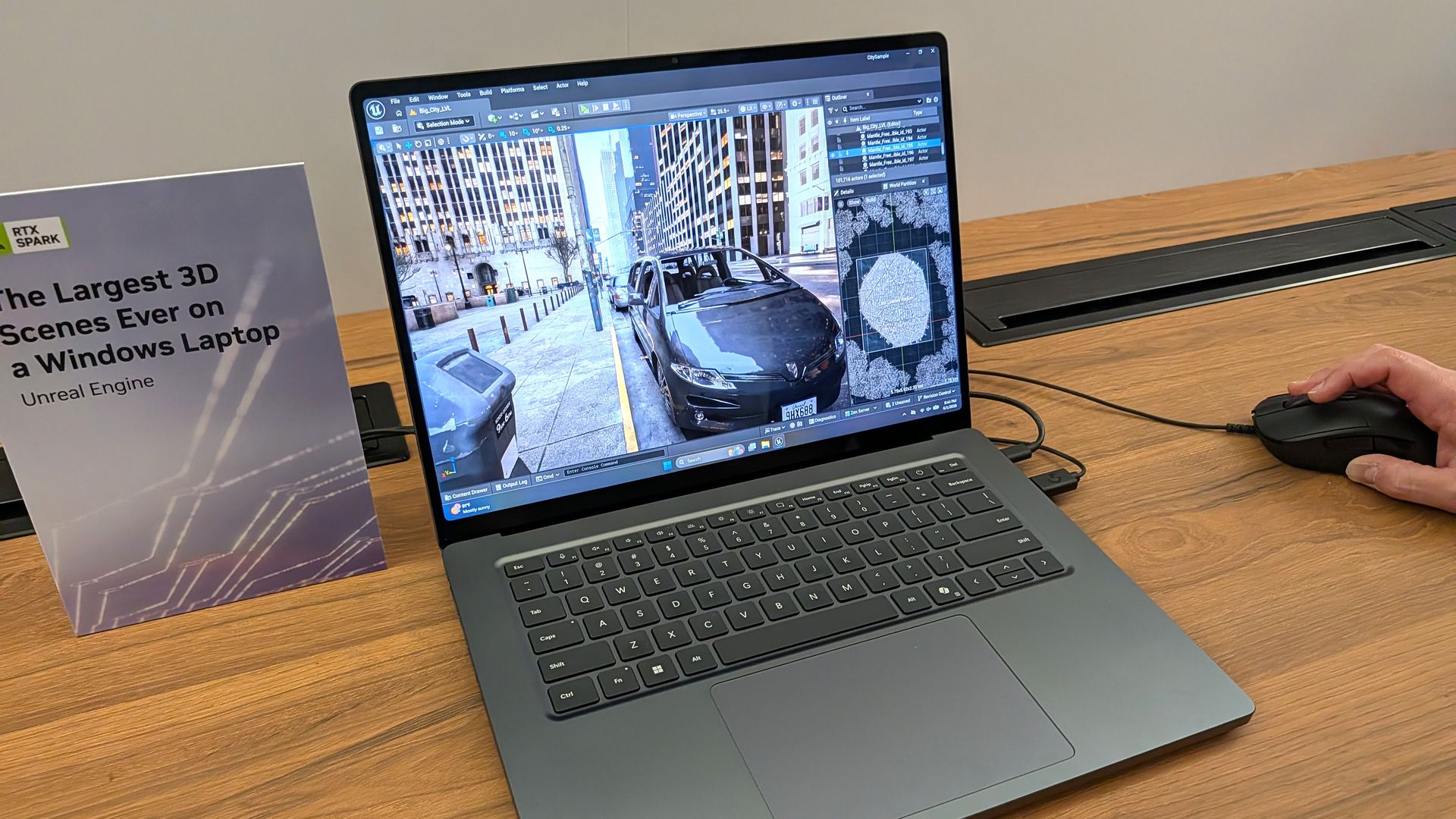
Does the Mini LED display on Surface Laptop Ultra support local dimming? Many reviewers have noted the Mini LED display on Laptop Ultra is somewhat underwhelming, with ghosting issues and poor color contrast (albeit with great color accuracy) compared to other Mini LED screens on the market, and especially OLEDs.
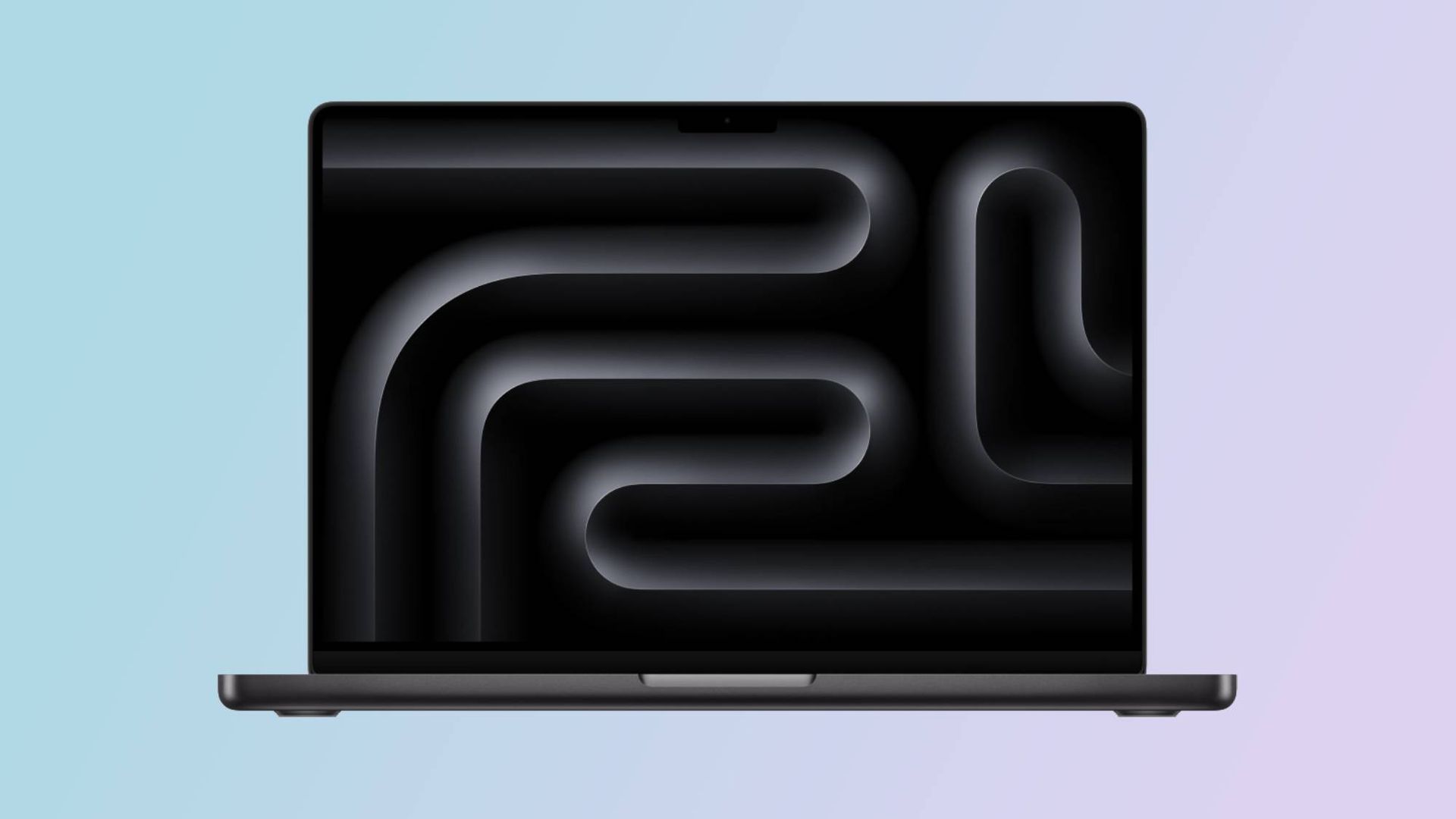
I said in my Surface Laptop Ultra review that its display features 1,344 local dimming zones, which is significantly lower than the dimming zones you'll find on a MacBook Pro with the same display tech. That results in a lot more ghosting and blooming, which can make the display feel stuttery and not smooth at times.
Notebookcheck's review claimed the Surface Laptop Ultra's display doesn't feature any local dimming at all, which naturally caused a bit of an uproar online. So, what's the truth? Does the display support local dimming or not?
I reached out to Microsoft again to see if it could clarify how the display works. The company told me that Surface Laptop Ultra does feature local dimming by default, with 5,400 LEDs across 1,344 dimming zones.
Much like any other Mini LED display, these zones adjust backlight brightness based on the content in that area. If a bright window is being displayed on a black background, the dark areas of the screen will be dimmed.
This behavior is what causes the ghosting and blooming effect on Surface Laptop Ultra, and is a side effect of Mini LEDs, especially ones with a low local dimming zone count.
Source link