Turn on the Surveillance option and you'll see tiny eyeballs on the map marking the cameras' locations.
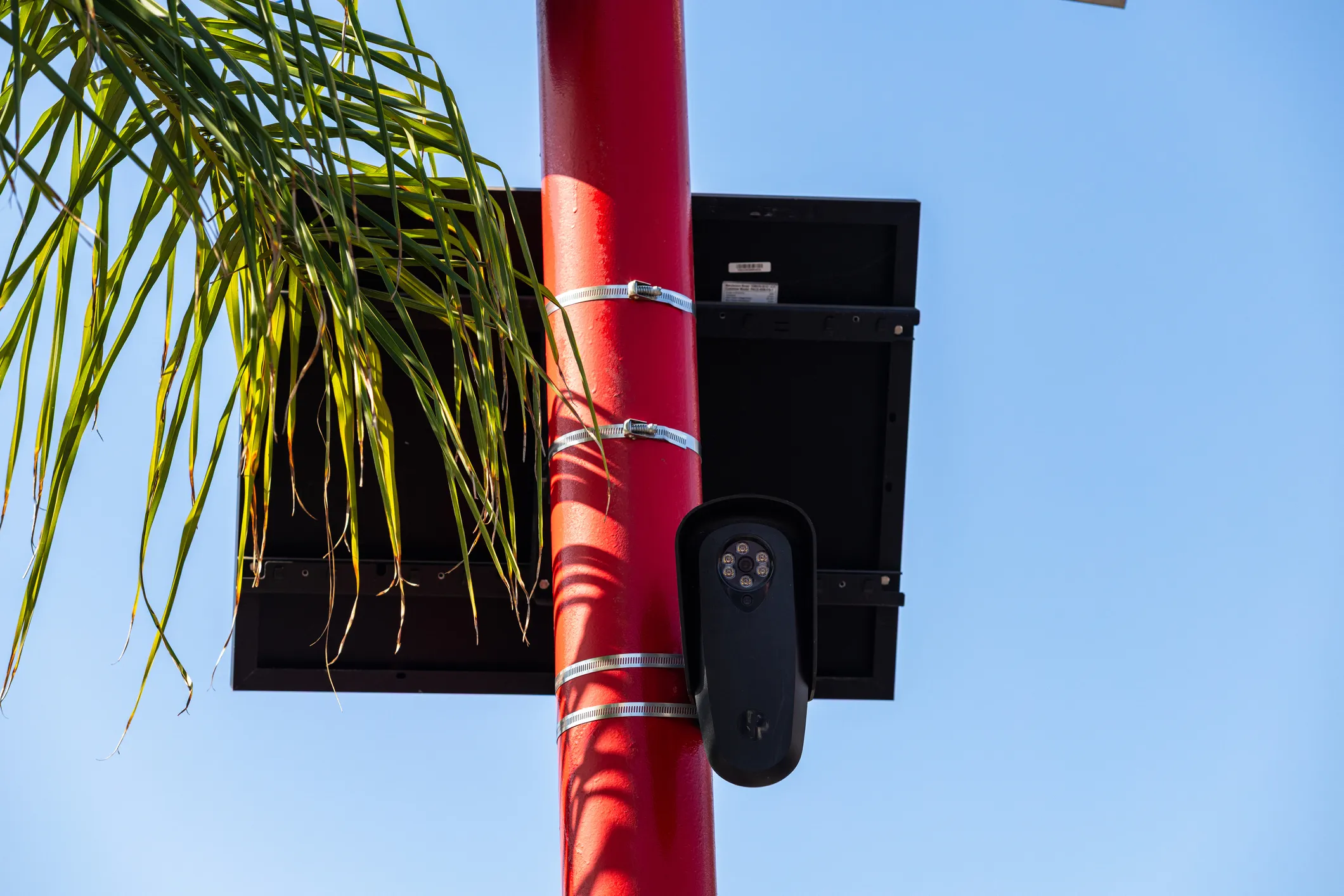
The roads have eyes, and MapQuest can now show you where they are. The navigational app added a feature this week that lets you discover where Flock cameras and other automatic license plate readers are in your neighborhood and beyond.
In a post on Bluesky, MapQuest said its app shows locations of license plate readers from Flock and many other companies — Motorola Solutions (Vigilant), Genetec, Axis Communications, Axon, Leonardo (ELSAG), Neology, Rekor, PlateSmart, Ubicquia, Verkada and more.
To activate the feature, open the MapQuest app, tap the Layers icon and turn on the Surveillance option. You will then see tiny eyeballs on the map that indicate where license plate readers are located. If you click on an eyeball, it will show what type of license plate reader it is — dome or fixed, for example — and the exact coordinates.
MapQuest has been riding a wave of relevance, years after being relegated to lower-tier status by the likes of Google, Apple and Waze. In August, MapQuest refused to change Lake Ontario to Lake America in its maps despite President Donald Trump’s executive order. It then muscled into Android Auto to give drivers an alternative to Google Maps on their dashboards.
But MapQuest isn’t the first app to reveal locations of license plate readers. The others include DeFlock, FlockHopper, Pelican and LPR Maps. Some of them rely on crowdsourcing — drivers notify the app when they believe they have spotted a license plate reader and where it is.
Source link