
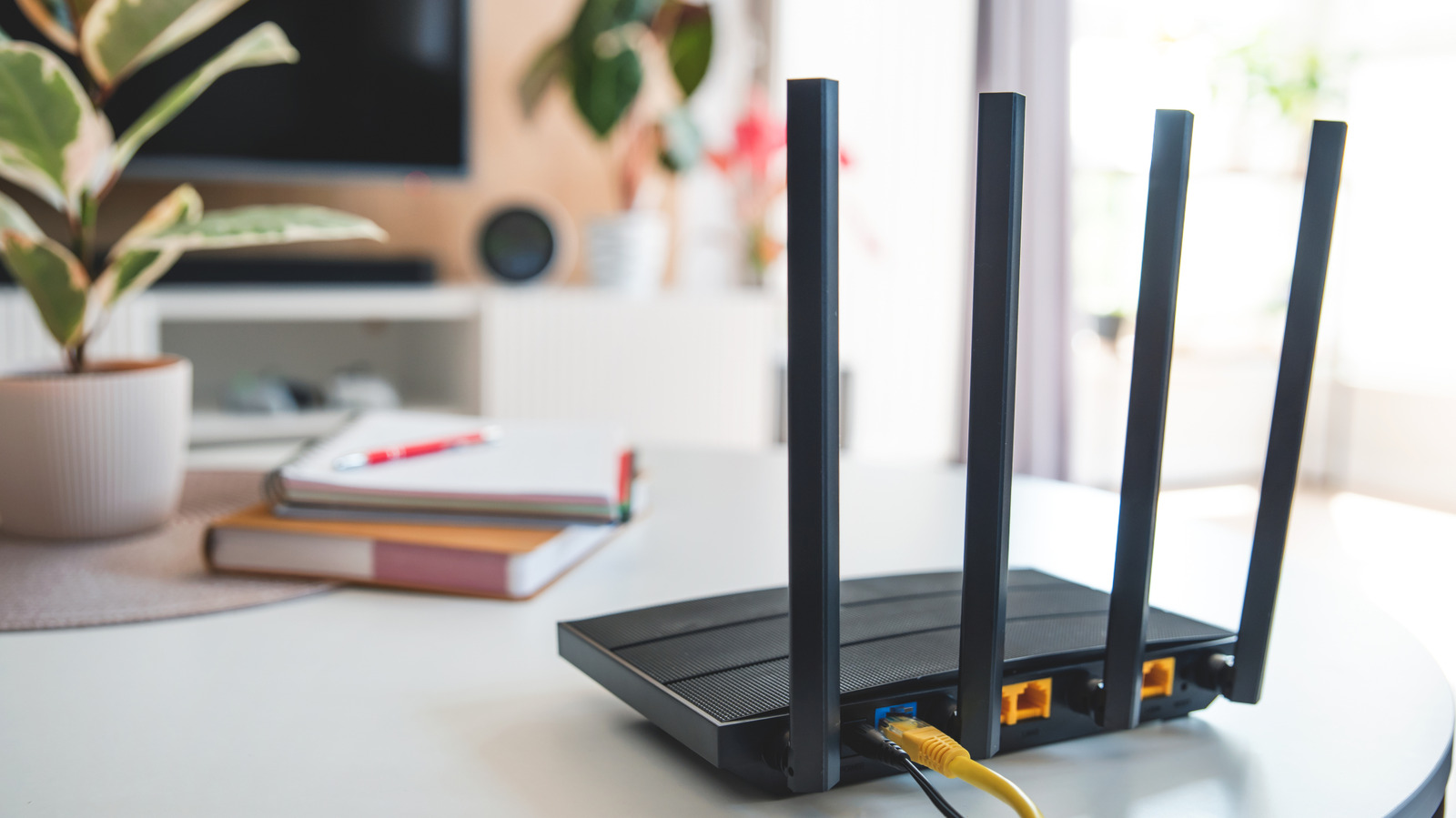
Home routers, like any other electronic device, heat up under normal operation. A router running for a few hours will feel warm to the touch, but if the heat is uncomfortable, it's worth investigating the cause behind the router overheating. Home Wi-Fi routers contain several electronic components, including processors, memory, wireless radios and power management modules. And modern routers are increasingly using a system on a chip (SoC) architecture, running something like Broadcom's BCM6765 SoC which integrates core networking components onto a single semiconductor chip.
No matter your router's configuration, it is bound to generate some heat when plugged into the wall. Since modern routers are capable of transmitting thousands of megabits of data per second, they place higher demand on the CPU, and contribute to additional heat generation. If the router overheats beyond its recommended operating temperature threshold, you may experience connectivity issues or device shutdowns. Continuing to use an overheating router can damage crucial internal components, rendering the device unusable. As to how to keep a router from overheating, the remedy often begins by ensuring proper ventilation, but it can also involve systematic troubleshooting steps to help identify the actual contributing factor.
While dropped connection and degraded network performance often accompany an overheating router, they aren't necessarily telltale signs of a bad router . The most obvious symptom of a router getting hot is a tactile one — it feels uncomfortably hot to touch. If the device also experiences frequent connection issues, including variability in network speed, random freezes or shutdowns (in addition to elevated temperatures), it's likely that the device's CPU is throttling itself down to regulate internal temperature and prevent component degradation.
Source link





