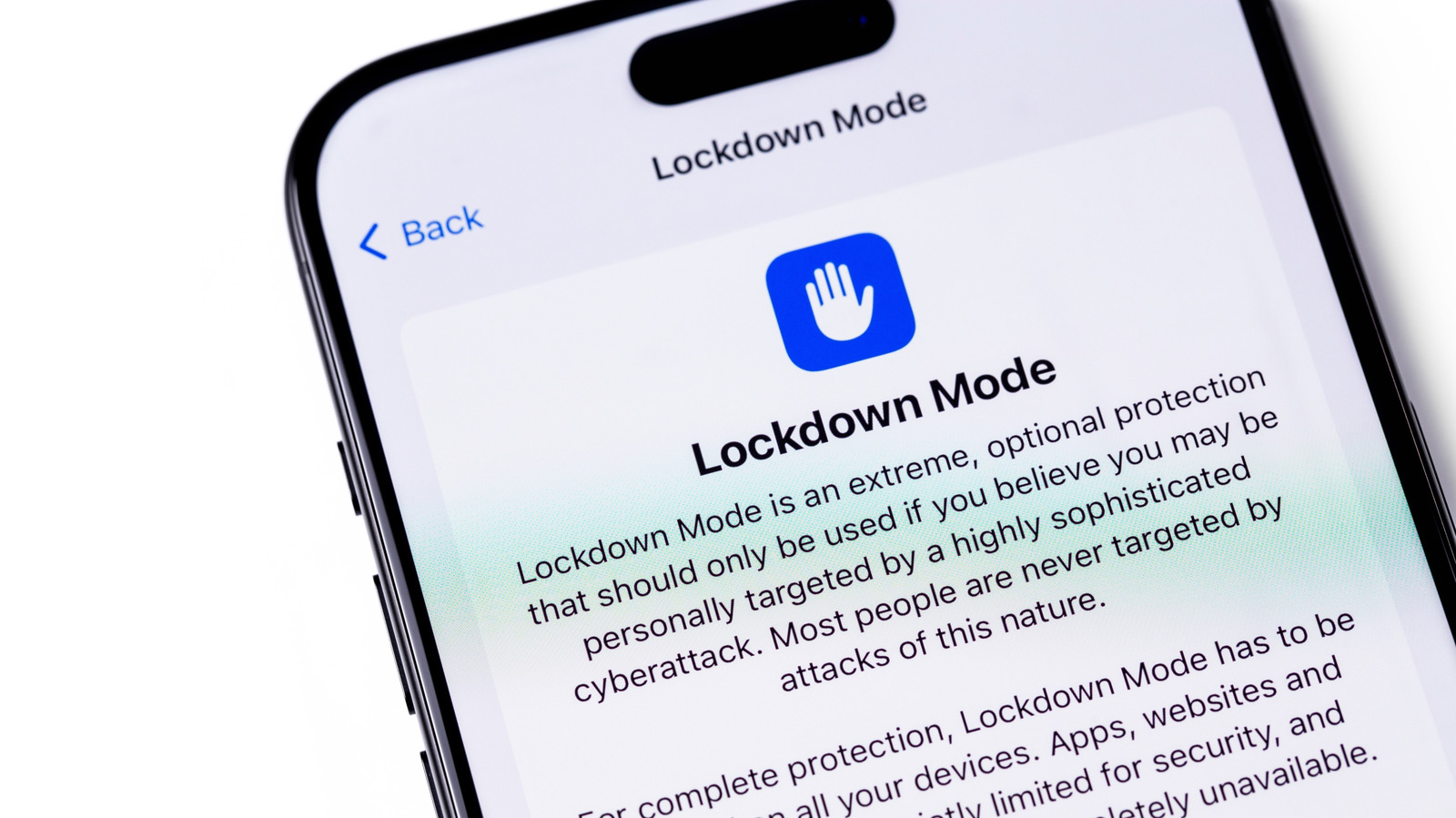
Lockdown Mode makes your iPhone much more secure against spyware, but most people don't need to use it.
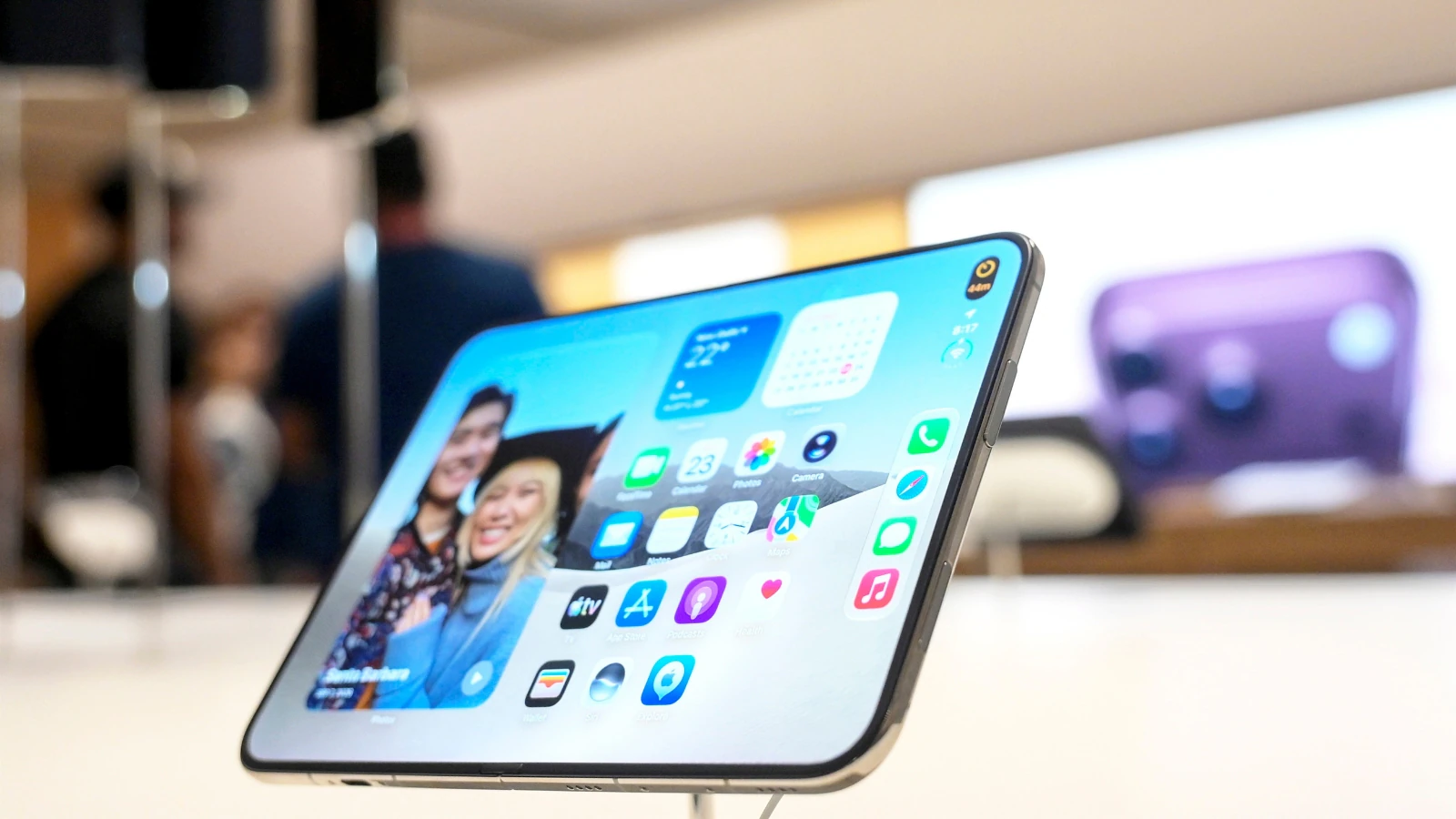
The iPhone's Lockdown Mode has been around since 2022, but you might not have heard about it, let alone used it. It's one of those features that's well-hidden in the Settings app, plus it's not really meant for the average person. Apple itself calls the tool an "extreme" layer of security for the few people who may be targeted by commercial spyware such as NSO's Pegasus. Journalists, activists and politicians are among the potential targets of such spyware.
Anyone with an iPhone running iOS 16 or newer can try out Lockdown Mode. It's also available on iPadOS 16 and later, watchOS 10 and newer, and macOS 13 Ventura and later. To turn it on, open Settings and go to Privacy & Security. Scroll down until you find Lockdown Mode, then tap Turn On & Restart and confirm with your passcode. It's simple as that, and you'll find the option to disable it in the same place.
What makes Lockdown Mode strong is how it blocks many of the iPhone's features when enabled. However, many of those features are ones you likely use every day. In Messages, most kinds of attachments are blocked. Even link previews stop working, since they can serve as a backdoor for spyware. Lockdown Mode also restricts how JavaScript works in browsers, which may cause some websites to load slowly or not work at all.
Source link