You don’t need an expensive digital camera and heavy lenses to capture the night sky. With modern low-light processing, the iPhone in your pocket is fully capable of taking detailed photos of stars, constellations, and even the faint glow of the Milky Way.
While these tips work across most recent Apple models with Night Mode, dialing in a few specific camera settings before heading outside makes the difference between a grainy blur and a sharp nightscape.
Here is how to set up your iPhone for night sky photography.
My camera roll is already full of shots of the sun setting over the hills and the moon hanging clear in the sky, but pinpointing actual stars on an iPhone had always been surprisingly elusive.
That finally changed on a recent camping trip I took. The night sky was completely clear, a pitch-black canvas filled with constellations and even the occasional shooting star. It felt like the absolute best time to put my phone to the test. My very first attempt, however, turned out to be a total disappointment: you could only make out one or two stars, faintly illuminated against an expanse of black.
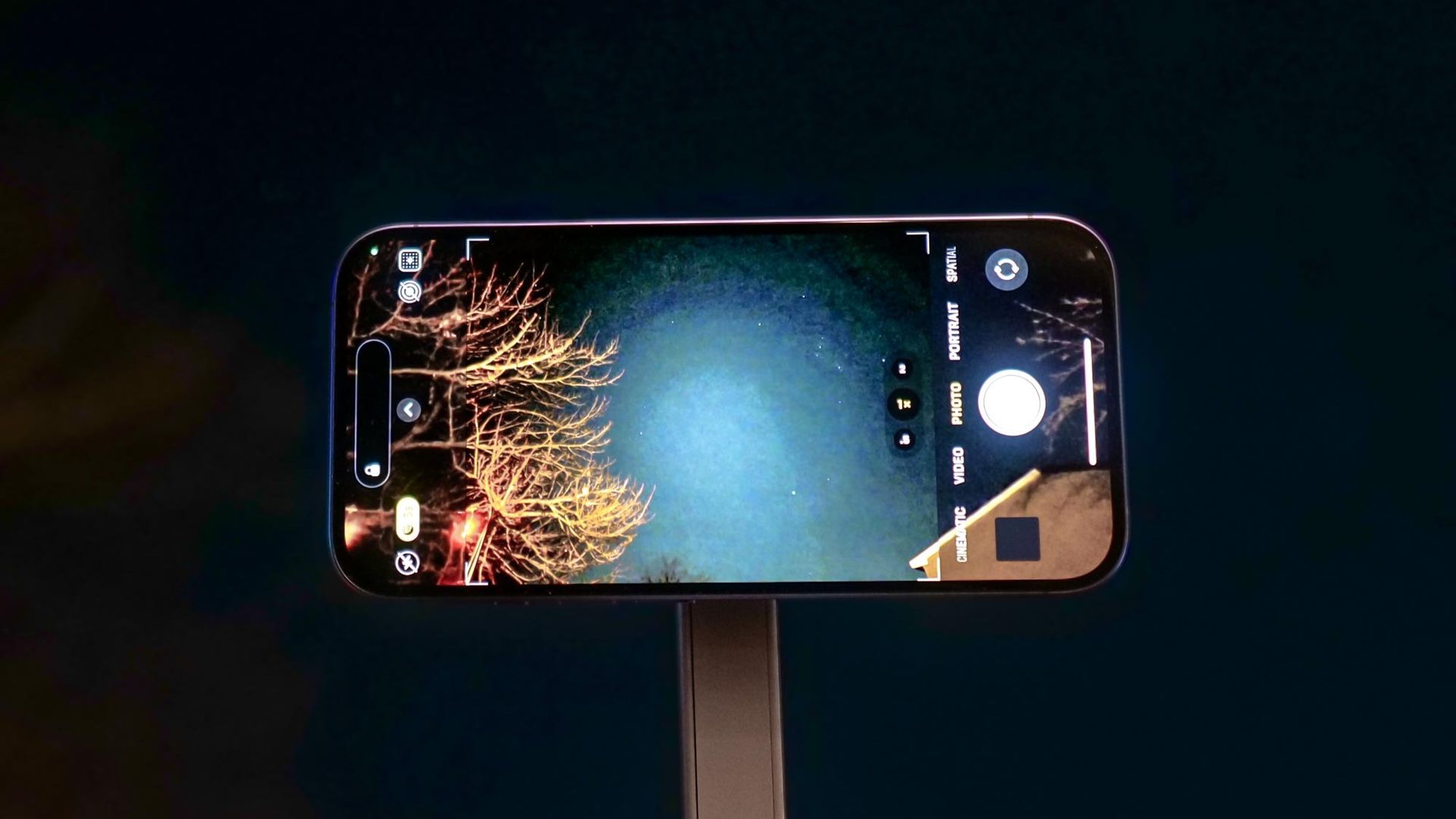
It wasn't until I changed my techniques and eliminated the physical tap on the screen that everything snapped into focus. You can see the results below.
Once the micro-vibrations were gone, the sensor finally captured the rich depth of the night sky — revealing dense star clusters, subtle nebular glow, and tight, needle-sharp points of light with zero motion blur.
Source link