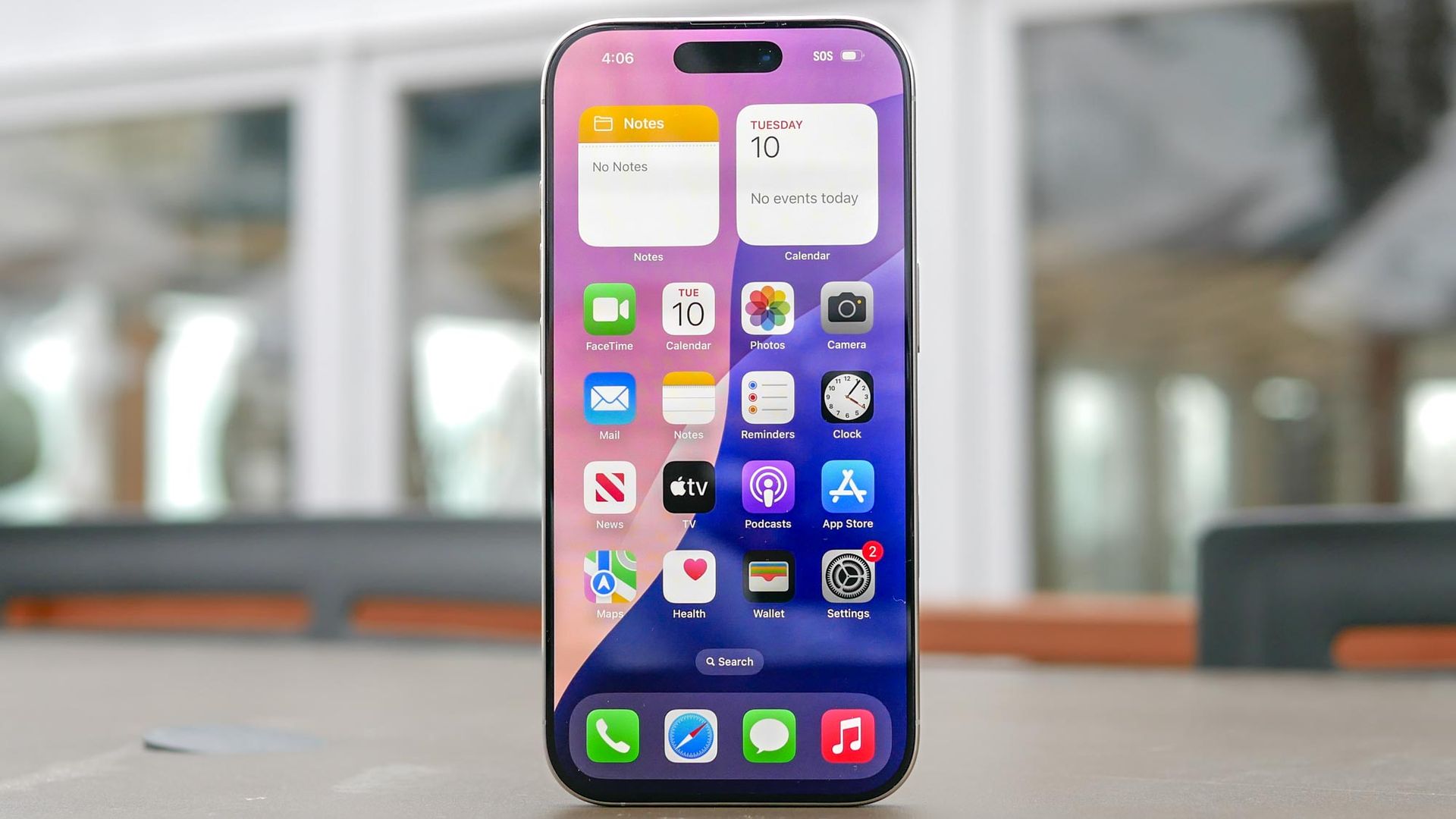
Battery drain complaints are almost guaranteed after a major iPhone update, with background indexing usually taking a few days to settle. But when my battery kept draining rapidly well past the update period, I suspected Connectivity Assist, rebranded for iOS 27, was the hidden culprit.
It turns out I am far from alone. A growing group of frustrated users on the r/iPhone have reported similar battery hits, with several pointing directly to this setting as the root cause. Designed to prevent slow loading times when your wireless signal drops, the way Connectivity Assist operates under the hood might be putting strain on your power reserves.
Here is why Connectivity Assist drains power so quickly, and how to turn it off.
In previous iOS versions, Wi-Fi Assist automatically supplemented a poor Wi-Fi network by routing traffic over cellular data in the background. Connectivity Assist in iOS 27 takes a significantly more aggressive approach, actively utilizing cellular data in addition to Wi-Fi to blend connection speeds.
Keeping both wireless radios actively working simultaneously can prevent stuttering, but running both receivers concurrently consumes noticeably more power and can lead to faster battery drain.
if you want to save battery life across all your locations, you can turn off the feature entirely in a few taps. Open the Settings app, select Wi-Fi , and scroll all the way down to the bottom of the page. Toggle off Connectivity Assist . Right above the switch, you can also view how much cellular data the feature has used to date.
Source link