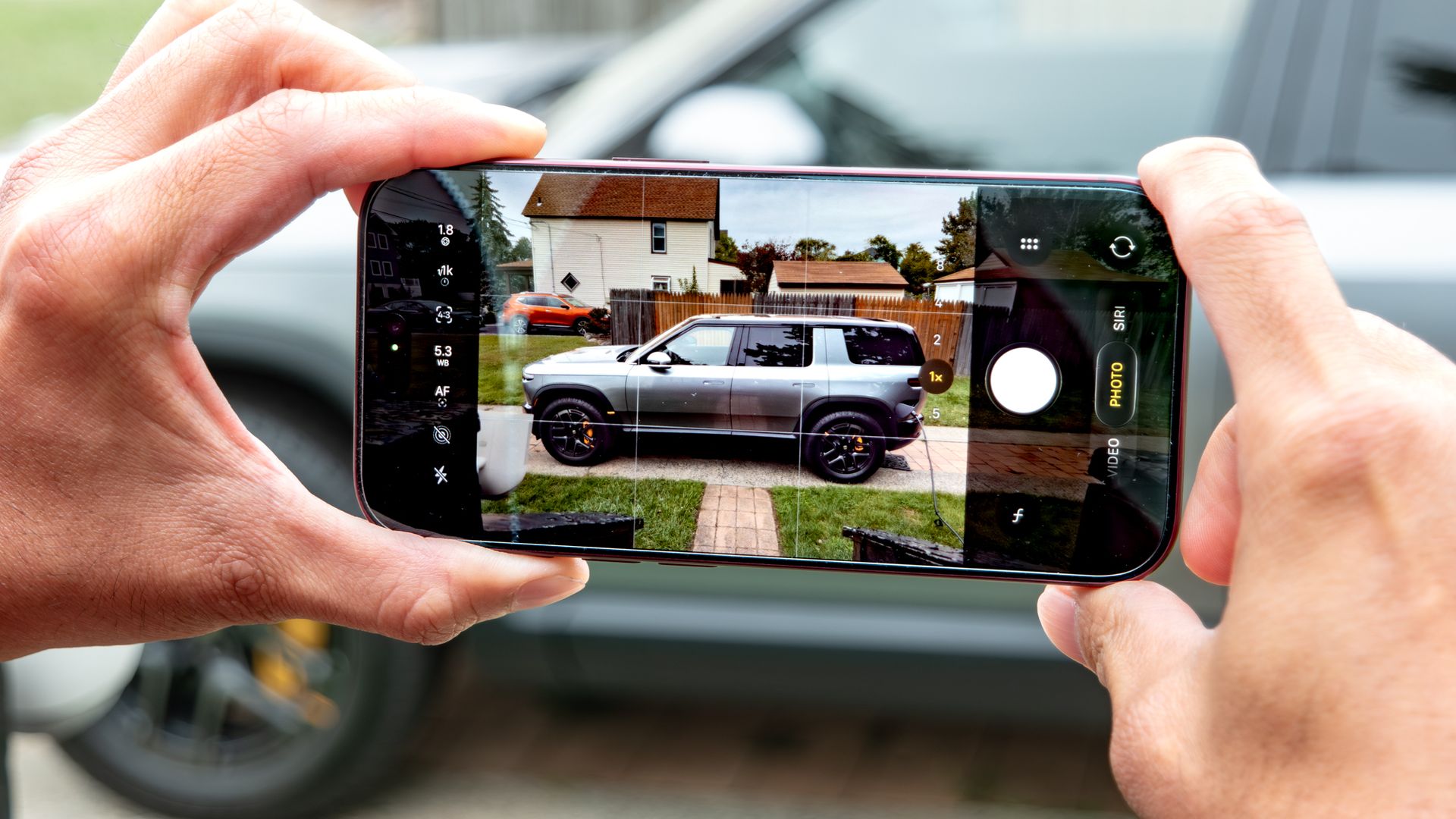
For the past couple of weeks, I’ve been putting all the iPhone 18 Pro (and 18 Pro Max) camera upgrades to work. While the variable aperture system has drawn plenty of attention — and rightfully so, given the natural depth of field it delivers — the bigger upgrade for me has been the introduction of new Pro Controls.
I can’t tell you how long I’ve been asking for this. Apple has historically been reluctant to give users full manual control, but over the last few generations, it’s slowly been rolling out incremental features that prove it's actually listening. Even so, it wasn't until recently that I stumbled onto something that takes the feature to another level: the ability to fully customize the Pro Controls layout to match your exact shooting style.
Whether you want shutter speed pinned front and center, or the focus slider positioned for precise fine-tuning, customizing this interface completely transforms the experience. Here’s how to do it.
Customizing the Pro Controls layout to keep your favorite tools within reach is surprisingly simple. Start by opening the Camera app, then press and hold any of the control icons located on the side opposite the shutter button.
On a brand-new iPhone 18 Pro or 18 Pro Max, you’ll typically see the default icons for Live Photos and the LED flash — just long-press either one.
You’ll now see an Add Photo Controls overlay displaying icons for every available manual setting. You can configure anywhere from two to eight controls at a time.
Source link