
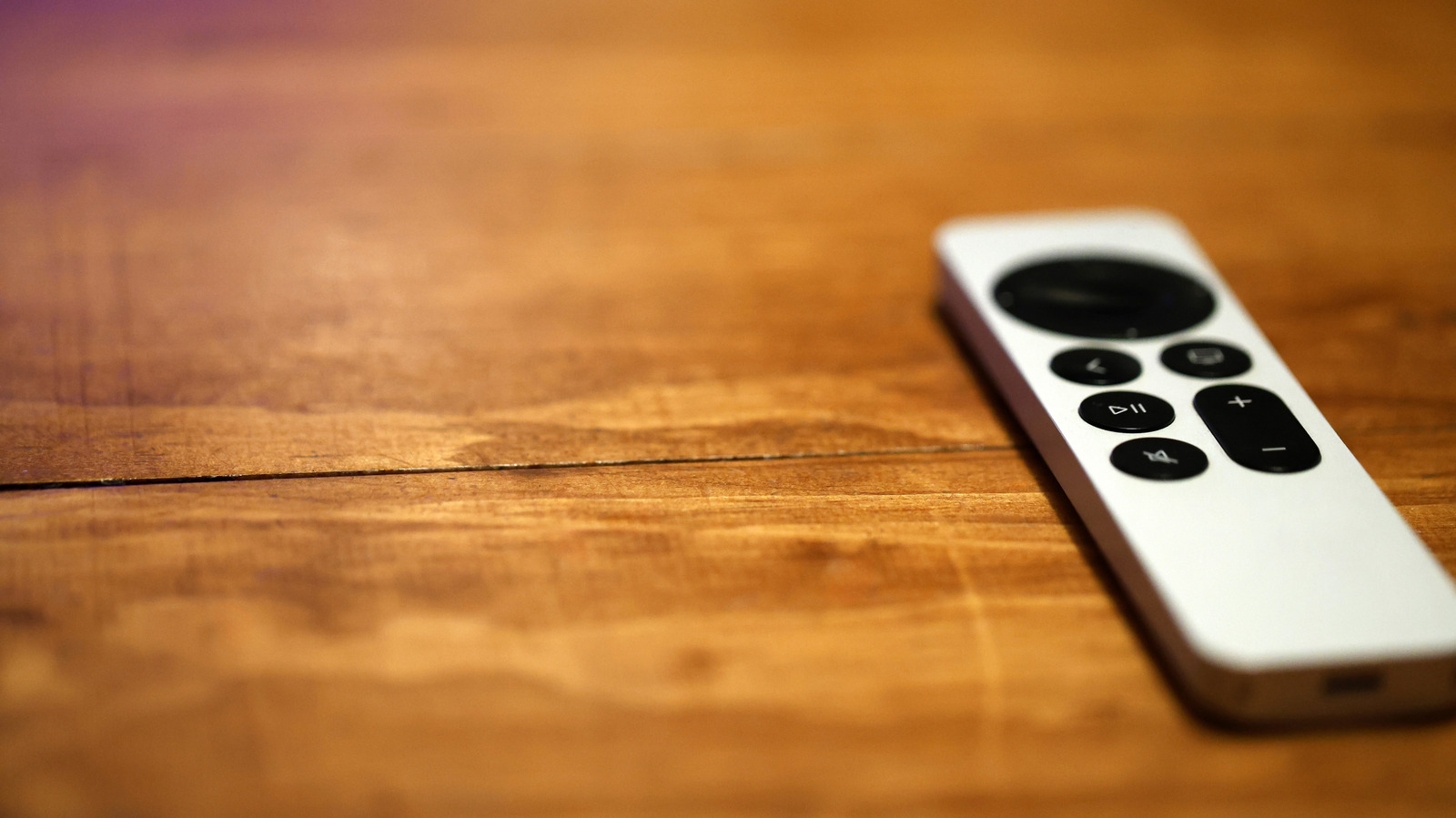
Lost in the cushions again? Here is how to find your remote without buying a new one.
Is there anyone in the world who owns a TV and hasn't lost the remote at least once? Unlikely, right? Now that remotes are slimmer and more compact, it's an even more prevalent occurrence. Losing your Apple TV remote is just as easy, of course. It can slip between couch cushions, end up under the blankets or get left somewhere when someone gets up from the couch to grab some water. The good news, however, is that your smartphone can actually help you find your Apple TV remote anywhere in your home.
Apple has a dedicated Remote app that will let you locate the device much like you'd use an AirTag. To find a missing Apple TV remote, you just have to pop open the app and hunt for the "Locate Remote" button, which will then trigger a beeping sound from the remote itself if you have the 2026 Apple TV 4K model. That helps if the thing's buried under the cushions.
In the meantime, you could also use that same Remote app to turn your phone into a fully functional Apple TV controller. Android users have some workarounds too. As long as your phone is connected to the same Wi-Fi network as your Apple TV, you can regain control within minutes. You just have to know how.
If you've dug through the couch cushions, turned over every blanket, looked under the sofa and checked your kid's toy bins and still haven't found the remote, it's time to bring out the big guns.
Source link





