If you bought your phone in the past few years, it likely has eSIM support.
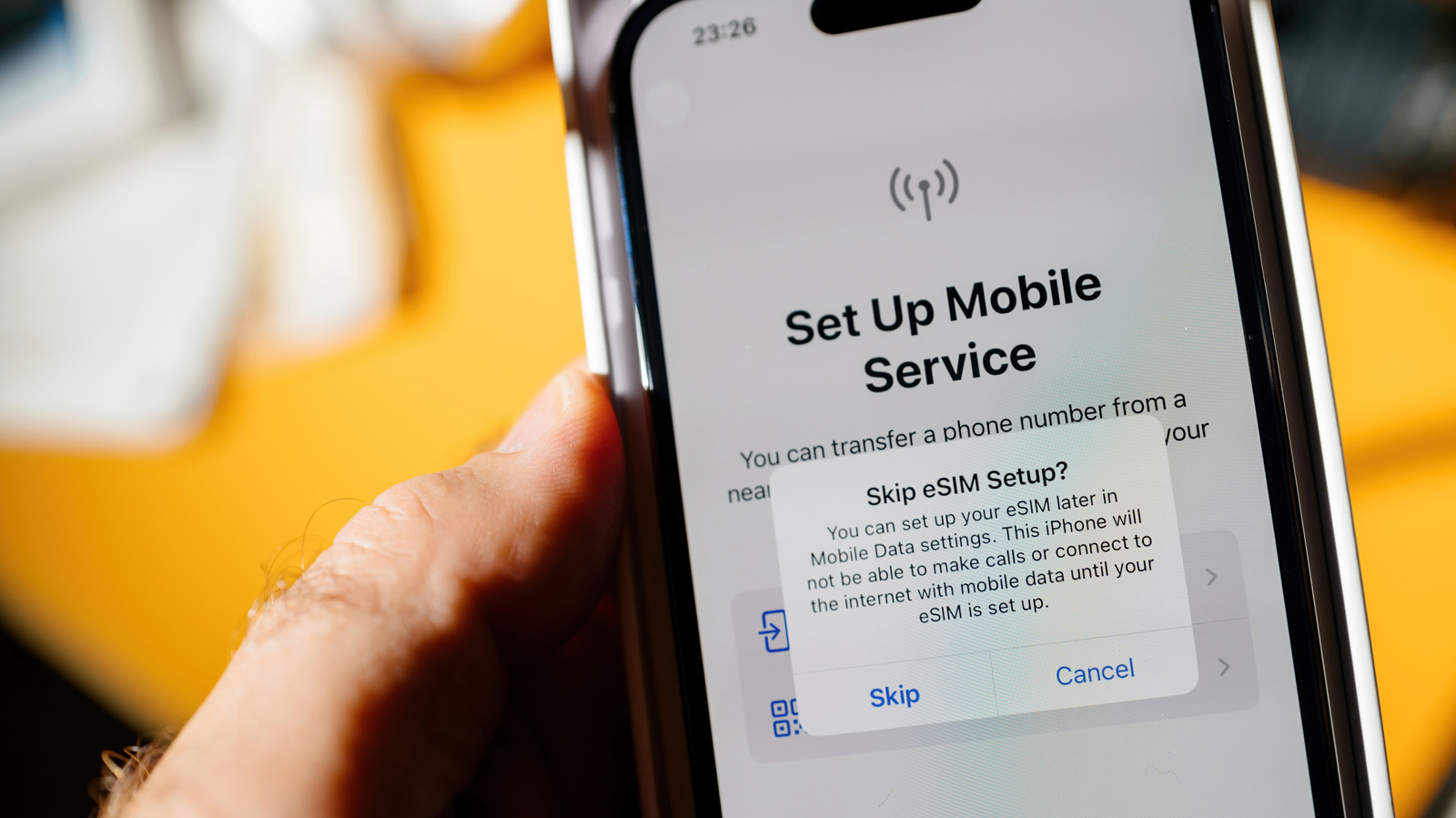
Planning an international trip sounds fun until you realize just how much your phone bill will be. For such situations, eSIMs make more sense than physical SIMs. An eSIM is a digital SIM built directly into your device, allowing you to activate a carrier plan without inserting an actual physical nano-SIM card. For most people, that will even mean the ability to run two lines on one phone, as well as a faster setup process overall.
How can you tell whether your phone supports eSIM? The quickest way to check varies by operating system, but regardless of whether you have an iPhone or an Android device, you'll need to find something called EID. The presence of that code signals your phone supports eSIMs. On either platform, dialing *#06# from your phone app also pulls up the device information, including the EID.
Alternatively, if you're on an iPhone, go to Settings > General > About and look for an EID, which is a 32-digit number tied to your eSIM chip. Apple says you'll need to have an iPhone XS, XS Max, XR, or later to be able to add eSIMs. iPhone 13 and newer models can even run two eSIMs simultaneously.
On an Android phone, go to Settings > About phone and look under the Device details or Status information for the EID. You could also go to Settings > Network & Internet (or Connections on Samsung phones) > SIM manager to see if you have a way to add an eSIM.
Source link